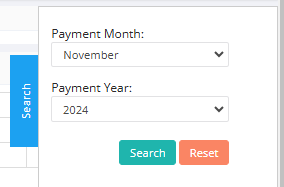
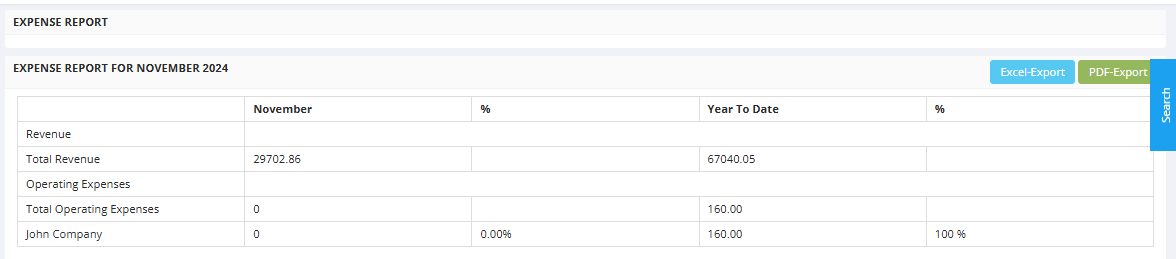
The Expense Report provides a clear financial snapshot, highlighting total revenue for the month (current month & year is selected by default) and year-to-date (YTD). Operating expenses for the month are attributed to the listed customers.
The report includes export options (Excel and PDF) for further analysis and supports informed financial decision-making by offering a concise breakdown of revenue and expenses. This tool is essential for tracking financial performance, identifying cost contributors, and aiding in budget planning.
Here is a reference video:
Steps to check the Expense report
Click on Reports from left menu
Select All reports
Click on Expense Report tab
From the right search you can select the month & year from the dropdown list and click on search