DreamzCMMS Hotel Engineering & Maintenance Management Software
Running a hotel means keeping equipment working, rooms comfortable, and guests happy, all while juggling maintenance planning, inspections, meter readings, and repairs across every property. DreamzCMMS brings all of that engineering and maintenance work into one connected platform built specifically for hotels, resorts, and hospitality groups.
Overview
DreamzCMMS covers planned maintenance, checklists, asset tracking, complaint handling, technician performance, vendor management, warranty and service contract alerts, calendars, reports, notifications and escalations, and a full mobile app — replacing ten different tools with just one. Maintenance can be scheduled by time or usage and automatically turned into a work order, guests and staff can report issues through the app, the web, or a QR code, technicians manage jobs from a dedicated mobile app backed by the VEDA AI assistant, and everything runs on secure, certified cloud infrastructure with regular backups. DreamzCMMS is a product of DreamzTech, a software company with over 15 years of experience and more than 450 engineers.
Here is a reference video:
Before You Begin
- You must have a DreamzCMMS account with access to the modules your role covers, such as Maintenance Planning, Assets, Meters, Work Orders, and Reports.
- Your properties, locations, and equipment should already be set up so schedules, meters, checklists, and reports can be linked to the right records.
- If you plan to use guest or staff self-service reporting, make sure your QR code request portal and mobile app access are configured in advance.
Introduction and Why DreamzCMMS
Step 1 – DreamzCMMS Introduction
This overview introduces DreamzCMMS, a software platform designed to simplify engineering and maintenance management for hotels, resorts, and hospitality groups.

Step 2 – Hotel Maintenance Challenges
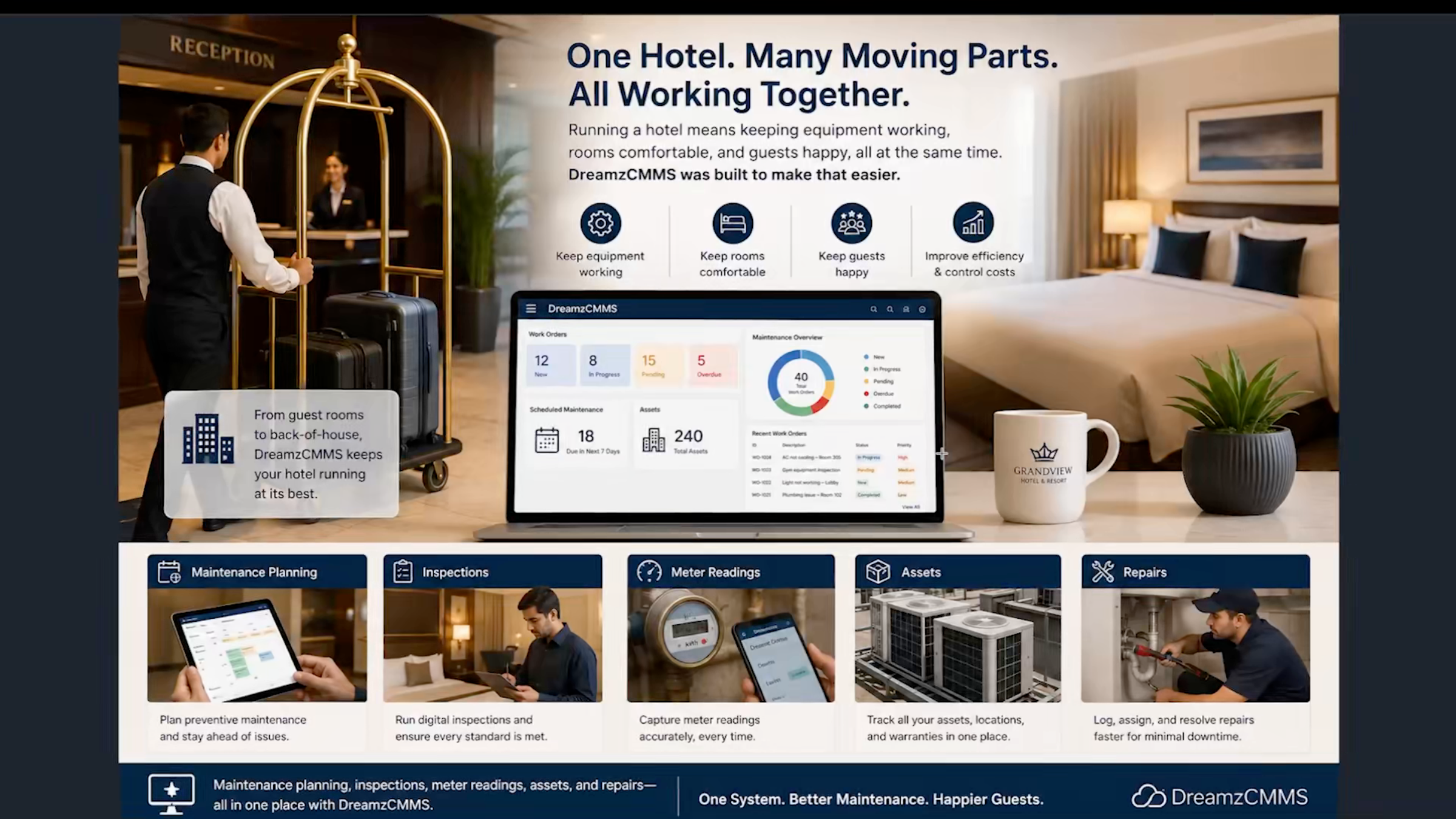
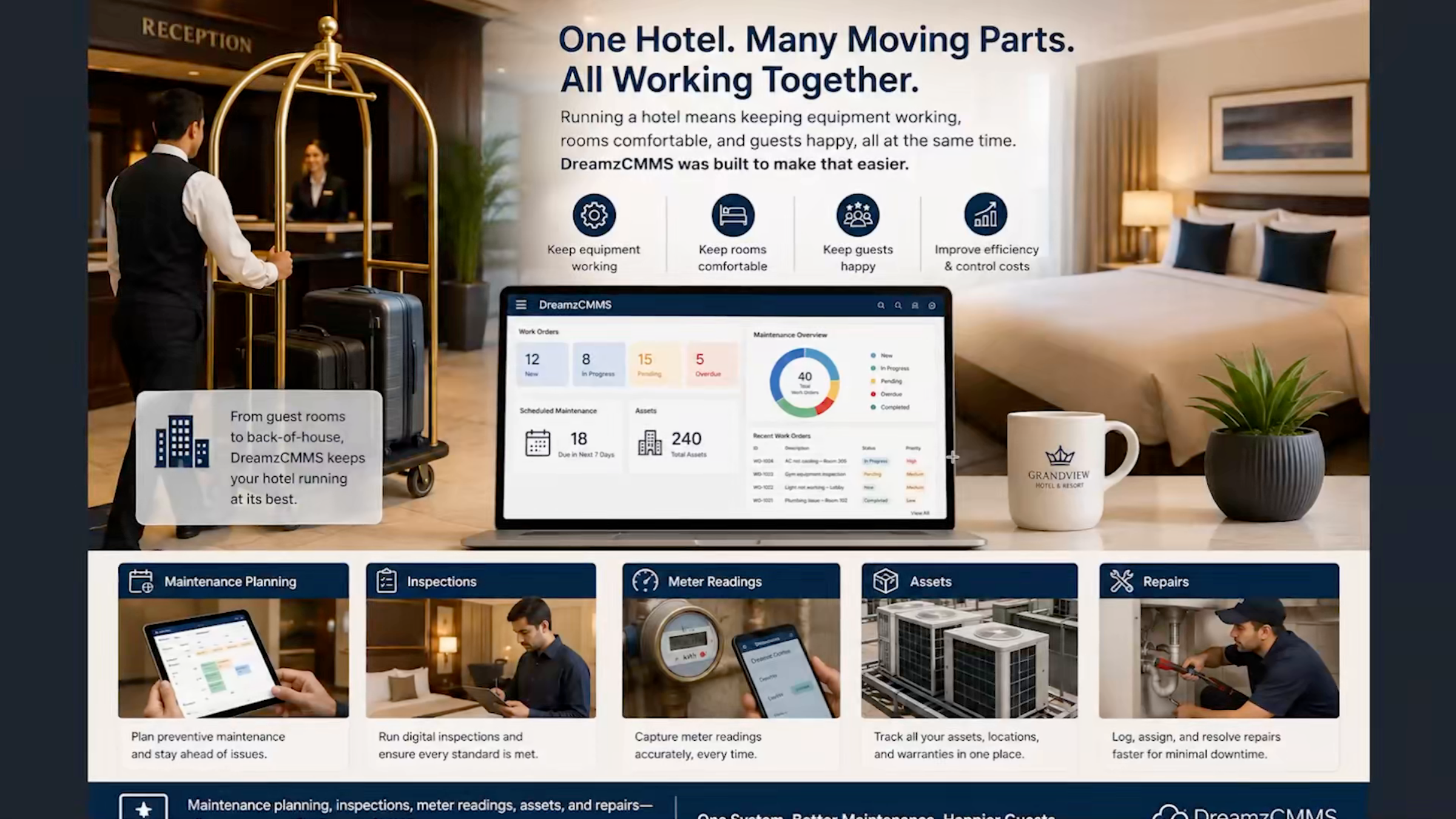
Running a hotel means keeping equipment working, rooms comfortable, and guests happy. DreamzCMMS was built to make that easier.
Step 3 – DreamzTech Solutions Overview
This overview covers how DreamzCMMS handles maintenance planning, inspections, meter readings, assets, and repairs, all in one place. DreamzCMMS is a product of DreamzTech, a software company with over 15 years of experience and more than 450 engineers. DreamzCMMS itself has won awards for value and quality, giving you one partner you can trust for both the software and long-term support.
Step 4 – Common Hotel Engineering Problems
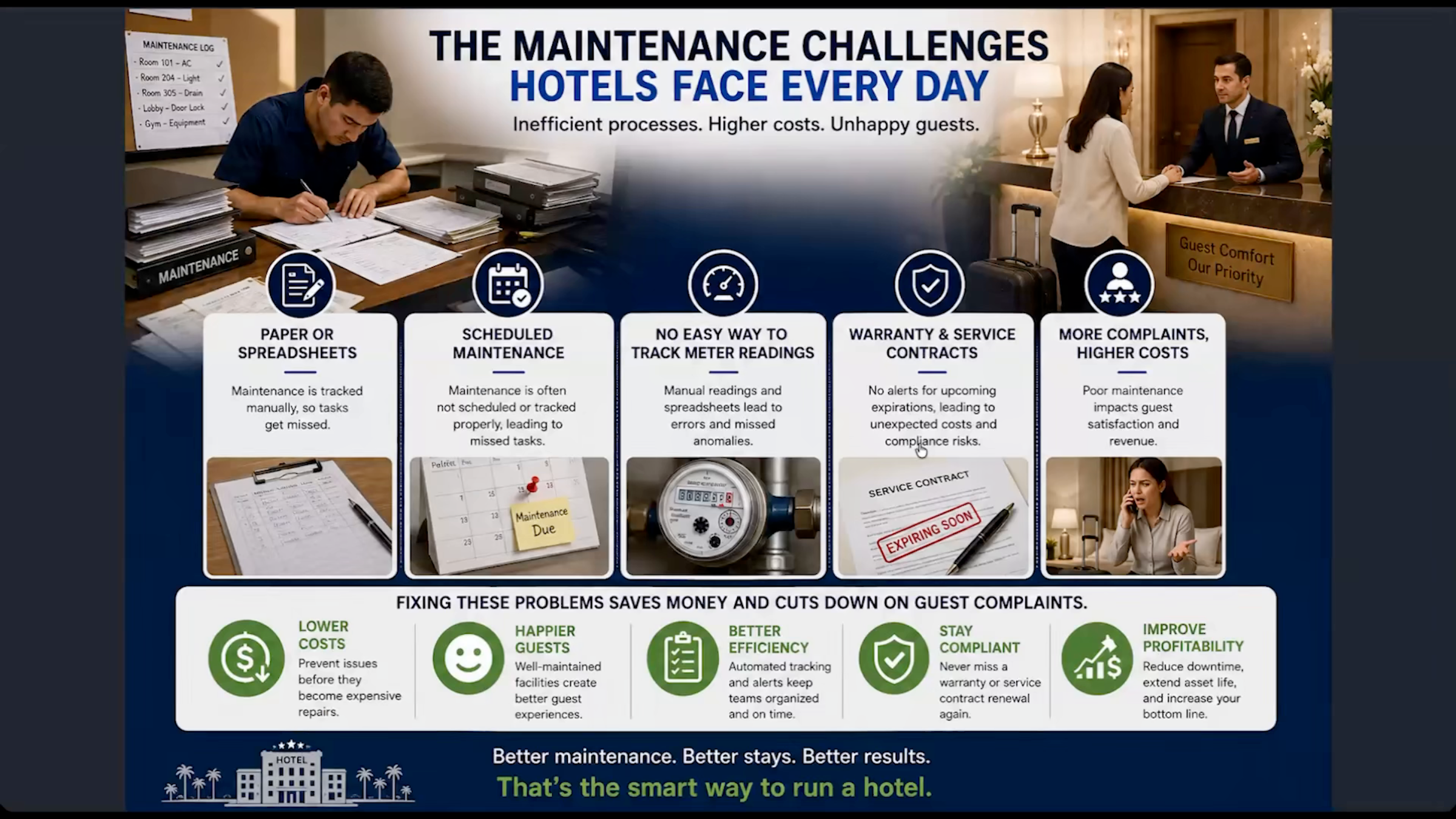
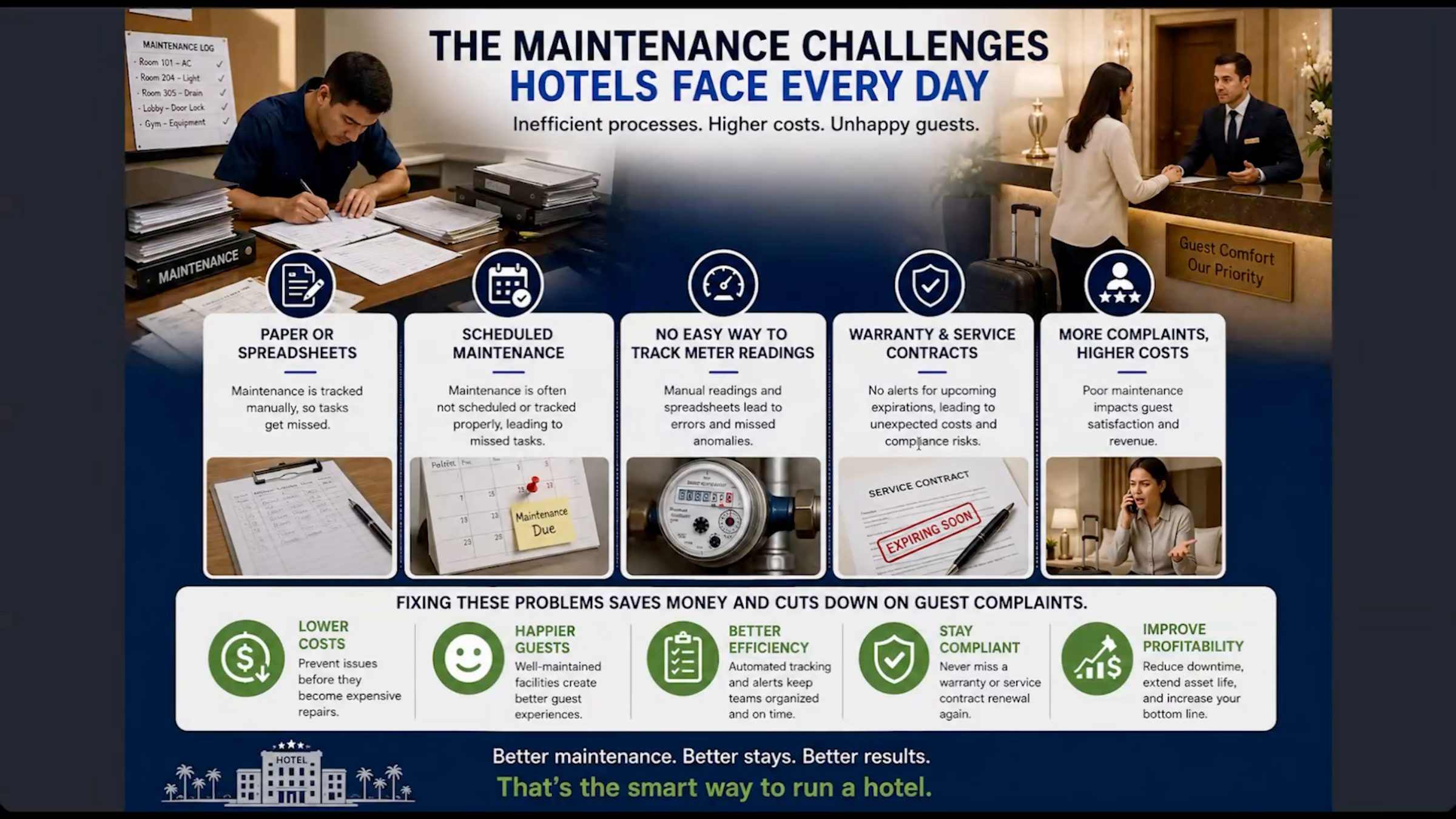
Most hotel engineering teams face the same problems: maintenance tracked on paper or in spreadsheets, so tasks get missed; equipment fixed only after it breaks, which upsets guests and costs more; and no easy way to track meter readings or know when a warranty or service contract is about to expire.
Step 5 – DreamzCMMS Feature Summary
Fixing these problems saves money and cuts down on guest complaints. DreamzCMMS covers everything you need: planned maintenance, checklists, asset tracking, complaint handling, technician performance, vendor management, warranty and service contract alerts, calendars, reports, notifications and escalations, and a full mobile app — instead of ten different tools, your team uses just one.
Planning, Vendors, Locations, and Assets
Step 6 – Maintenance Planning Demonstration
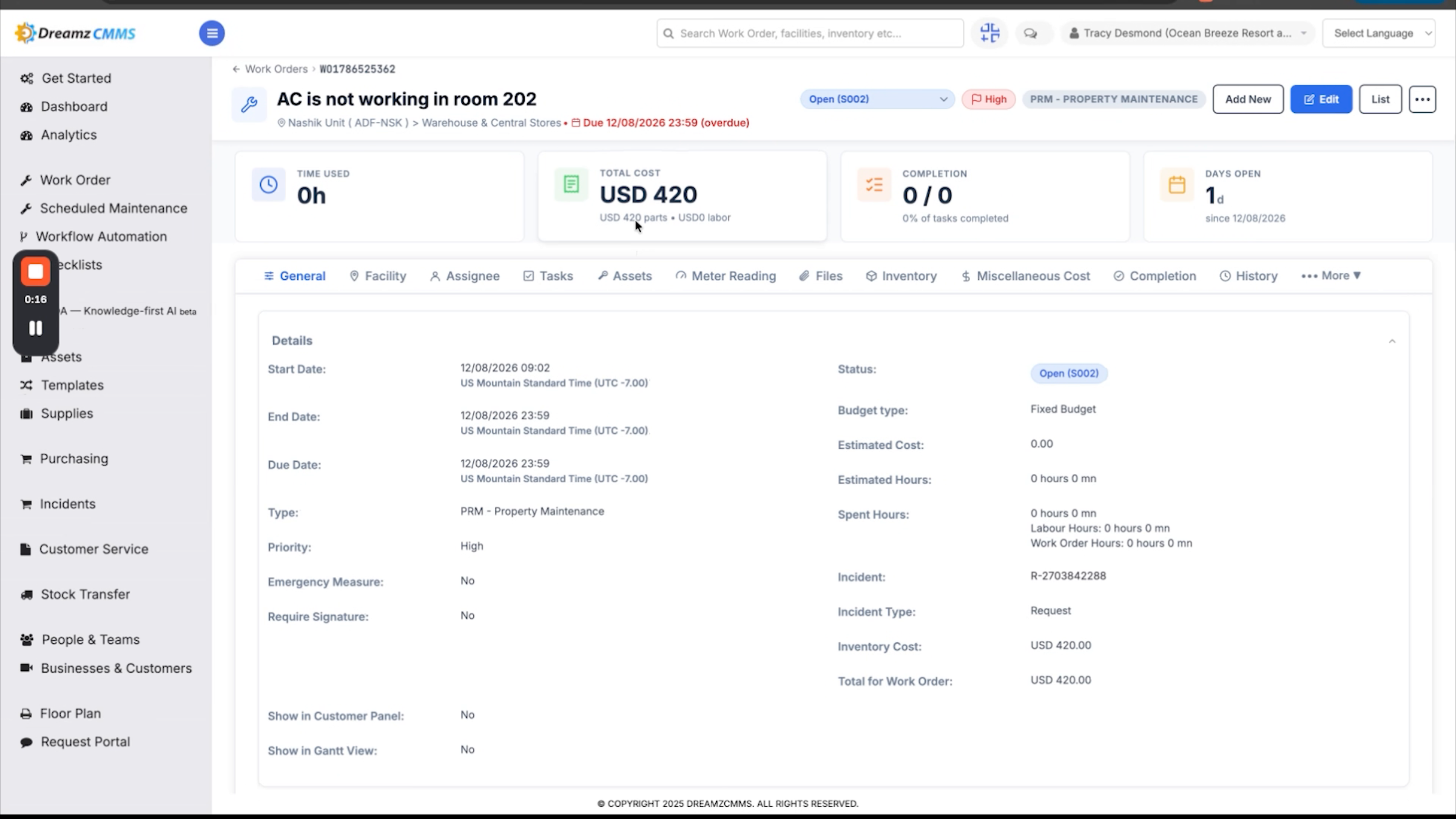
On the planning side, you can schedule maintenance activities and manage the checklist library your team uses for inspections. You can also see how a maintenance request becomes a work order, from submitting the request to managing the work order with live cost tracking.
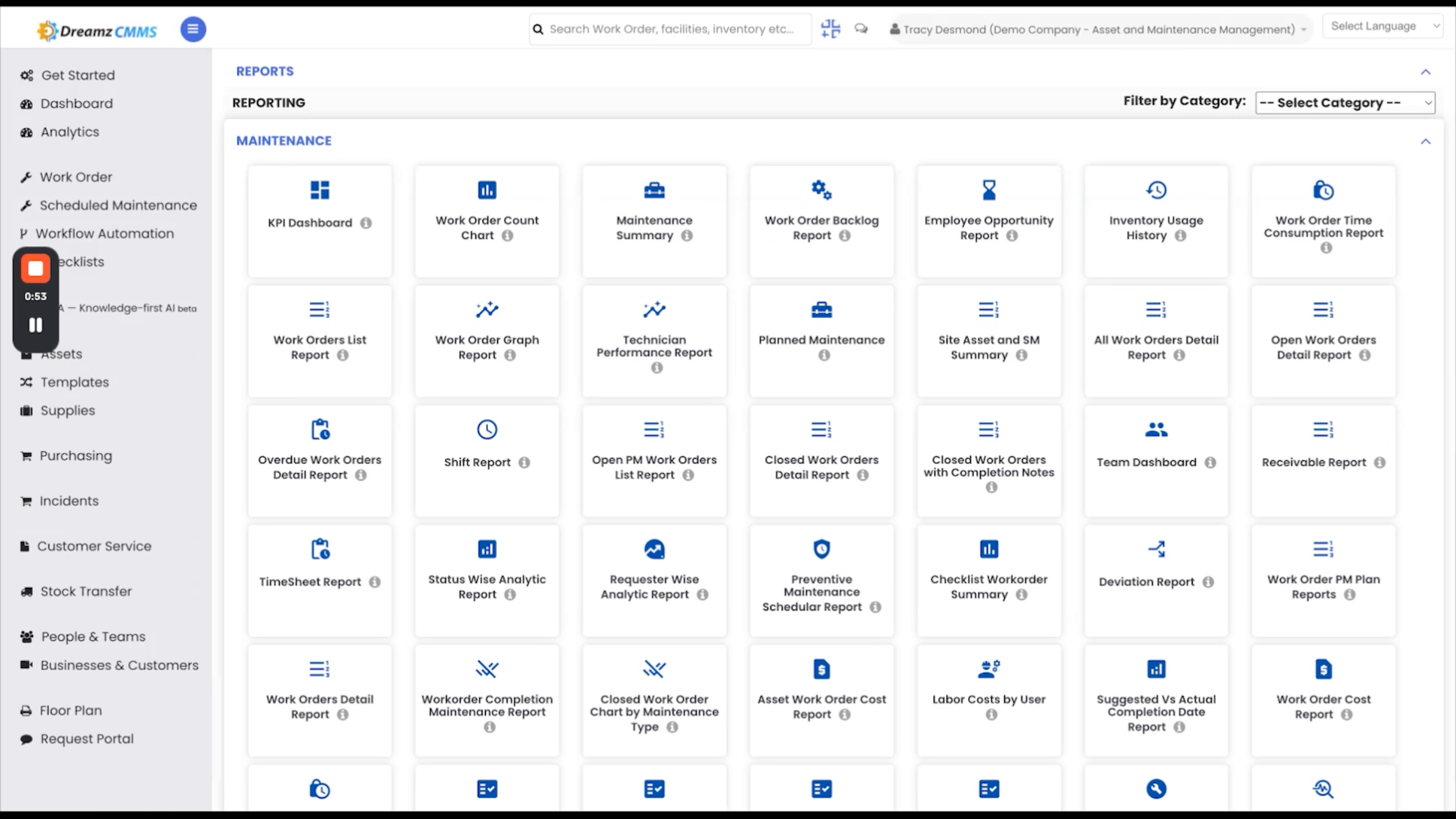
Step 7 – Vendor Management and Reporting
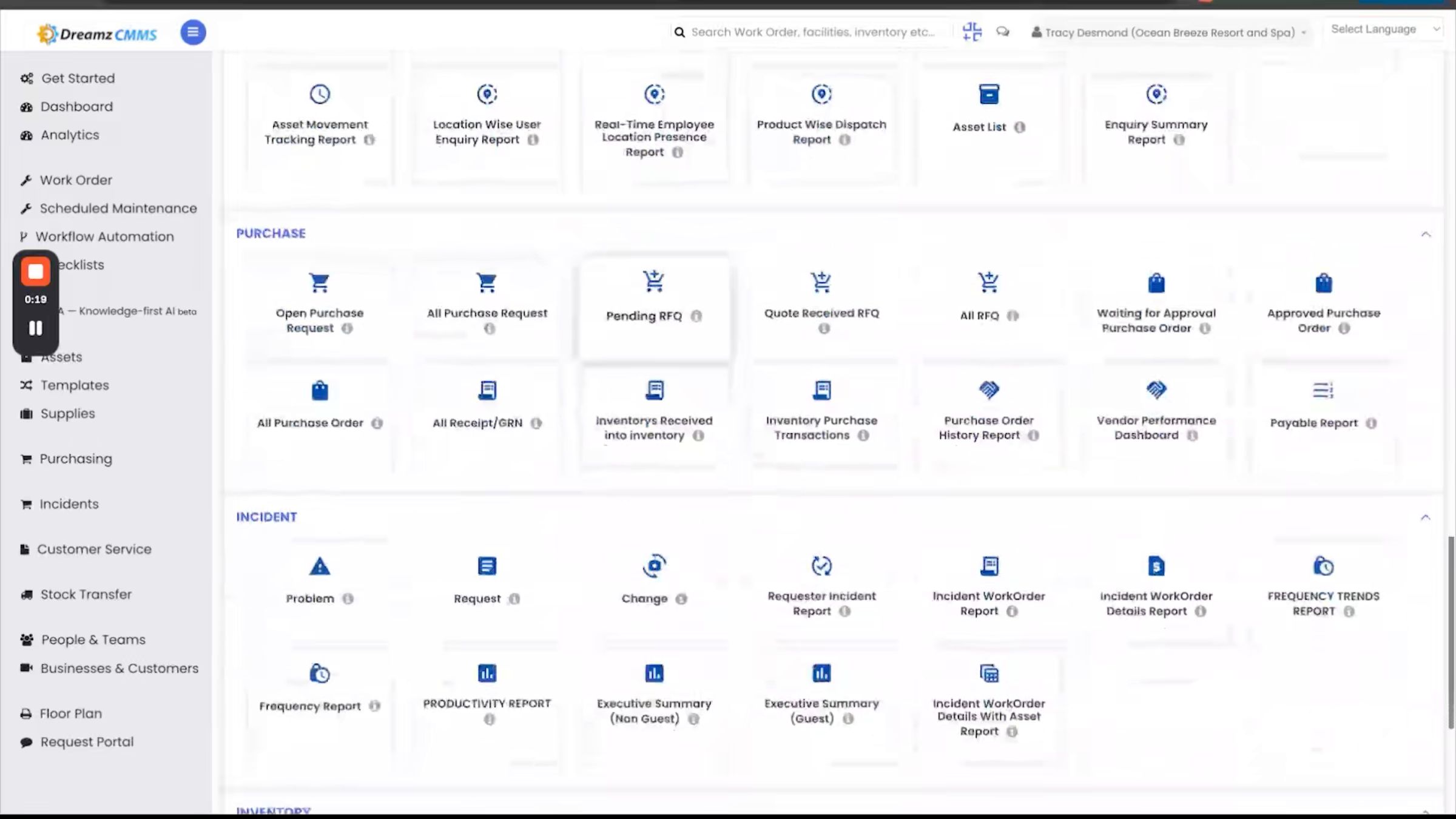
On the business side, DreamzCMMS helps you manage your vendor directory and provides a complete library of ready-made reports.
Step 8 – Location and Asset Management Overview
Location management gives you a complete view of all your properties in one place, with detailed information for each facility, including its location on an interactive map.
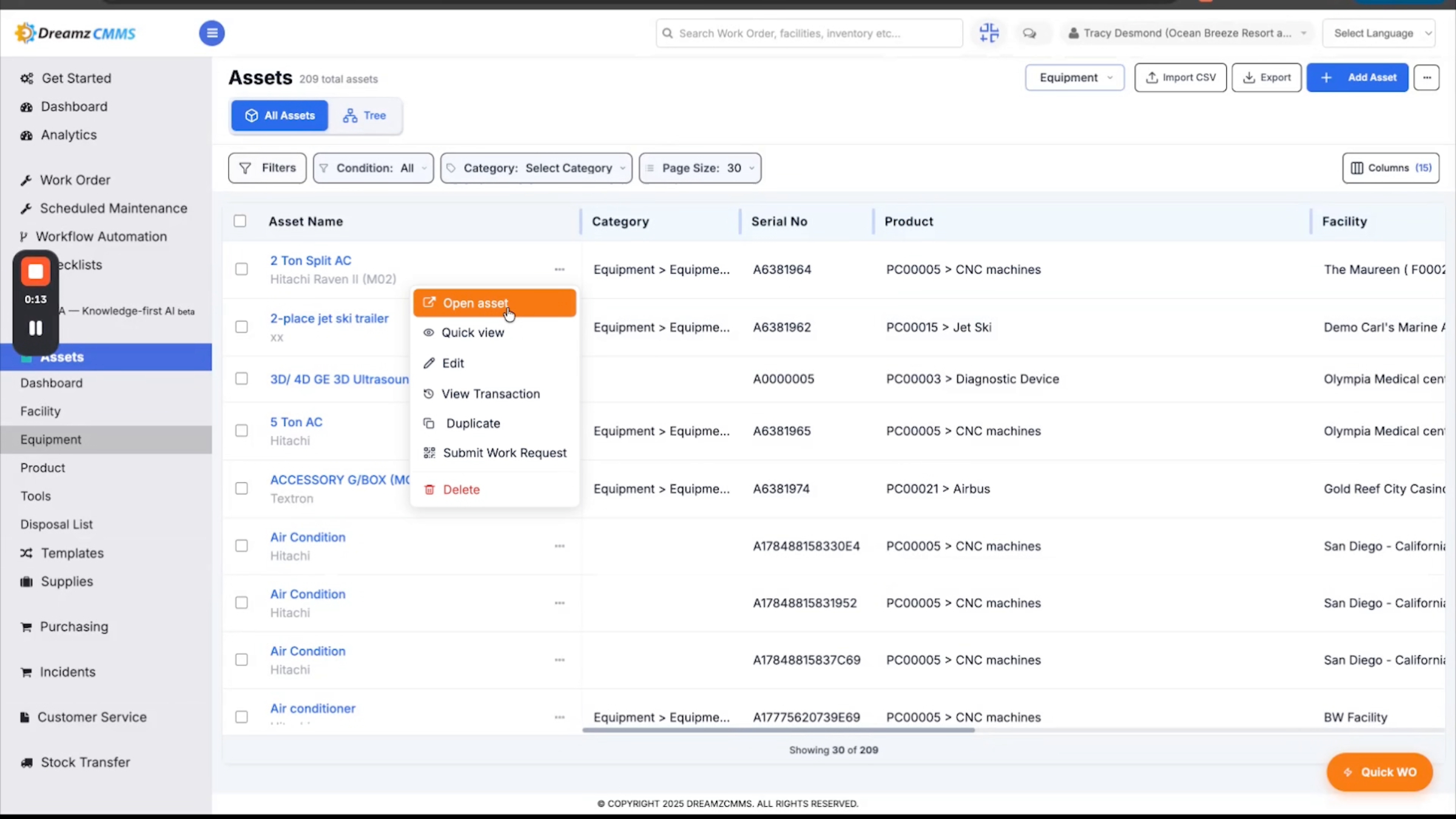
Step 9 – Asset Registry and Hierarchy
Asset Management gives you a complete asset registry, with detailed records for each asset, including its service history, maintenance details, and reliability information. The Asset Hierarchy tree gives you a clear view of how your assets are organized, along with a detailed report that connects each guest complaint directly to the work order created to resolve it.
Scheduled Maintenance, Inspections, and Meter Reading
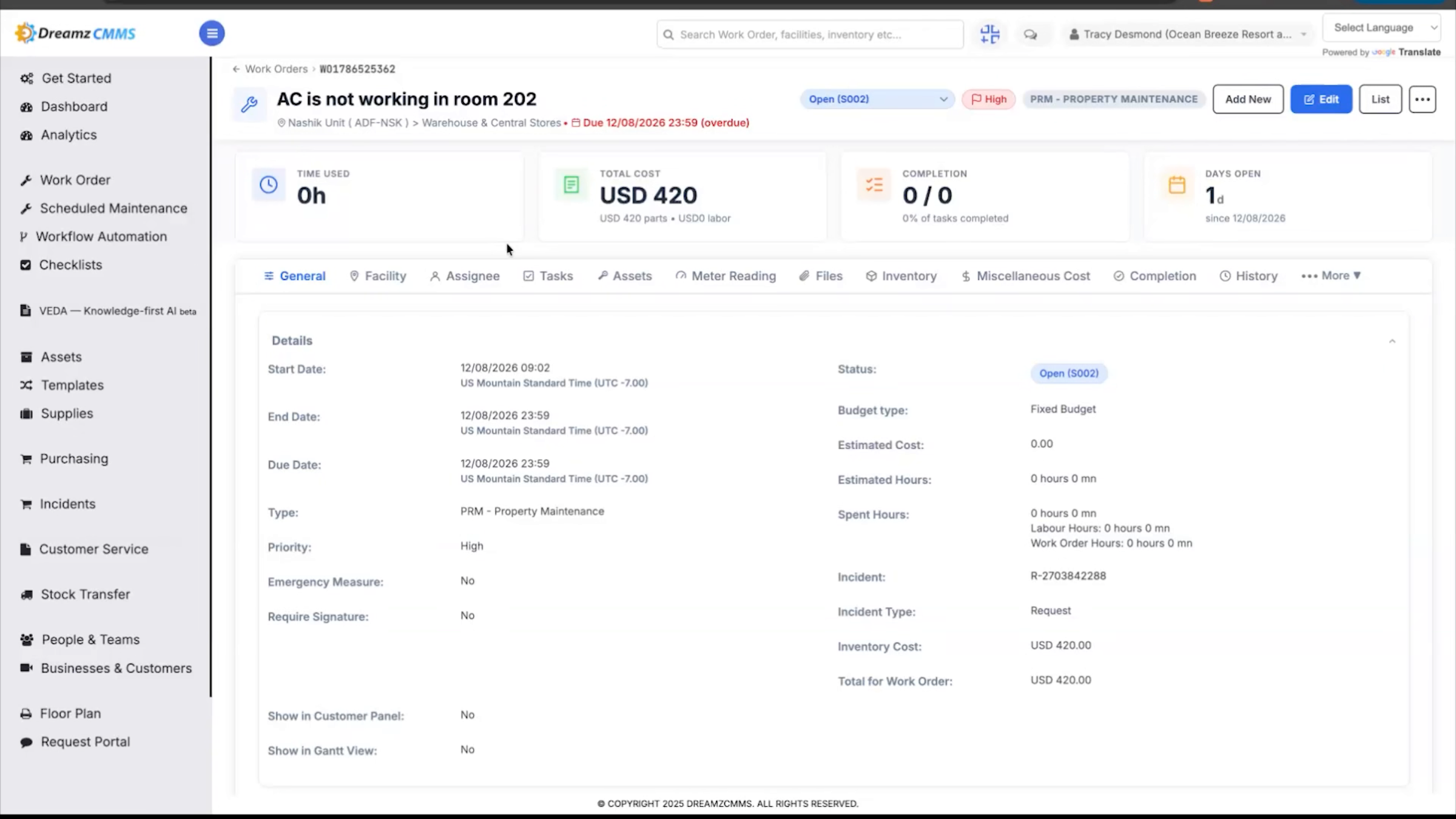
Step 10 – Scheduled Maintenance Automation
Maintenance can be scheduled by time or based on equipment usage, and DreamzCMMS automatically creates a work order when maintenance is due.
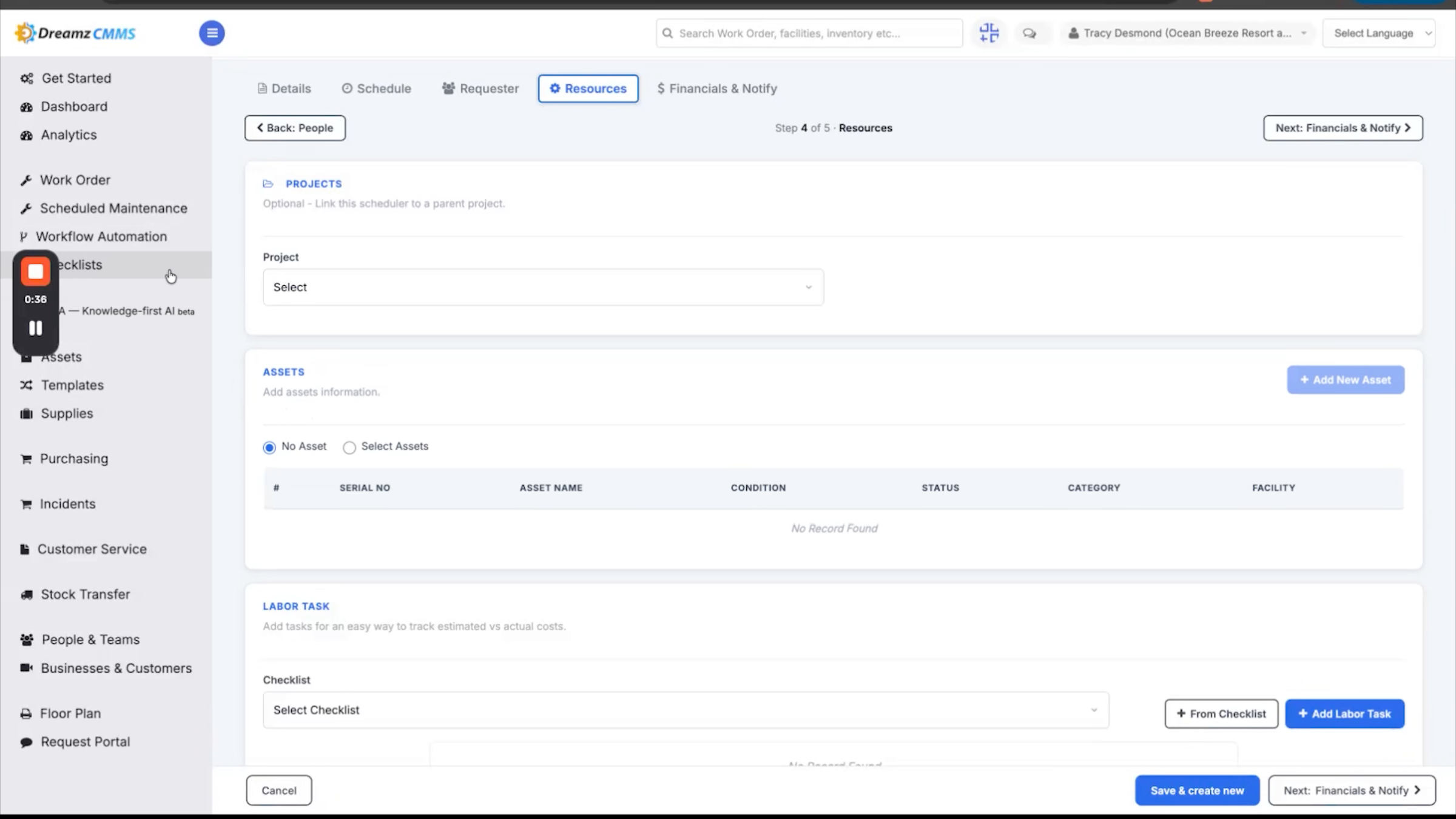
Step 11 – Digital Inspection Checklists
For HLP rounds — heat, light, and power inspections — your team can use simple digital checklists with photos to record every inspection, helping ensure nothing gets missed and everything remains properly documented.
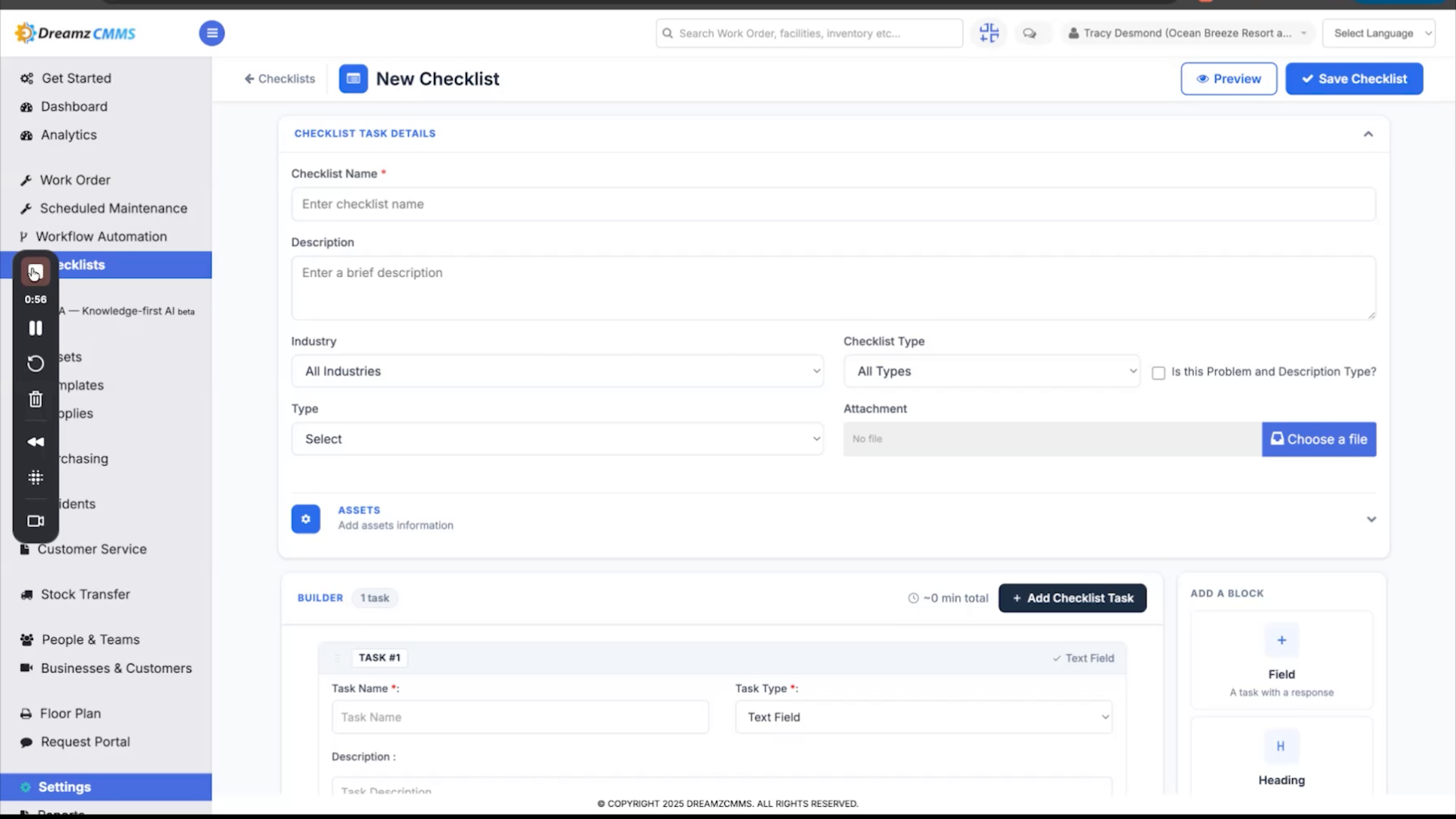
Step 12 – Meter Reading and Usage Alerts
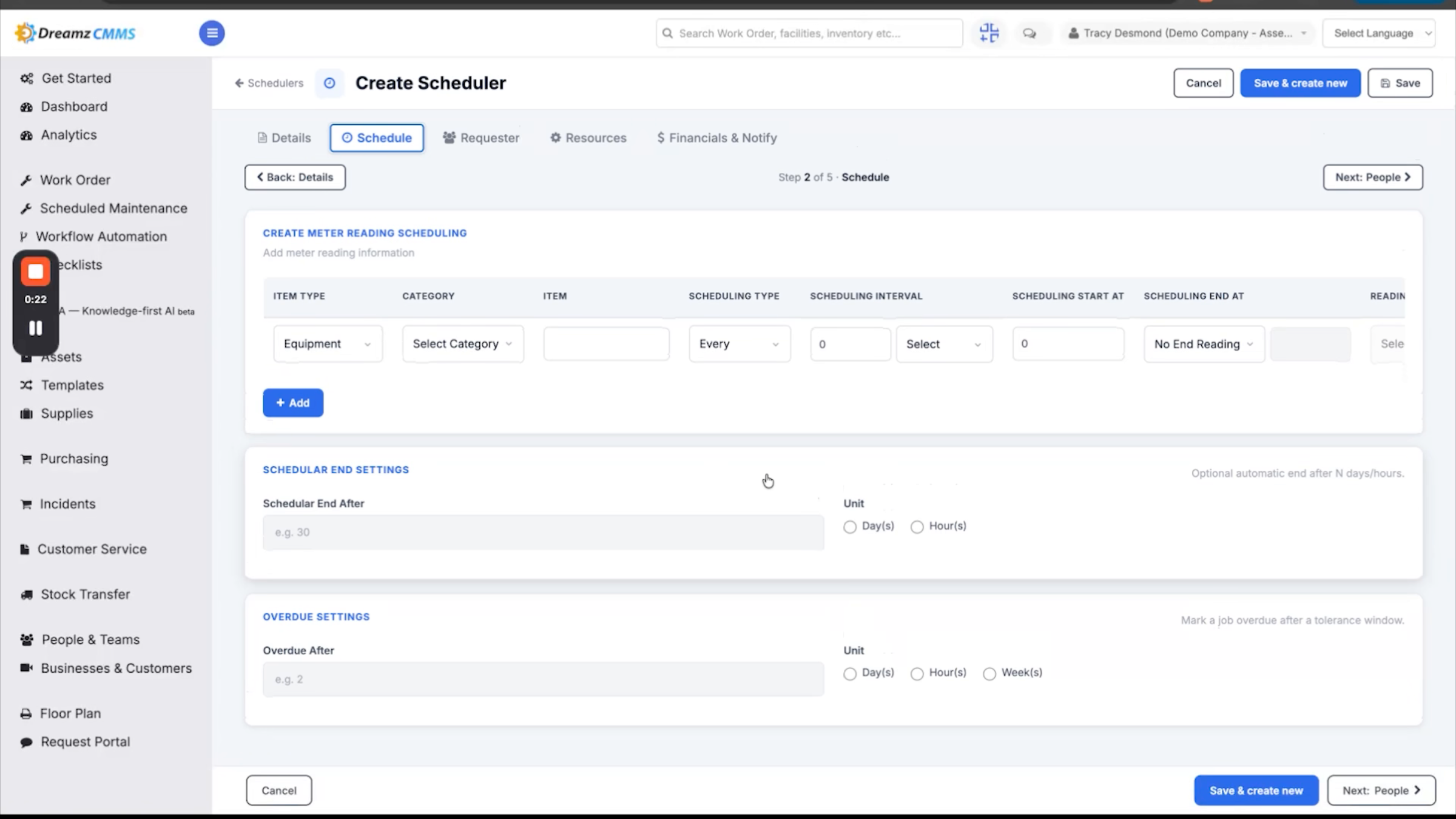
You can track meter readings for electricity, water, and gas, either manually or through connected sensors, and monitor usage trends across your entire property. If the system detects something unusual, such as a sudden spike in consumption, it alerts you right away, helping you catch issues early, reduce waste, and keep utility costs under control.
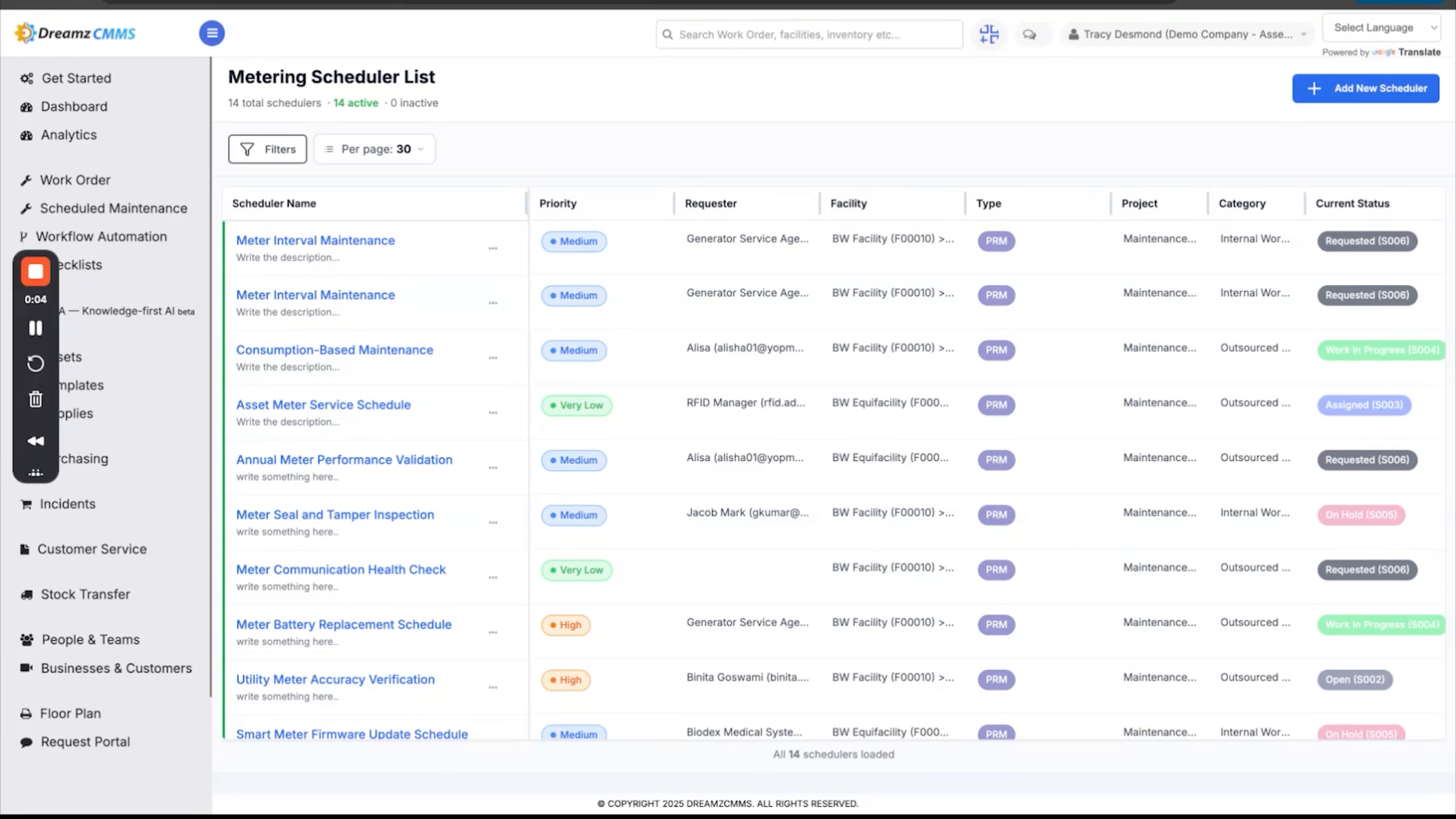
Step 13 – Metering Scheduler Overview
The metering scheduler lets you view all scheduled meter readings in one place and easily set up new schedules based on your requirements.
Step 14 – Equipment Records and Service History
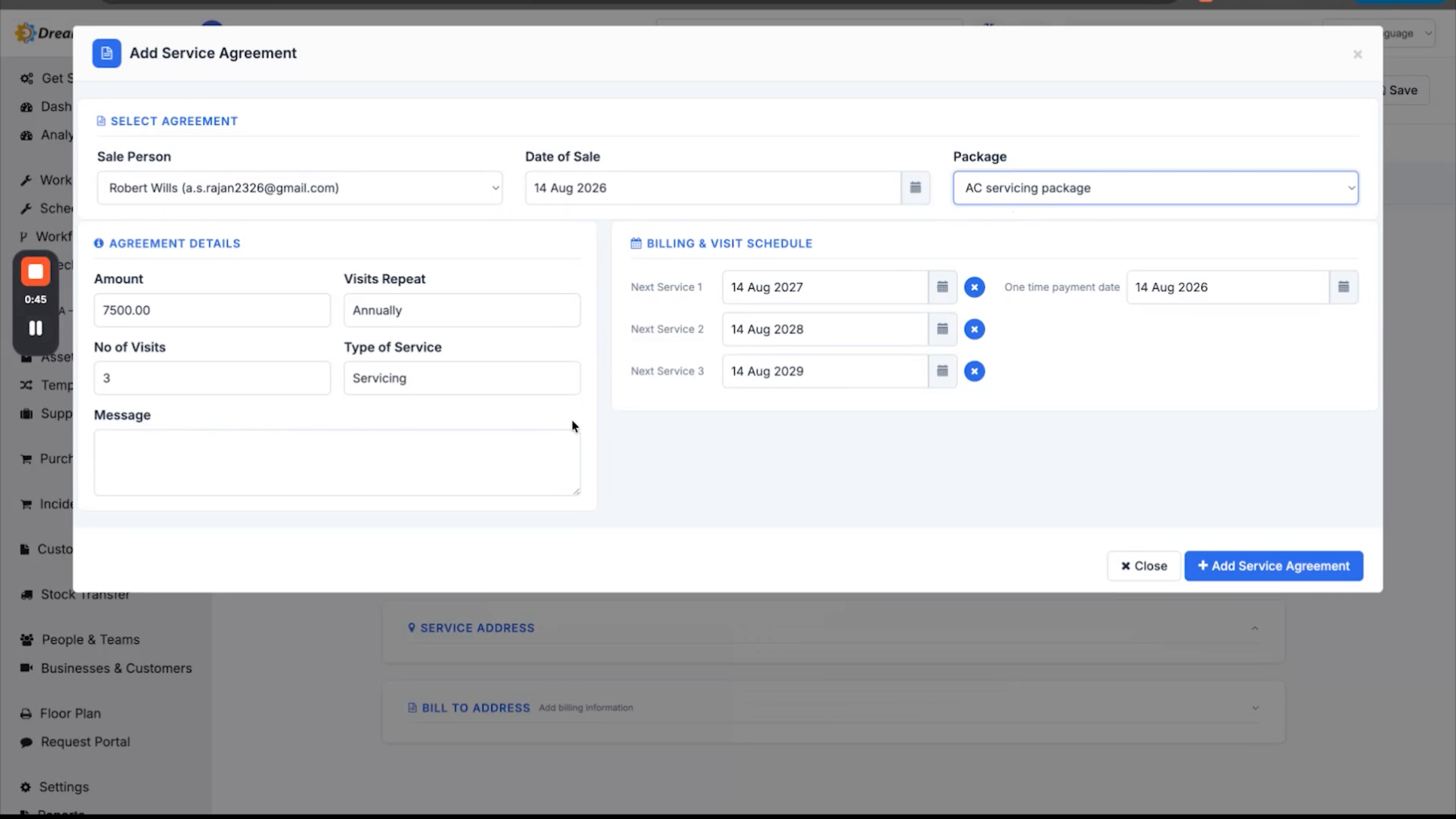
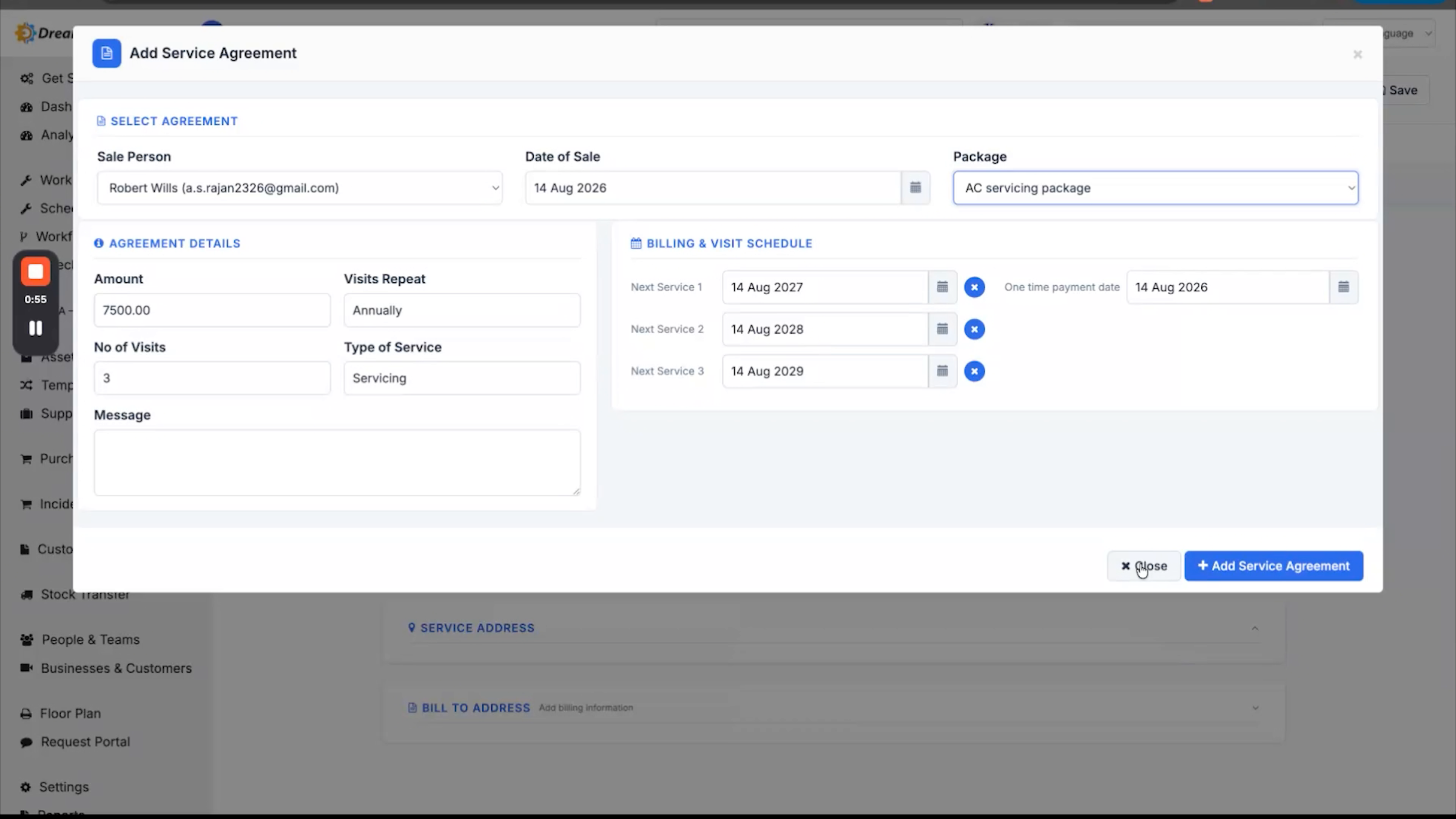
Every piece of equipment has its own detailed record in DreamzCMMS, with its complete service and maintenance history available in one place. Service contracts and warranties are also tracked, with alerts before they expire.
Step 15 – Warranty Alerts Benefits
This helps your team avoid unnecessary costs for repairs or services that are still covered.
Guest and Staff Requests to Work Orders
Step 16 – Problem Reporting Methods
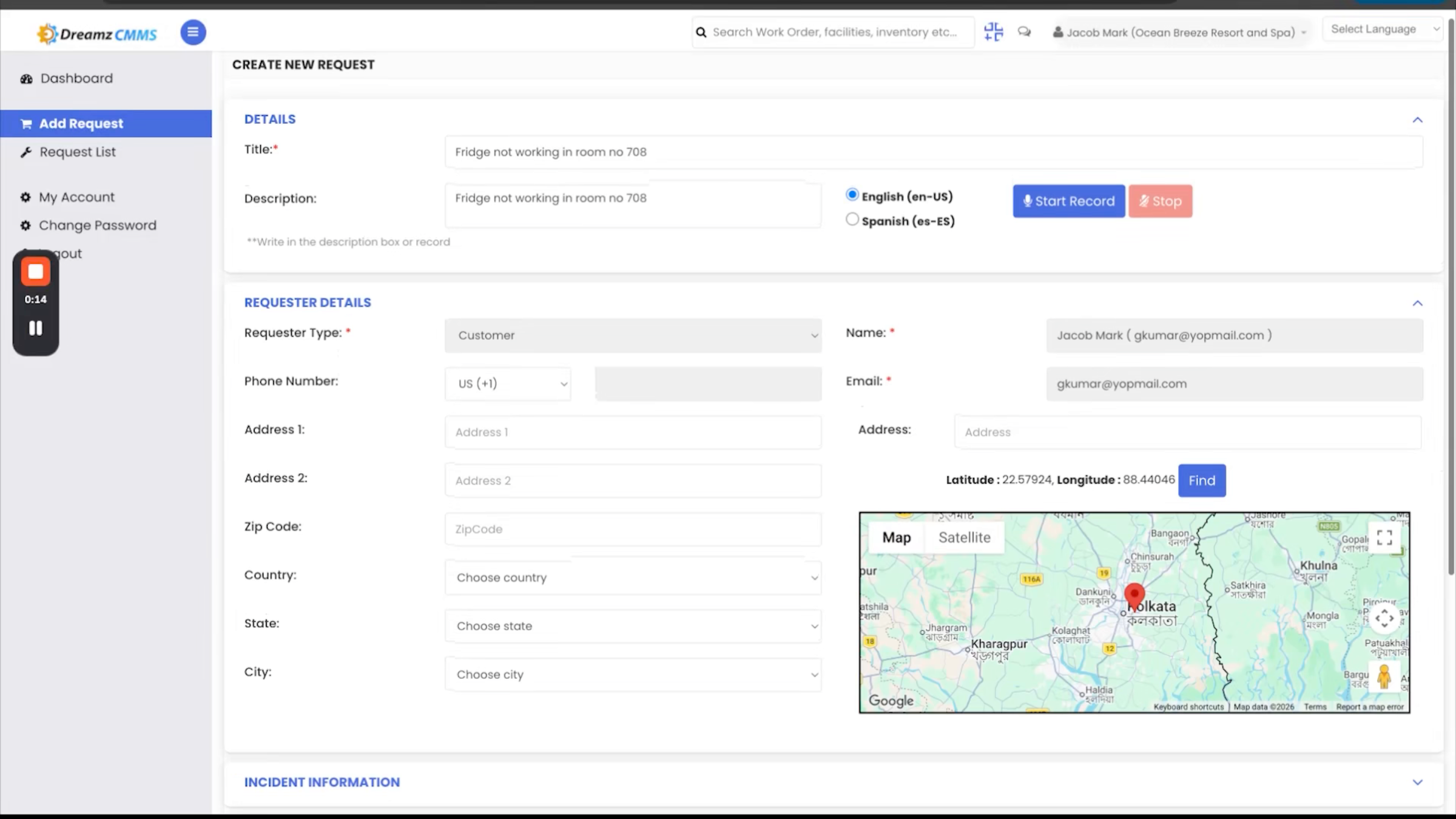
A guest or staff member can report a problem through the app, filling in the request form using the voice fill feature or entering the details manually. Once the details are filled in, saving the request generates a service request instantly. A staff member can also report a problem directly through the web platform by filling in the required details and submitting — this automatically creates a work request.
Step 17 – Work Order Tracking and Assignment
A work order is then generated against the work request and assigned to the right person. It's tracked through to completion, with all associated costs recorded along the way, leading to faster resolution, smoother operations, and happier guests. For guests who don't want to install an app, DreamzCMMS offers a simple QR code-based request portal.
Step 18 – Guest QR Code Request Portal
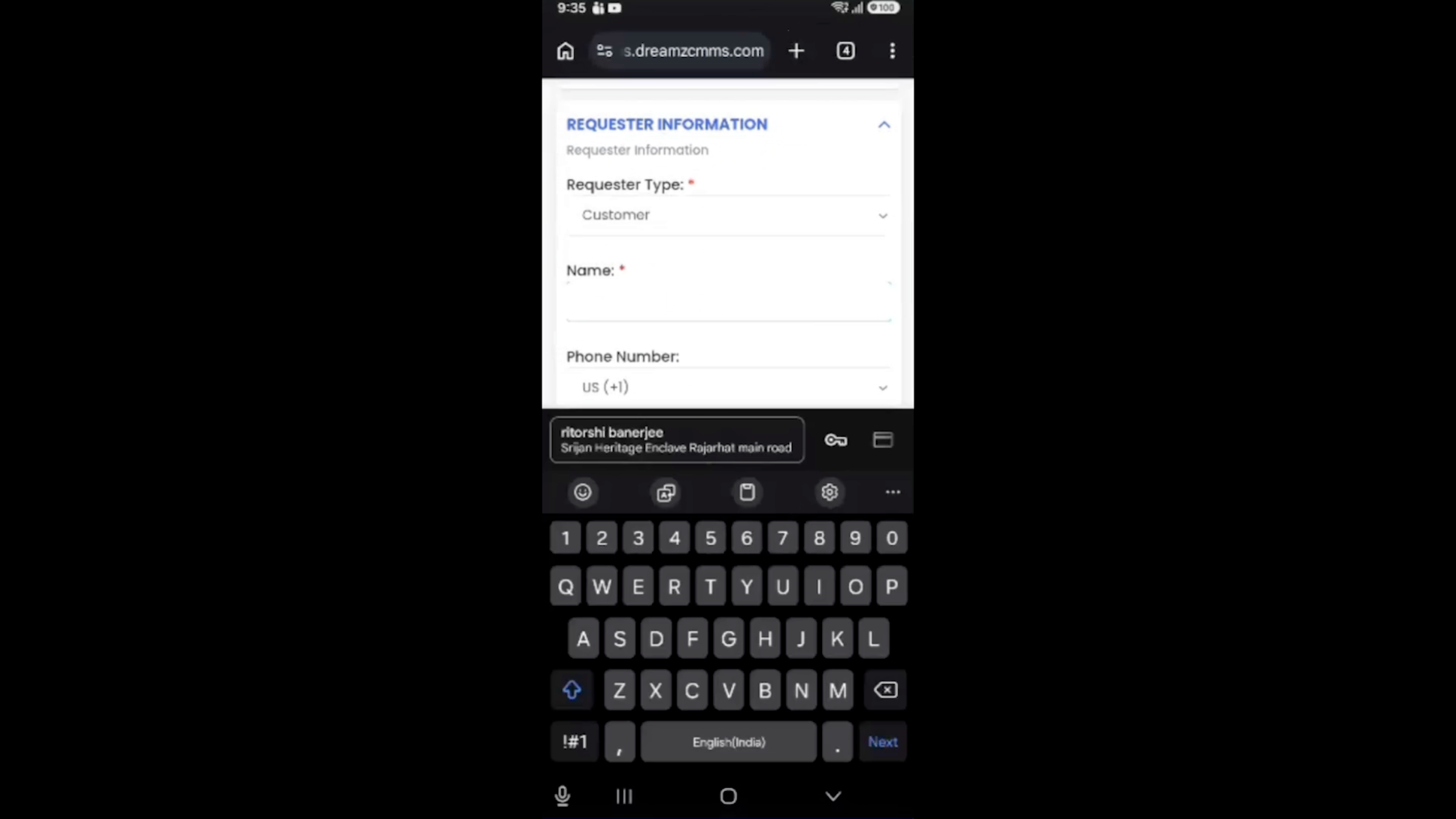
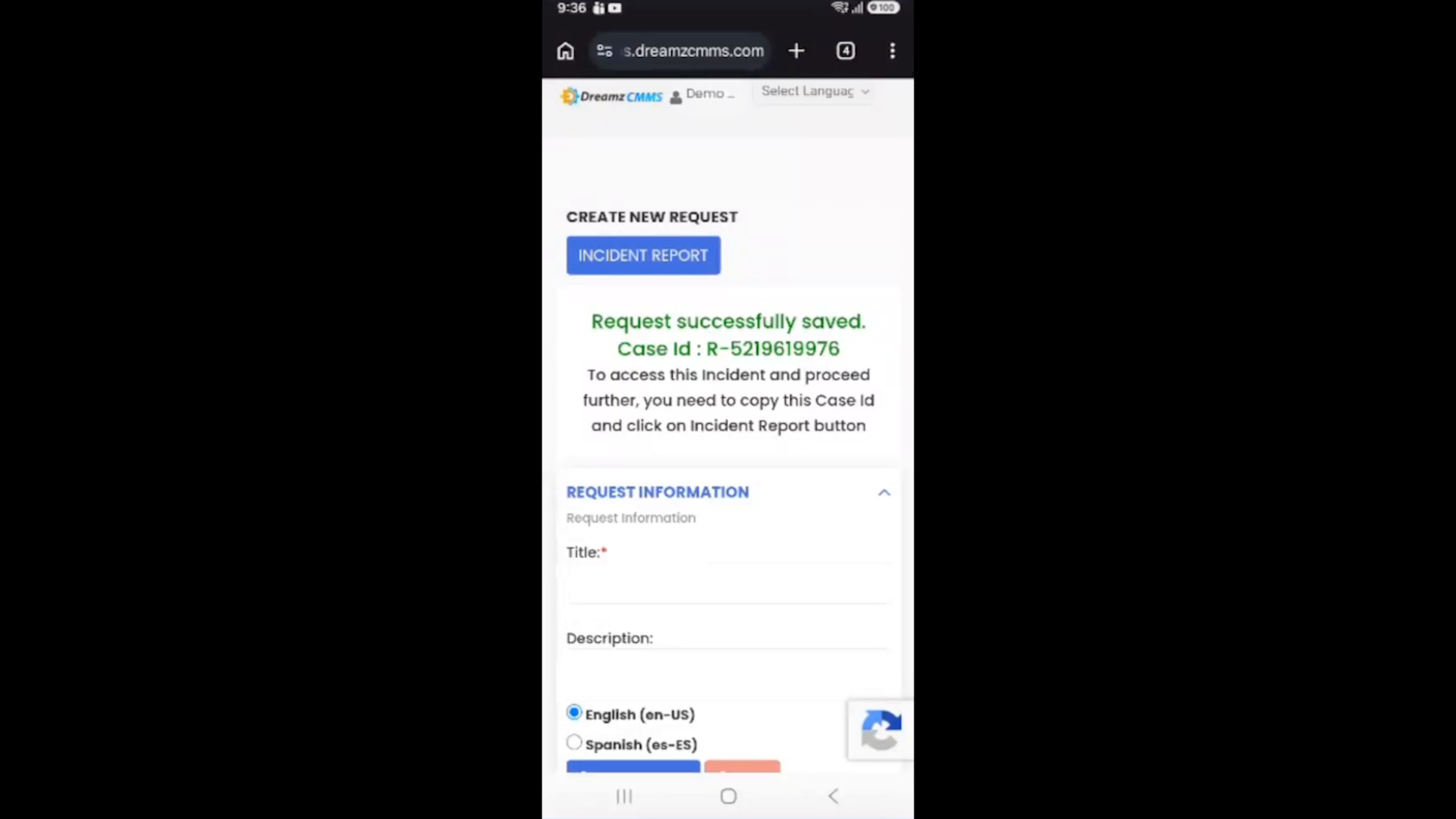
Guests can scan the QR code, fill in the request details, select the priority, enter their name and email address, and submit the form. Once submitted, the guest receives a case ID for tracking, and a work order is automatically created in DreamzCMMS for the team to take action.
Mobile App and AI for Technicians
Step 19 – Technician Mobile App Features
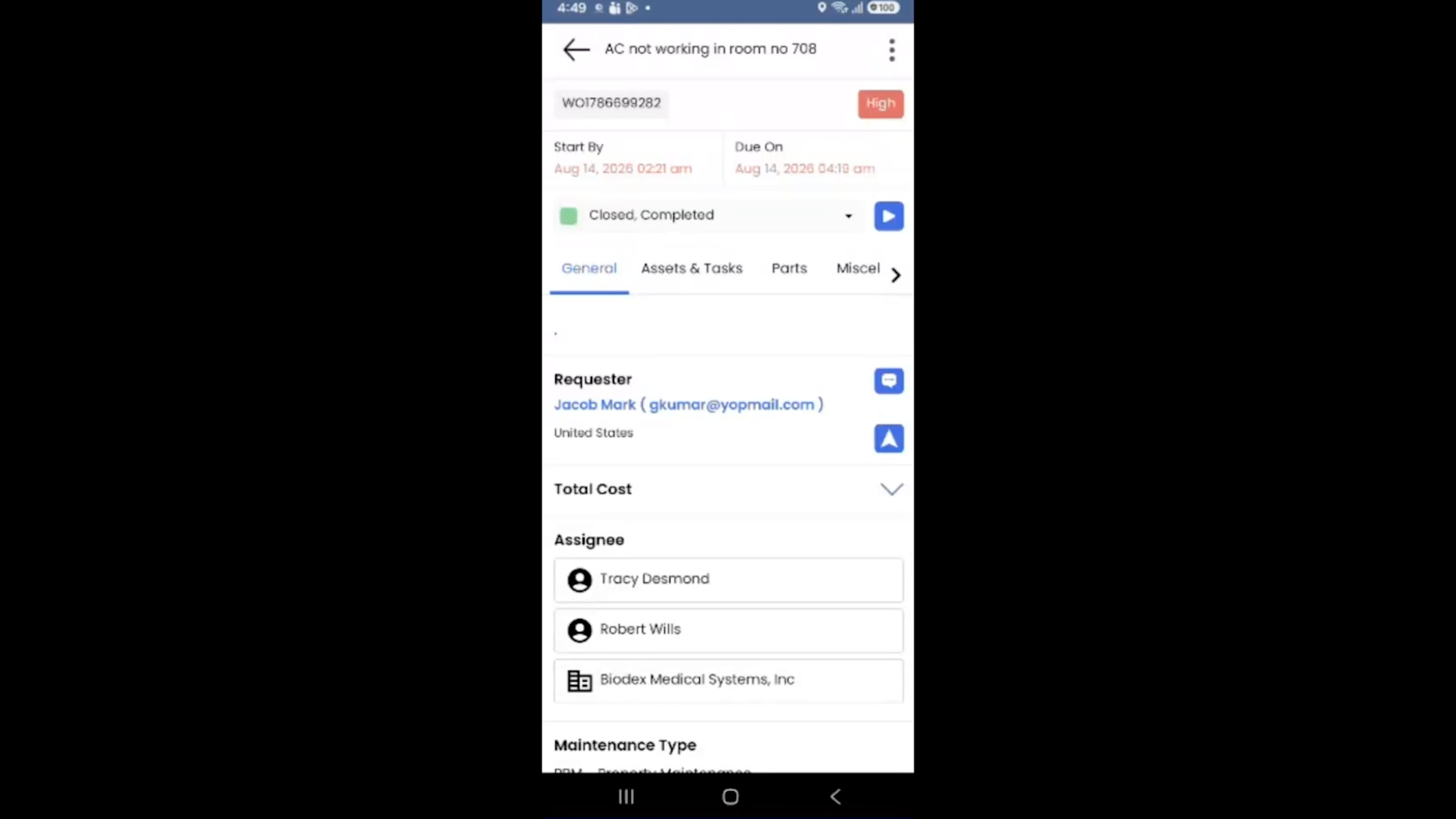
Technicians use the DreamzCMMS mobile app to view and manage their assigned jobs wherever they are. They can self-assess their work, record completed tasks, log time spent, and add details of any parts or materials used. Managers get clear visibility into who is working on each job, its current status, and how quickly the work is being completed — and because it's a dedicated mobile app, technicians can continue working efficiently even in areas with weak network connectivity.
Step 20 – Mobile App Task Management
From the home screen, technicians can quickly access their work orders, view their assigned jobs, and open each work order to see complete details and manage their tasks efficiently. The app also provides easy access to work order history and maintenance requests, along with a quick-create menu that lets technicians add new requests and other items while they're on the go.
Step 21 – AI Assistant and Mobile Productivity
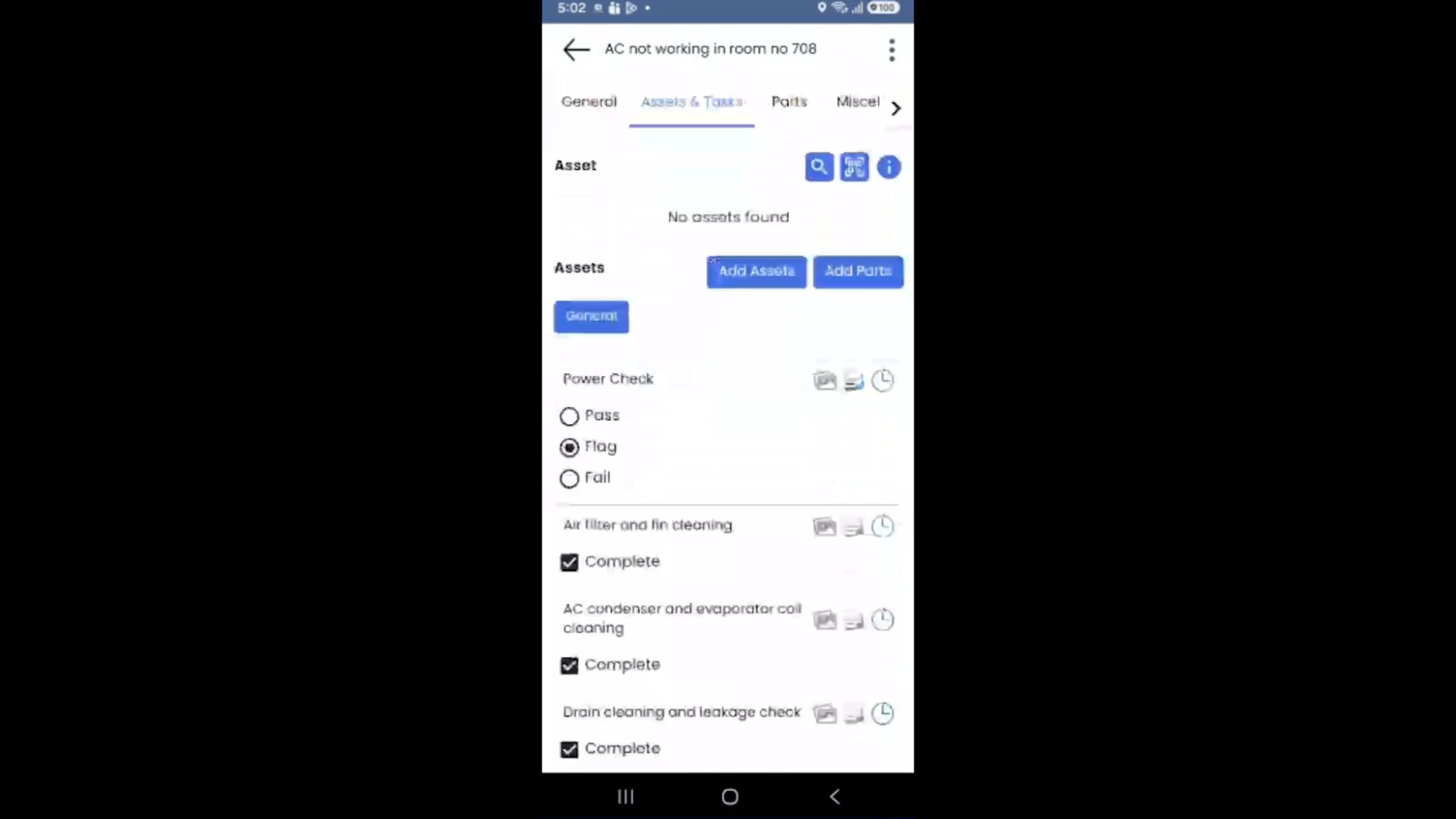
Technicians also have access to checklists and detailed inspection information, along with VEDA, the built-in AI assistant in DreamzCMMS, all within the same mobile experience — a complete mobile solution that helps technicians stay productive from anywhere on the property without needing to return to a desk.
Vendors, Reporting, Security, and Getting Started
Step 22 – Vendor Access and Shared Calendar
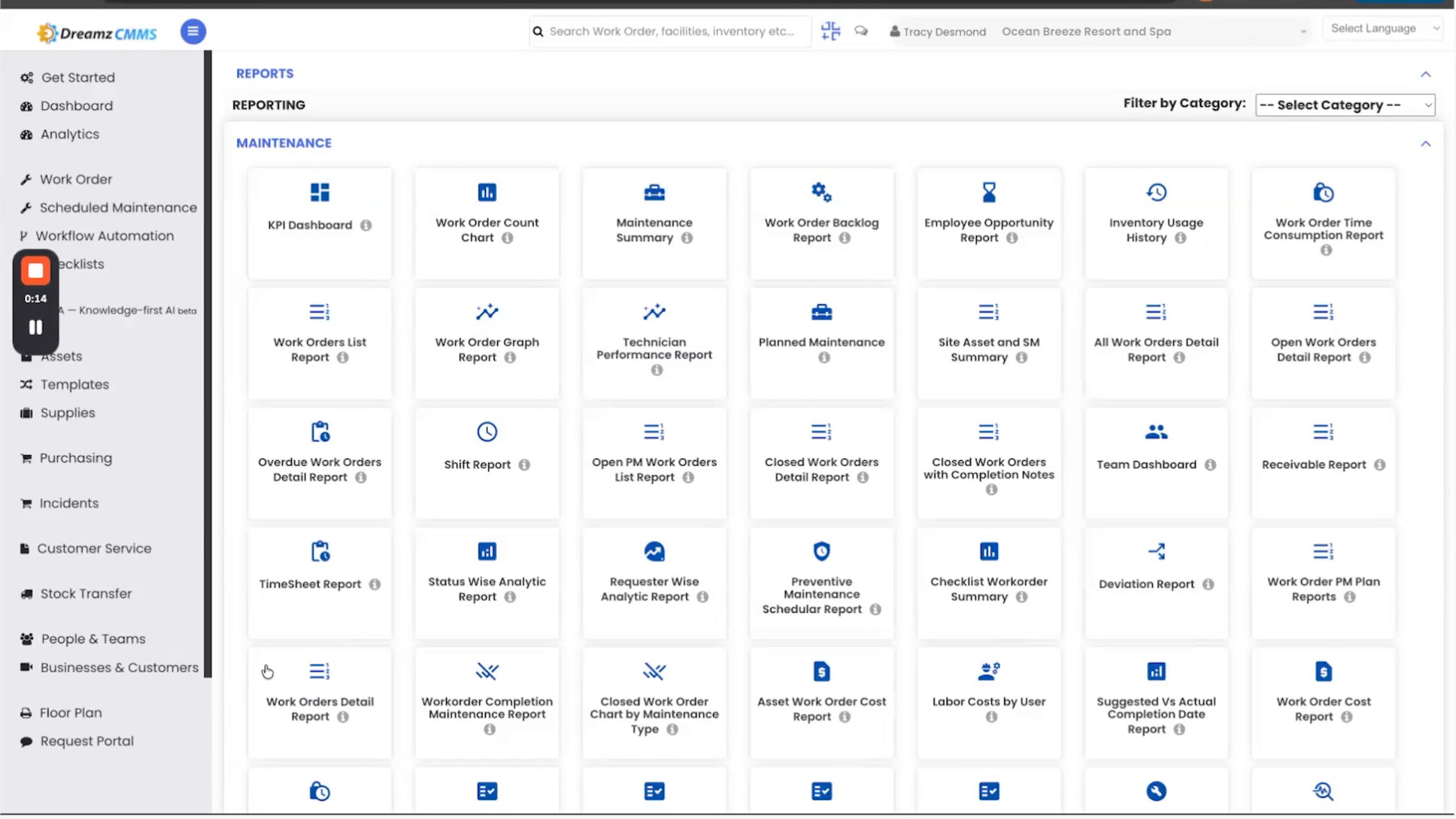
For outside vendors, DreamzCMMS can send the work order automatically and even give them their own login to update progress. A shared calendar keeps everyone on the same page, and if something is overdue, the system alerts the right people, meaning fewer missed deadlines and fewer surprises. Different people need different views: engineers see day-to-day details, managers see overall performance, and leadership sees results across every property.
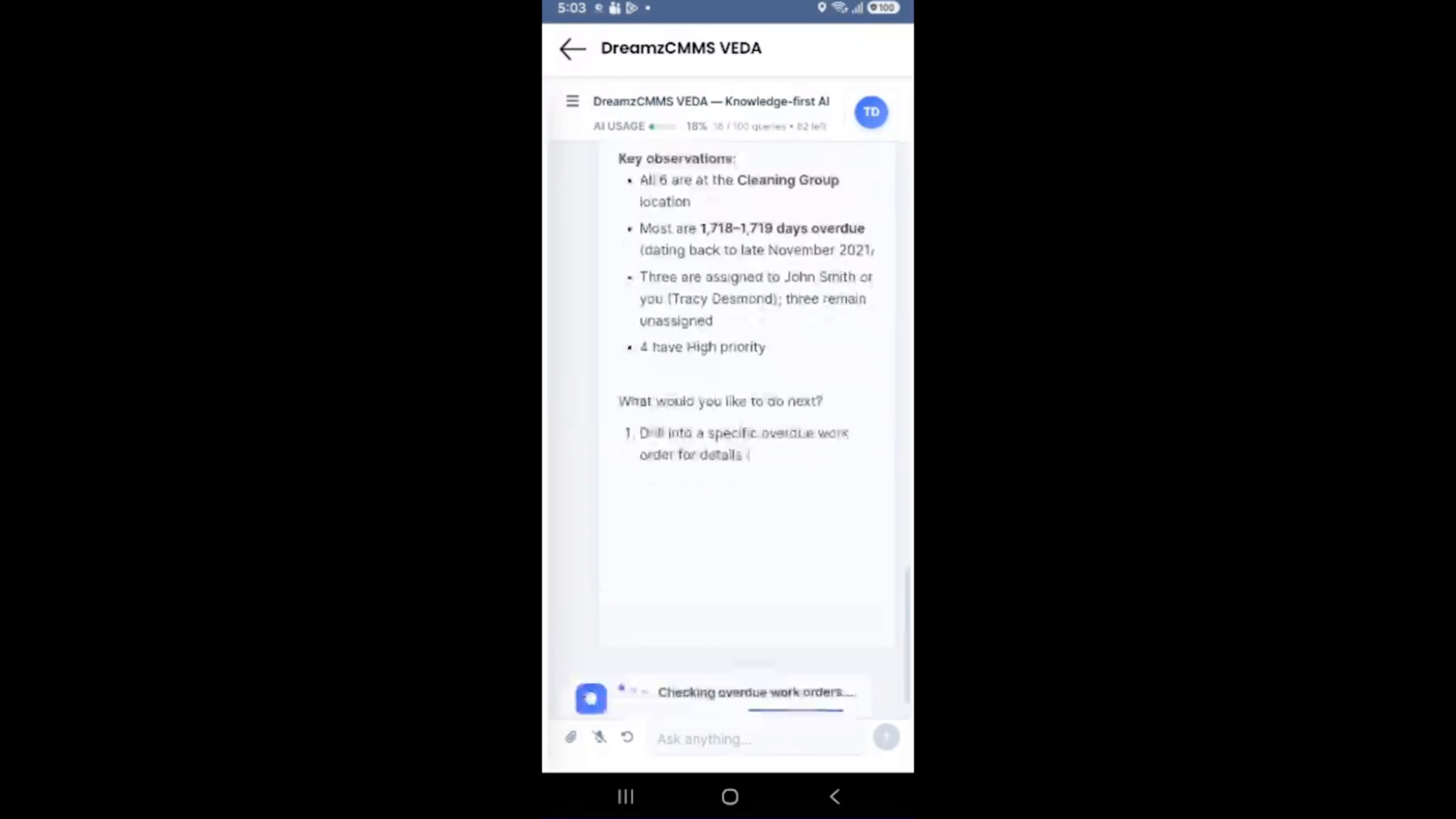
Step 23 – Reporting and AI Efficiency
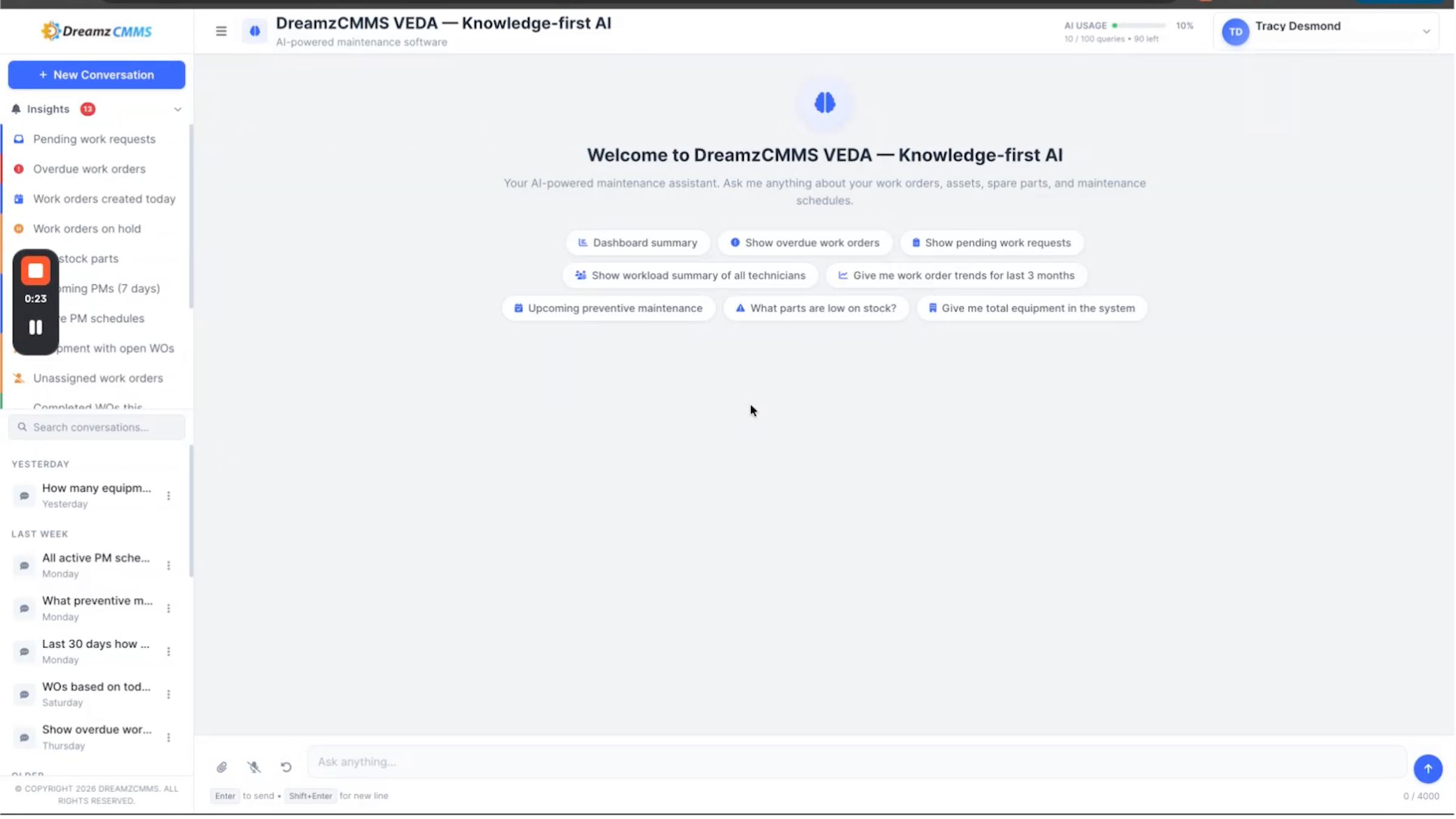
All of this comes with ready-made reports you can pull anytime, so decisions are based on real data, not guesswork. DreamzCMMS also uses AI to help your team save time and work more efficiently — it can automatically generate checklists and accept work requests through WhatsApp.
Step 24 – AI Solutions and Data Security
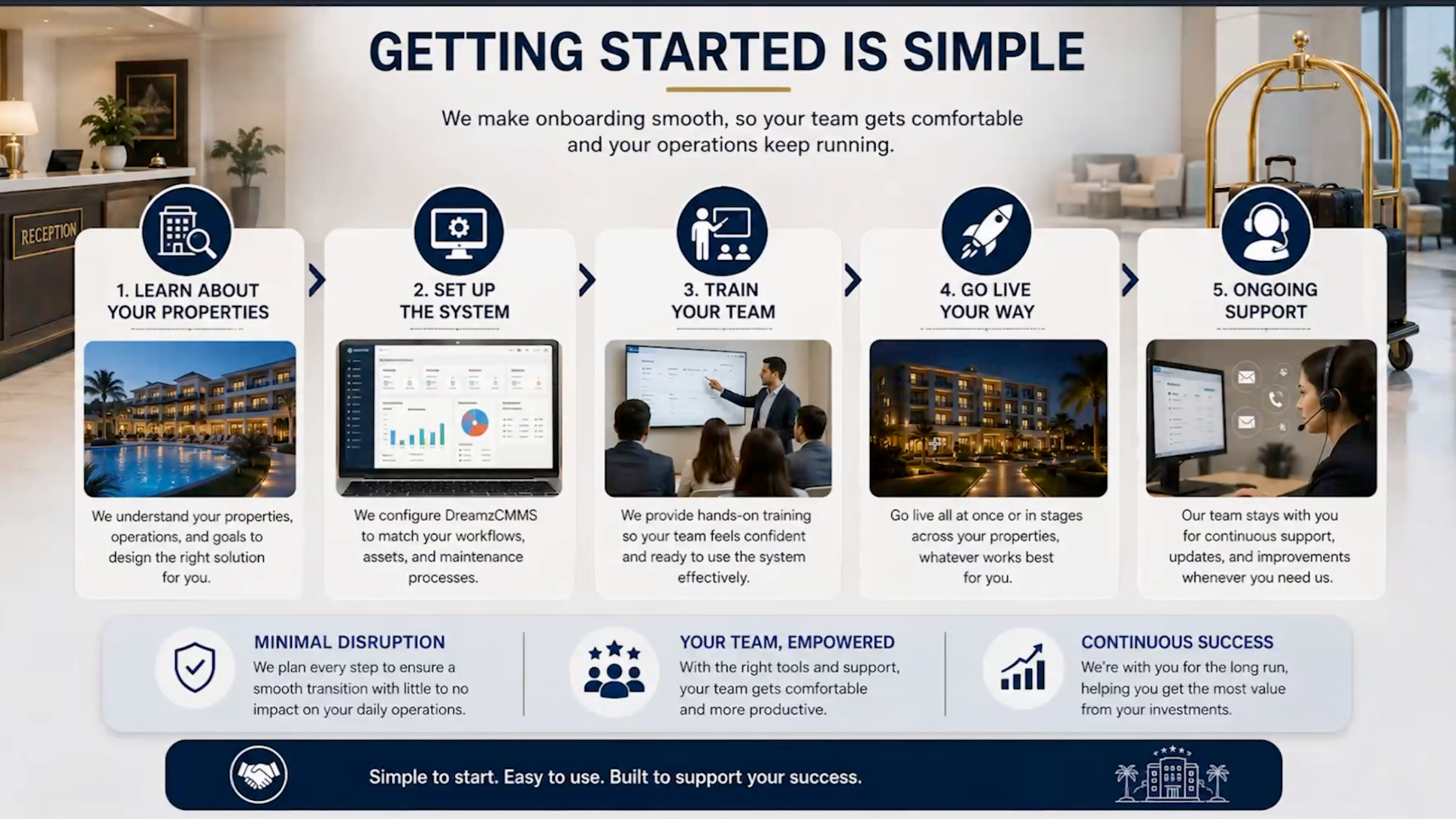
Note: AI can also summarize completed jobs and suggest possible solutions based on previous repairs and maintenance history, meaning less time spent typing and searching for information and more time focused on getting the actual work done. The whole platform runs on secure, certified cloud infrastructure that meets major international security standards, with regular backups built in, so your data and your guests' data stay safe. Getting started is simple: the DreamzTech team learns about your properties, sets up the system, trains your team, and goes live either all at once or in stages, then stays with you for ongoing support.
Step 25 – Implementation and Support Process
Bringing it all together, DreamzCMMS combines maintenance planning, inspections, meter tracking, asset records, work orders, technician performance, vendor management, reports, and AI in one system, for one property or many — meaning fewer breakdowns, lower costs, better compliance, and happier guests.
Step 26 – Hospitality Focus and Experience
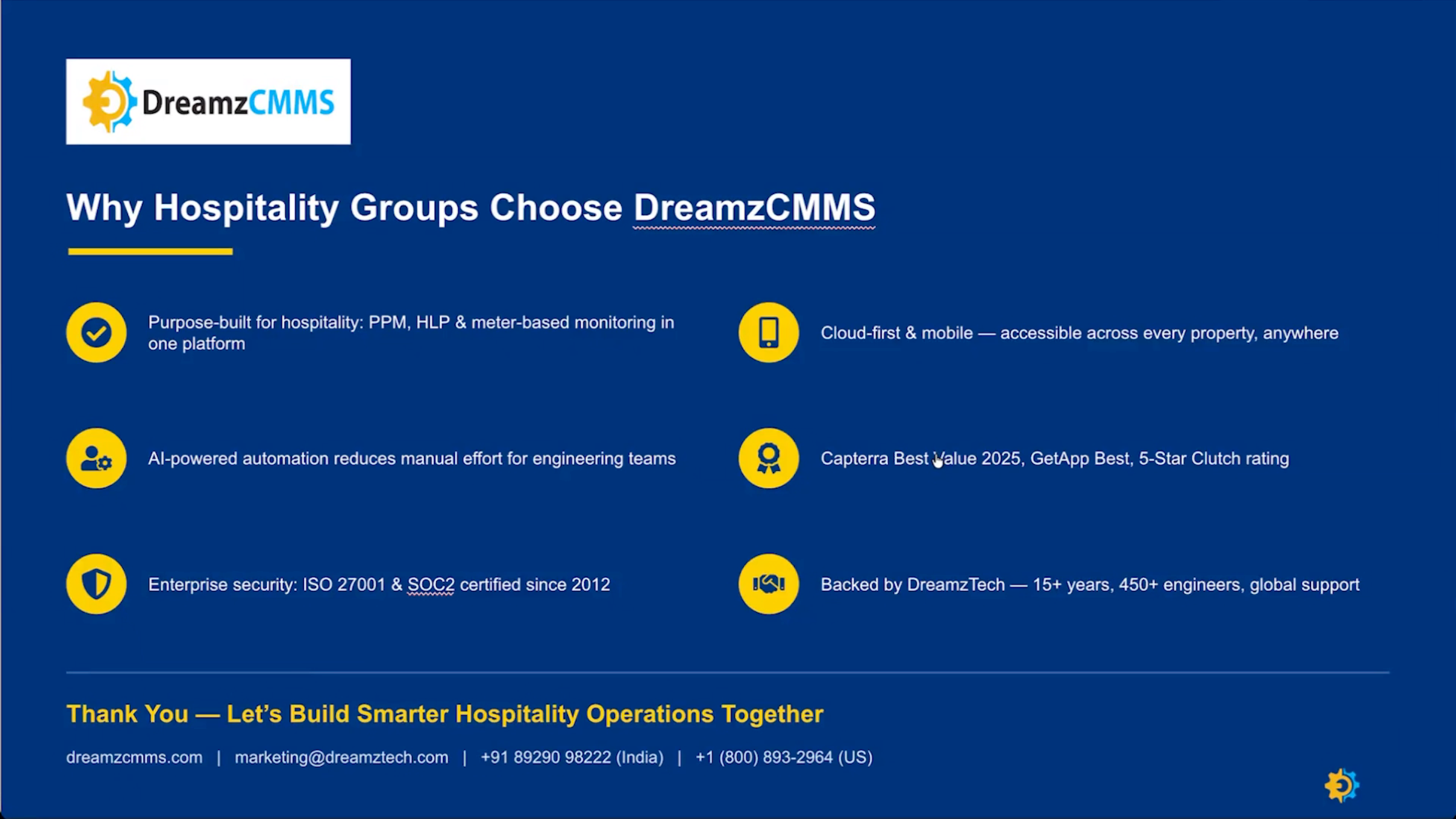
That's why hospitality teams choose DreamzCMMS. It's built specifically for hotels, works on any device, is backed by real security and real support, and comes from a company with 15 years of experience.
After the Overview — What's Next?
DreamzCMMS brings maintenance planning, inspections, meter tracking, asset records, work orders, technician and vendor management, reporting, and AI together in one system — for one property or many, anywhere in the world. Once you're familiar with the platform, you can:
- Set up scheduled and usage-based maintenance for your key equipment so work orders generate automatically.
- Roll out the QR code request portal across the property so guests can report issues without installing an app.
- Review warranty and contract alerts regularly to avoid paying for repairs that are already covered.
Ready to see DreamzCMMS for hospitality in action? Contact DreamzTech to schedule a personalized demonstration.
Tips for Hotel Engineering and Operations Teams
- Set up your properties, locations, and equipment hierarchy first — accurate asset data is what makes schedules, meters, and reports work correctly.
- Encourage staff to use voice fill when logging requests on the go — it's faster than typing out the full form.
- Act quickly on utility spike alerts — they're often the earliest sign of a leak, malfunction, or other costly issue.
- Use role-based views so engineers, managers, and leadership each see the level of detail that's relevant to them.
Frequently Asked Questions
Do guests need to download an app to report a maintenance issue?
No. Guests can scan a QR code to submit a request through a simple web form, without installing an app, and receive a case ID for tracking.
How does a guest or staff request turn into a work order?
Once a request is saved or submitted, DreamzCMMS automatically generates a work order, assigns it to the right person, and tracks it through to completion with all associated costs recorded.
Can vendors update work orders themselves?
Yes. DreamzCMMS can send work orders to outside vendors automatically and give them their own login so they can update progress directly.
What can technicians do from the mobile app?
Technicians can view and manage assigned jobs, log time and parts used, access checklists and inspection details, and use the built-in VEDA AI assistant, all from a mobile app that keeps working even with weak network connectivity.
Related Articles
- Setting Up Meter Reading Schedules in DreamzCMMS
- Configuring the Guest QR Code Request Portal
- Using VEDA AI for Maintenance Reports
- Create and Manage Work Orders