Purchase Planning Board

Created by Binita Goswami, Modified on Thu, 27 Nov at 11:21 PM by Binita Goswami

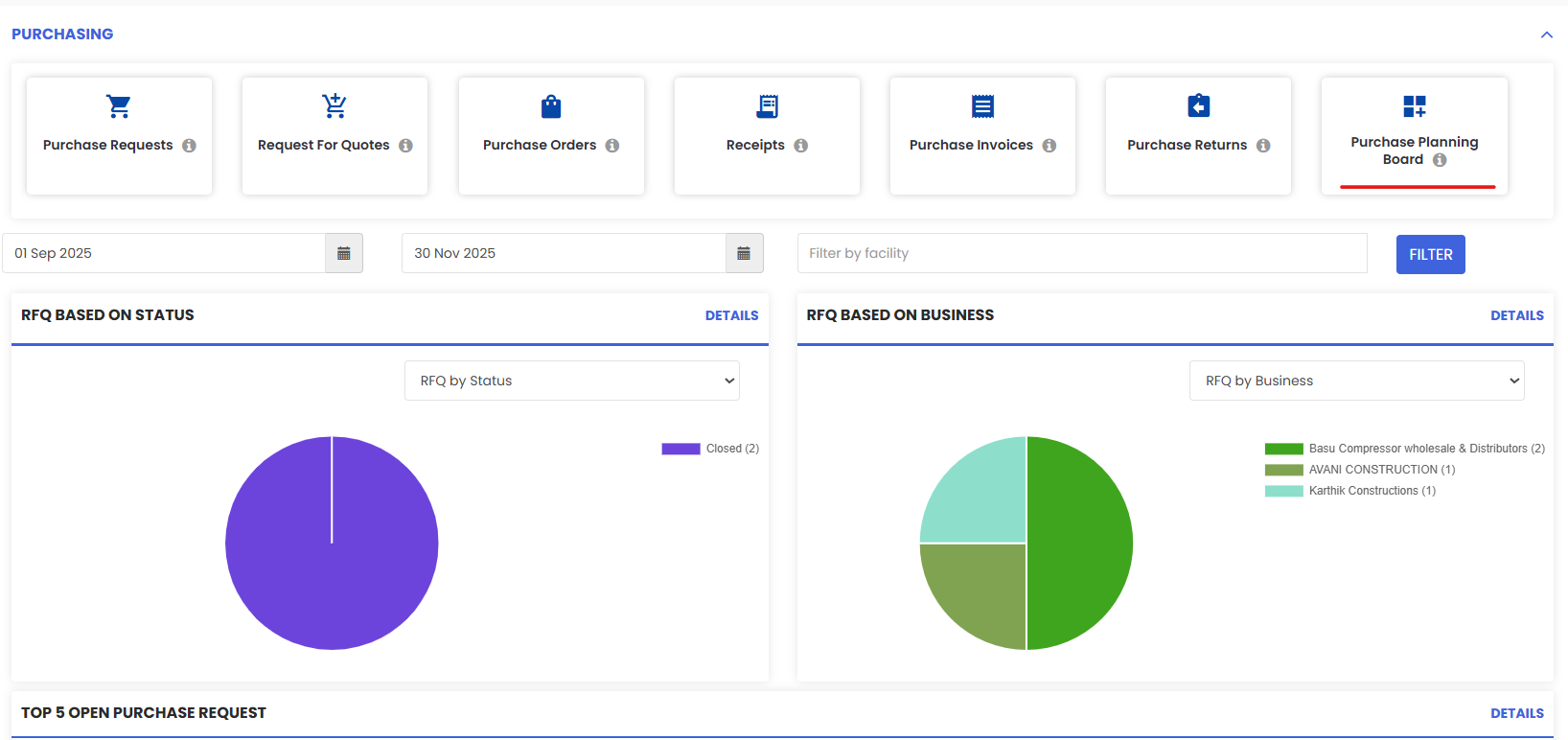
It shows an overview of the Purchase Requests created.


Here is a reference video:


Follow these steps:


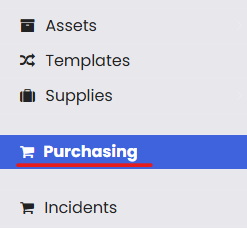
1. From the menu click on Purchasing and then go to Purchase Planning Board.

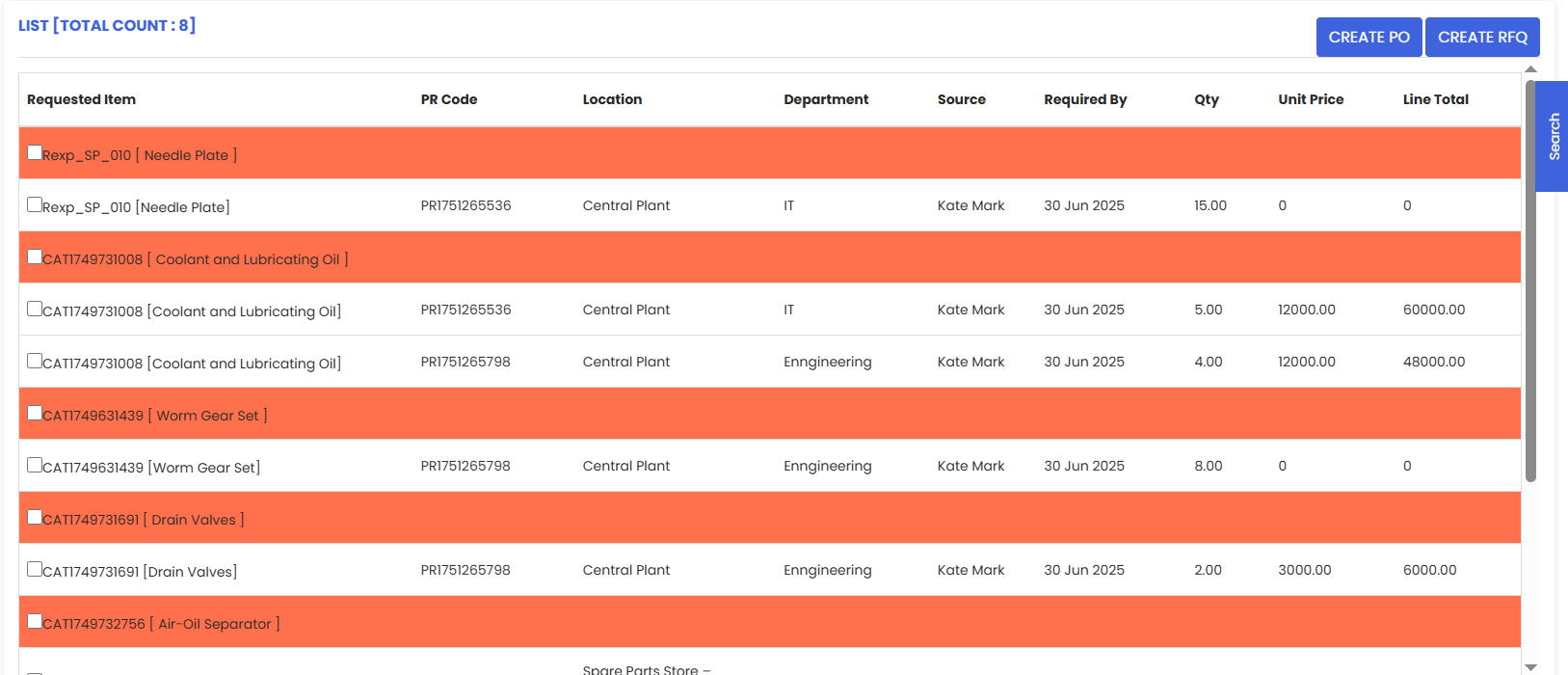
2. Under Purchase Planning Board, requests are shown in grouped fashion for further  processing. All the items can be checked at once and processed.
  • You can create PO or RFQ from here, selecting required items from the checkbox as well.

Was this article helpful?

That’s Great!

Thank you for your feedback

Sorry! We couldn't be helpful

Thank you for your feedback

Let us know how can we improve this article!

Select at least one of the reasons

Feedback sent

We appreciate your effort and will try to fix the article