Purchase Returns in DreamzCMMS let you send back items received in error or not meeting quality—directly against the original PO/Receipt.
Follow these steps:
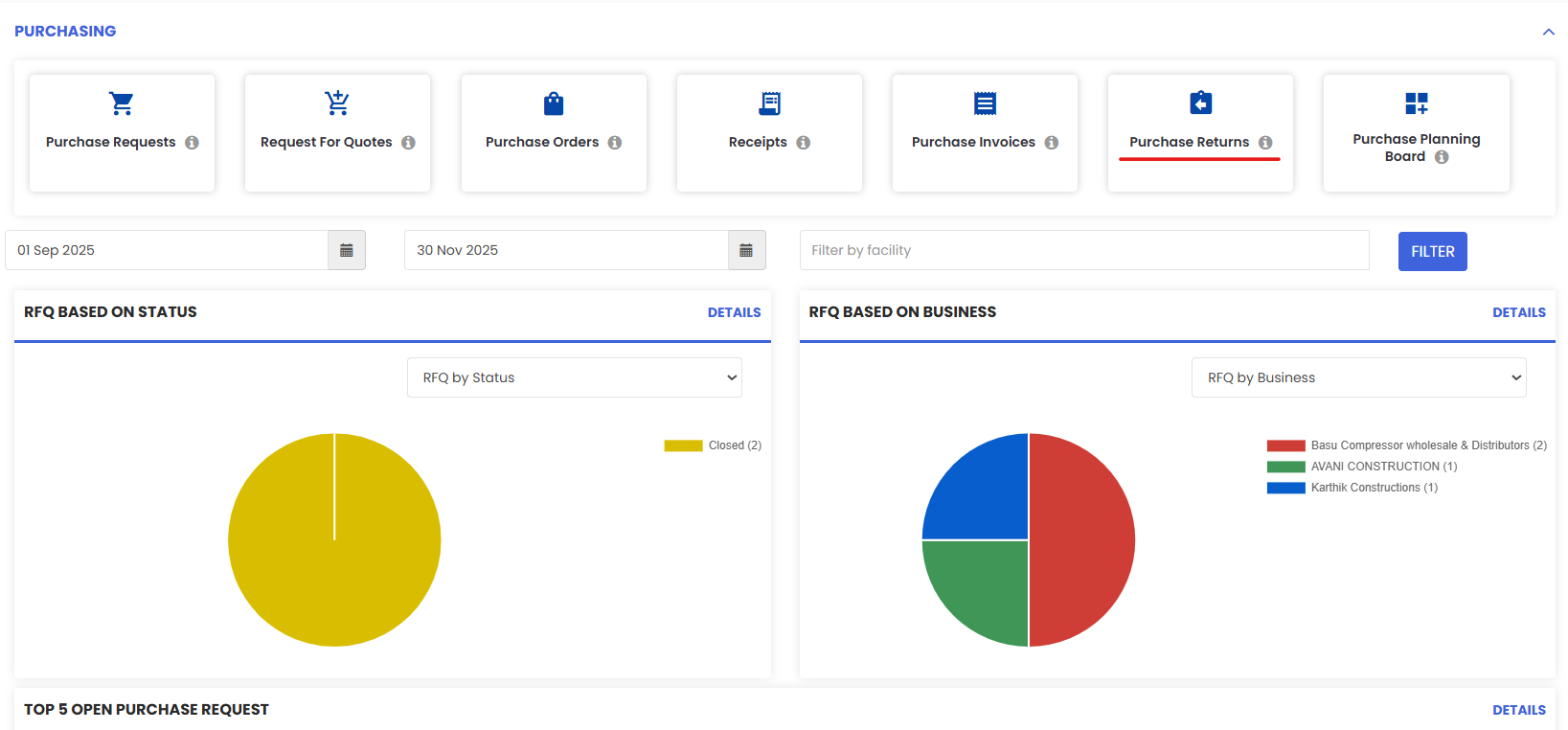
1. From the menu click on Purchasing and then go to Purchase Returns.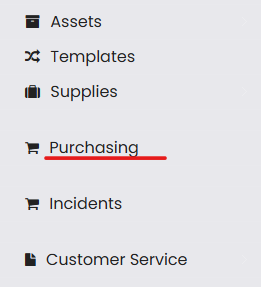
2. Click to New Return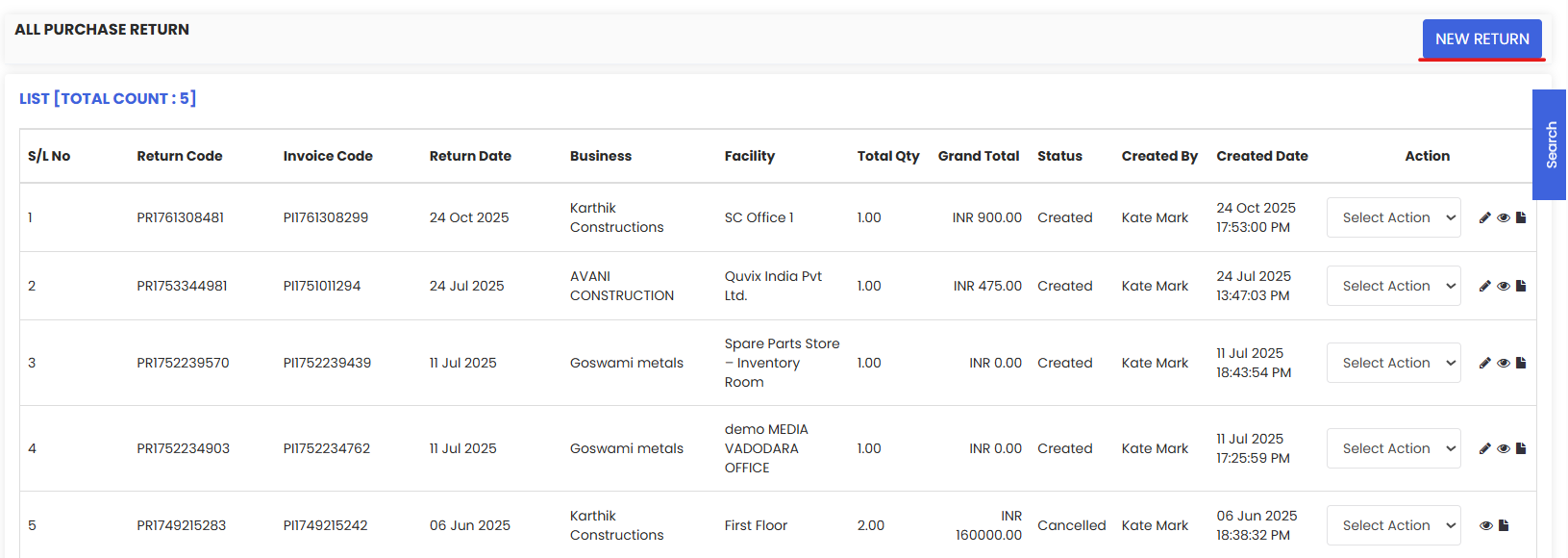
3. Select the invoice for which you want to generate a Return.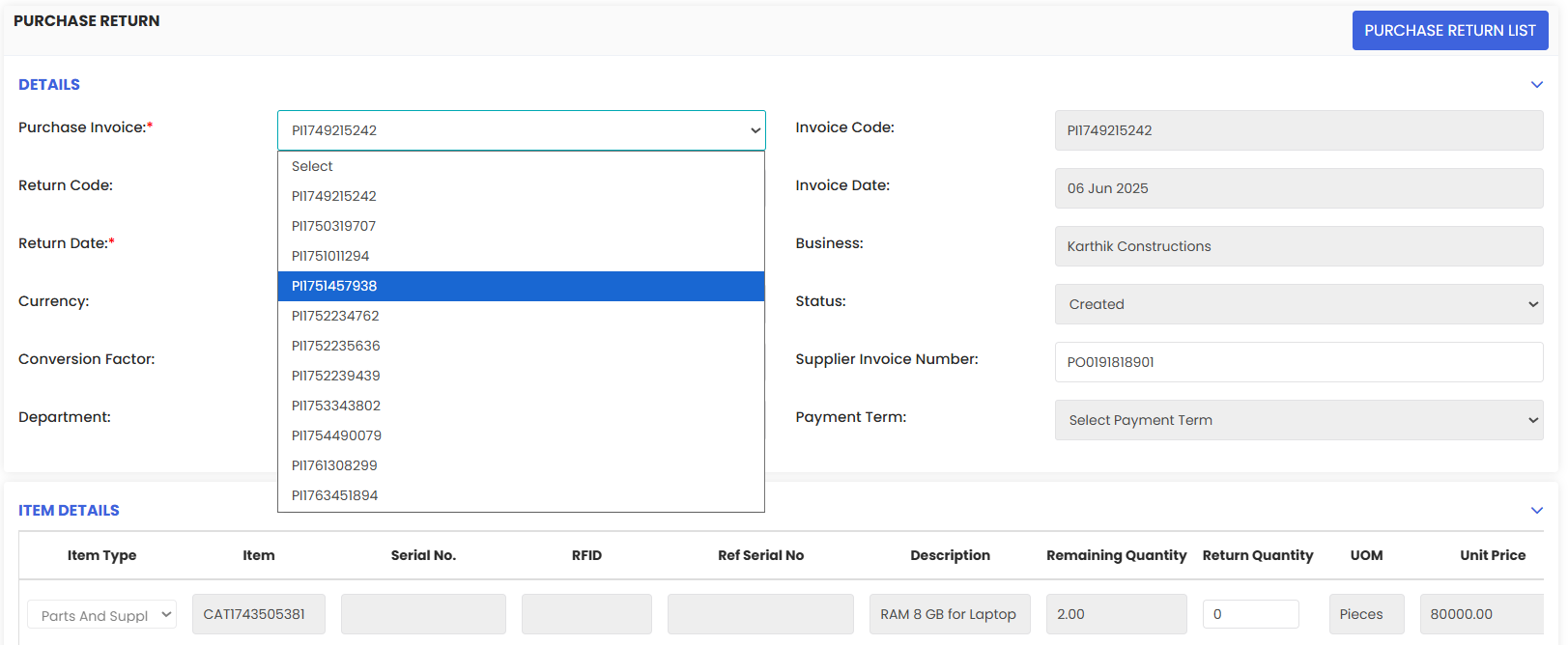
4. Add the number of quantities to be returned based on how many there are in total. Once done, Save it.

5. Return is placed and saved in the listing.