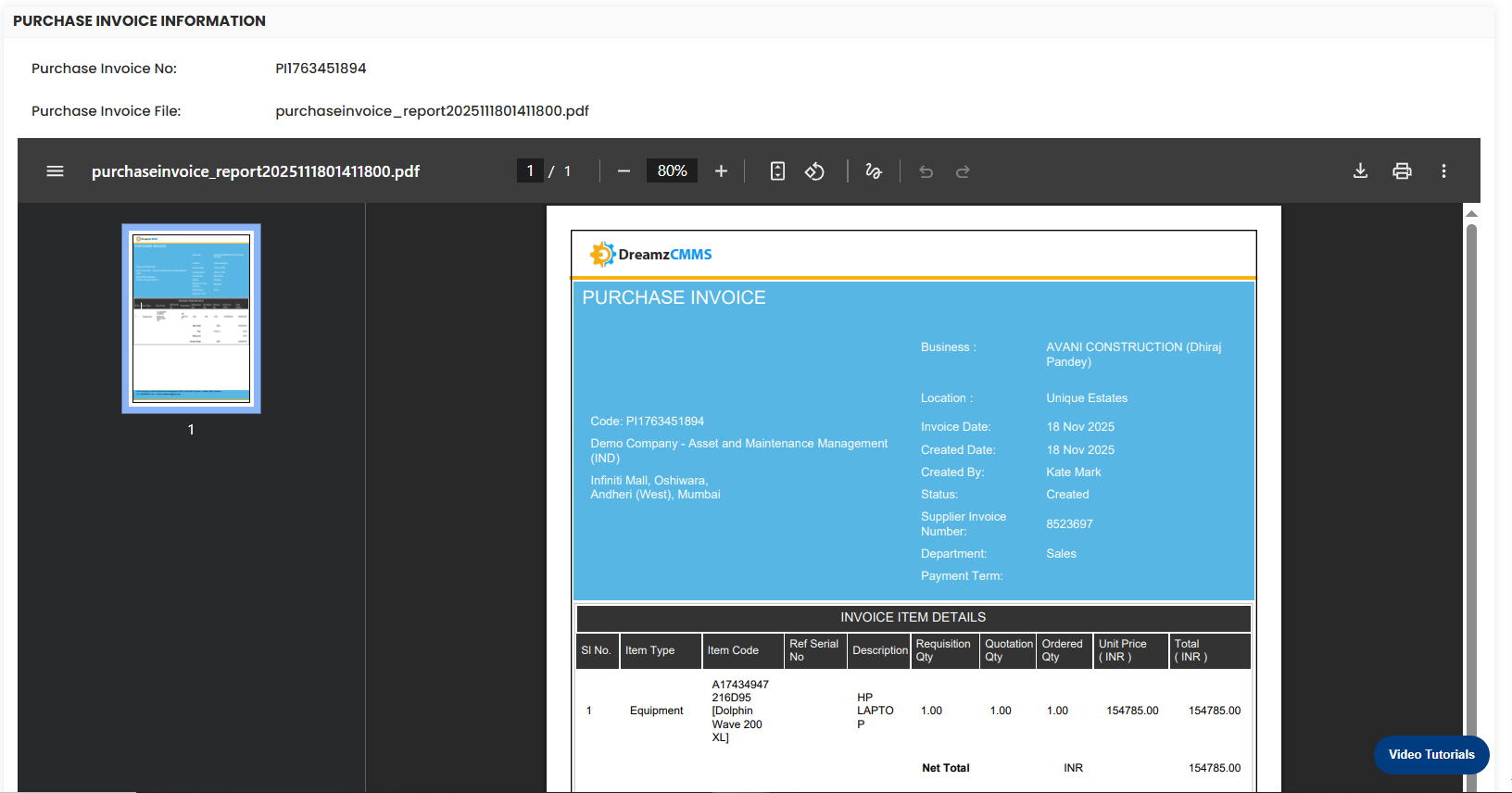
Purchase Invoice in DreamzCMMS is raised from a Purchase Receipt to complete the 3-way match (PO ↔ Receipt ↔ Invoice).
Here is a reference video:
To create an invoice click on the + button.

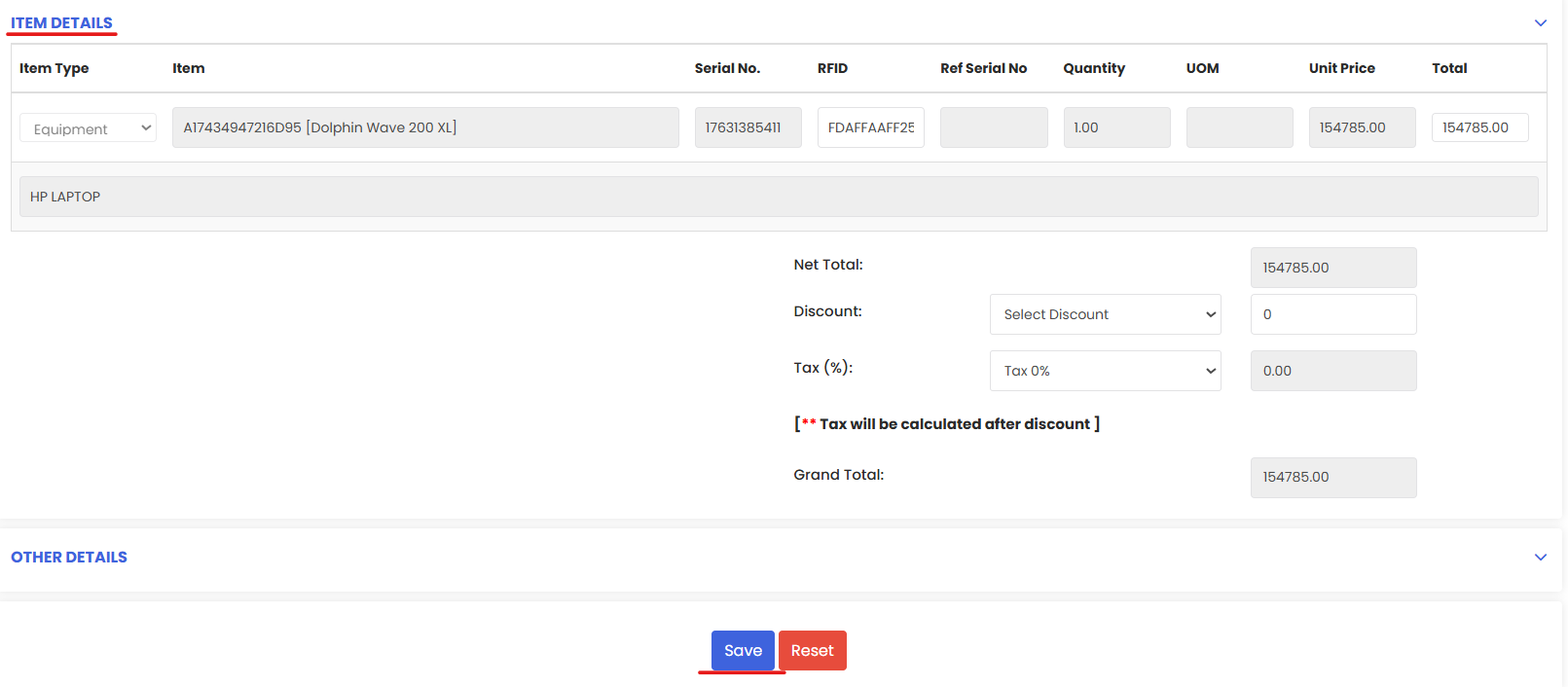
Now go through the item details and Save.
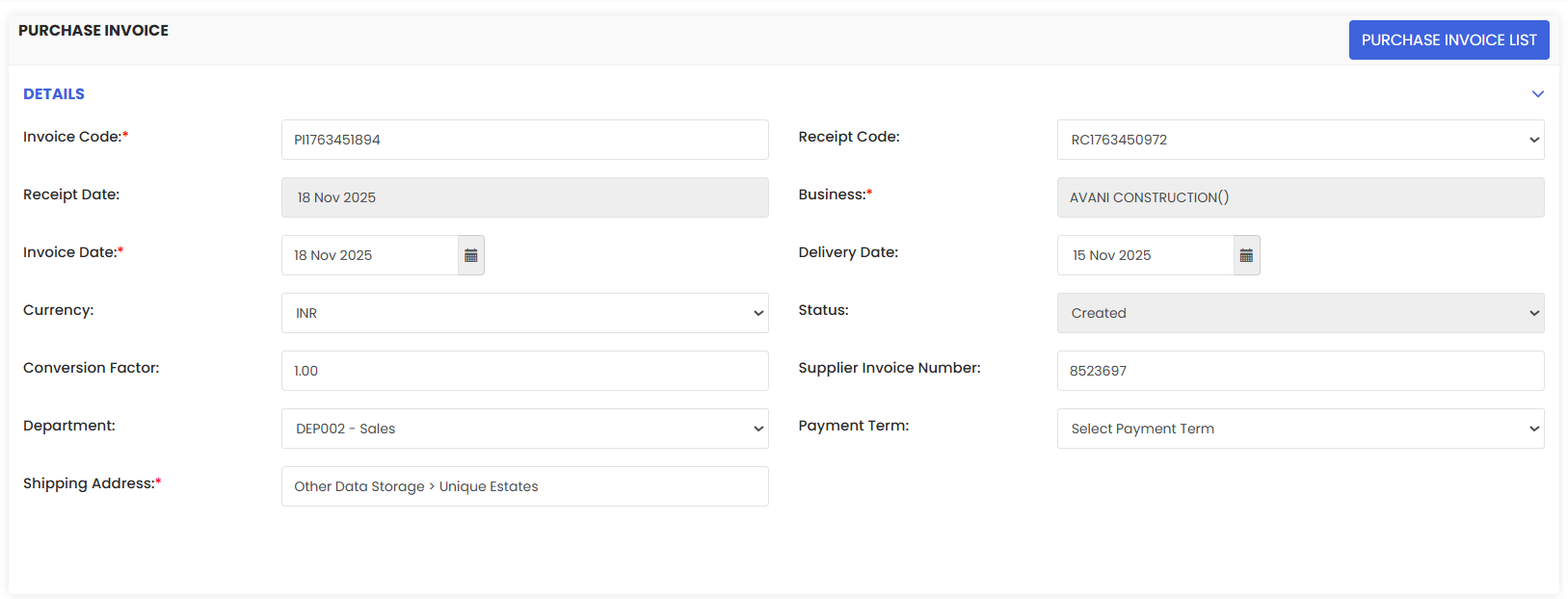
You can view the invoice from this eye icon under the Action column.