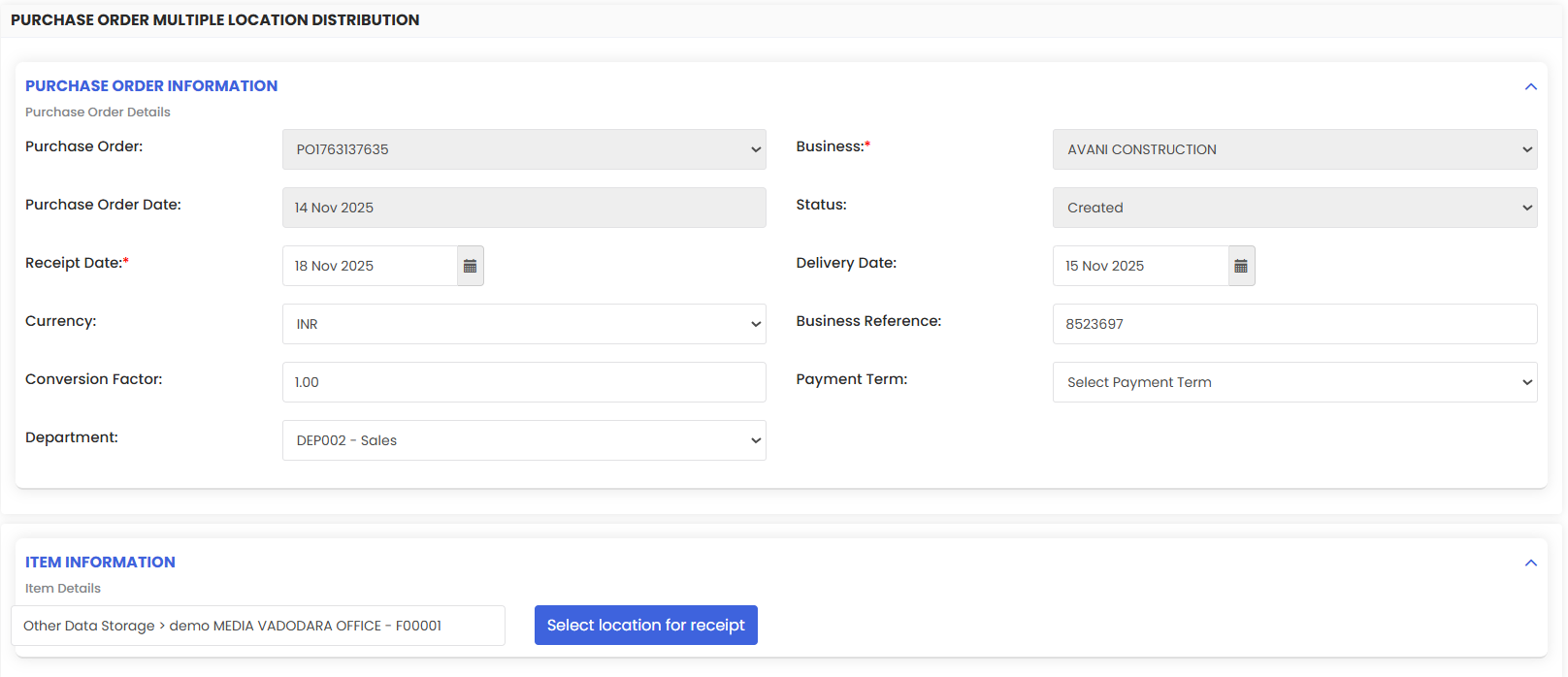
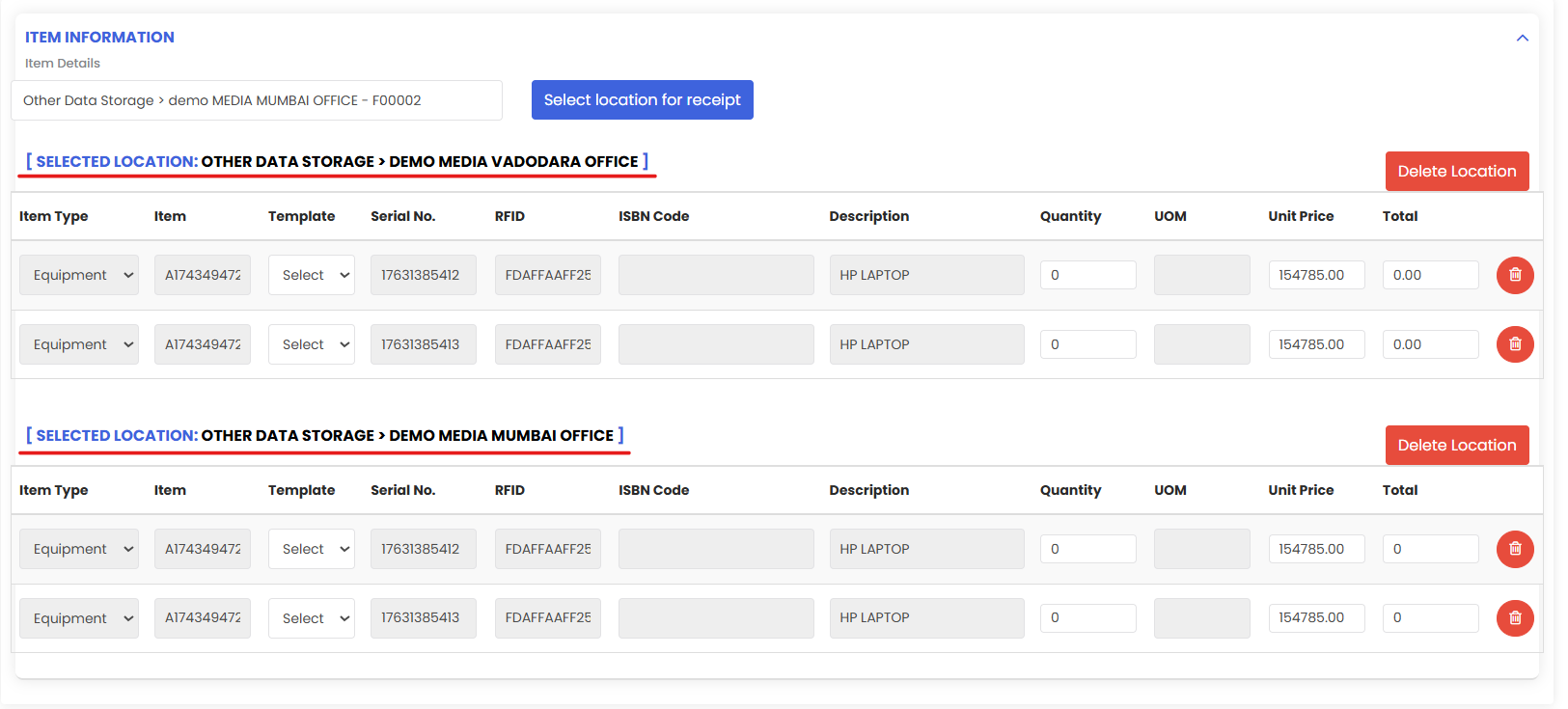
Purchase Receipts in DreamzCMMS record what you actually received against an approved Purchase Order (PO). From the PO, create a receipt to capture quantities (full/partial), lot/serial numbers, expiry/QC status, and attachments (GRN, delivery challan). The system updates on-hand inventory. You can receive items at a single location or multiple locations.
Here is a reference video:
Follow these steps:
1. From the menu click on Purchasing and then click on Purchase Orders.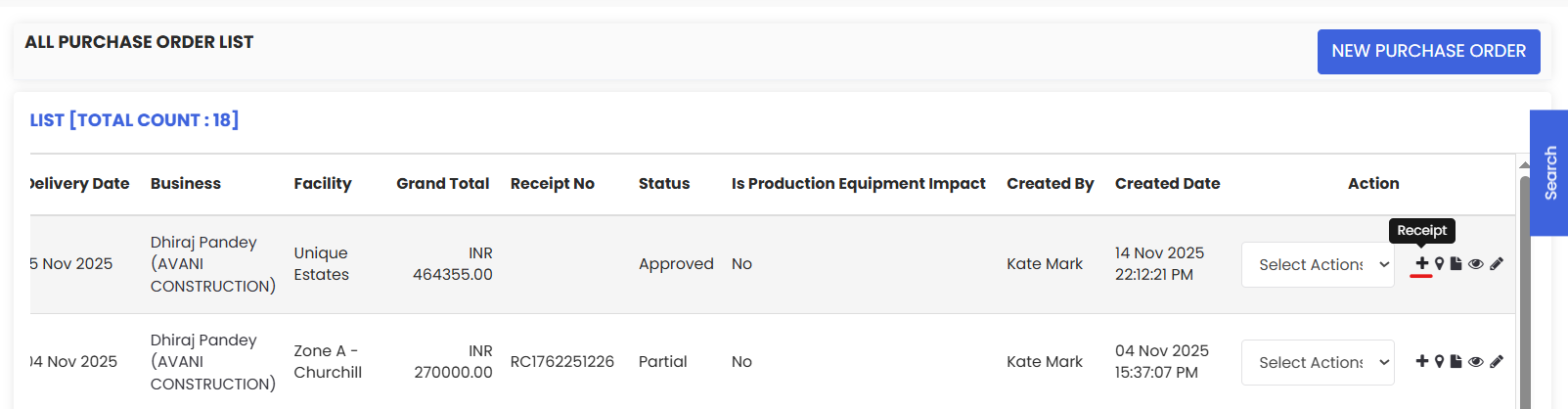
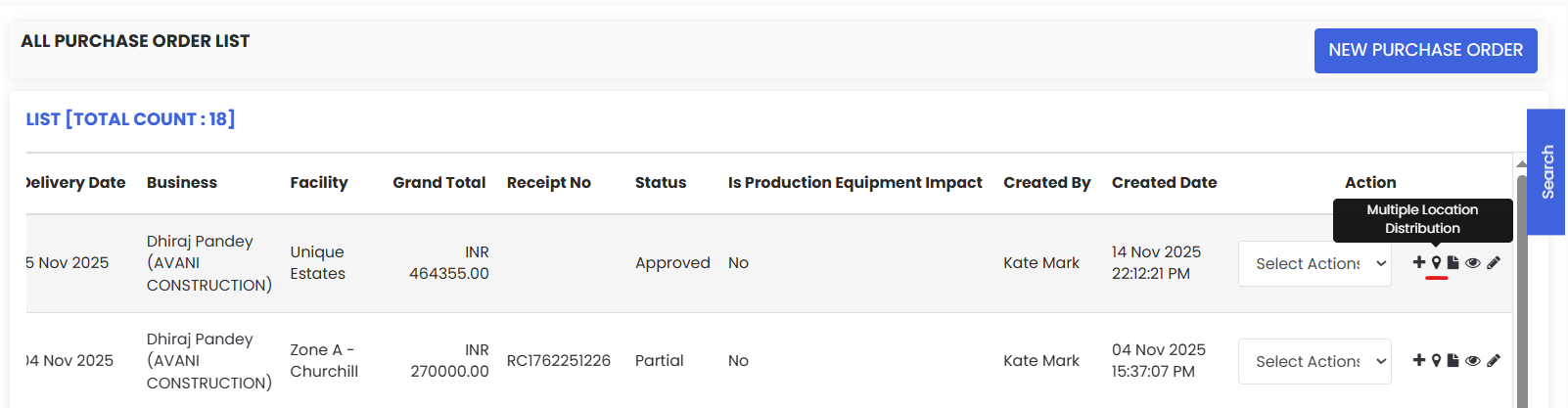
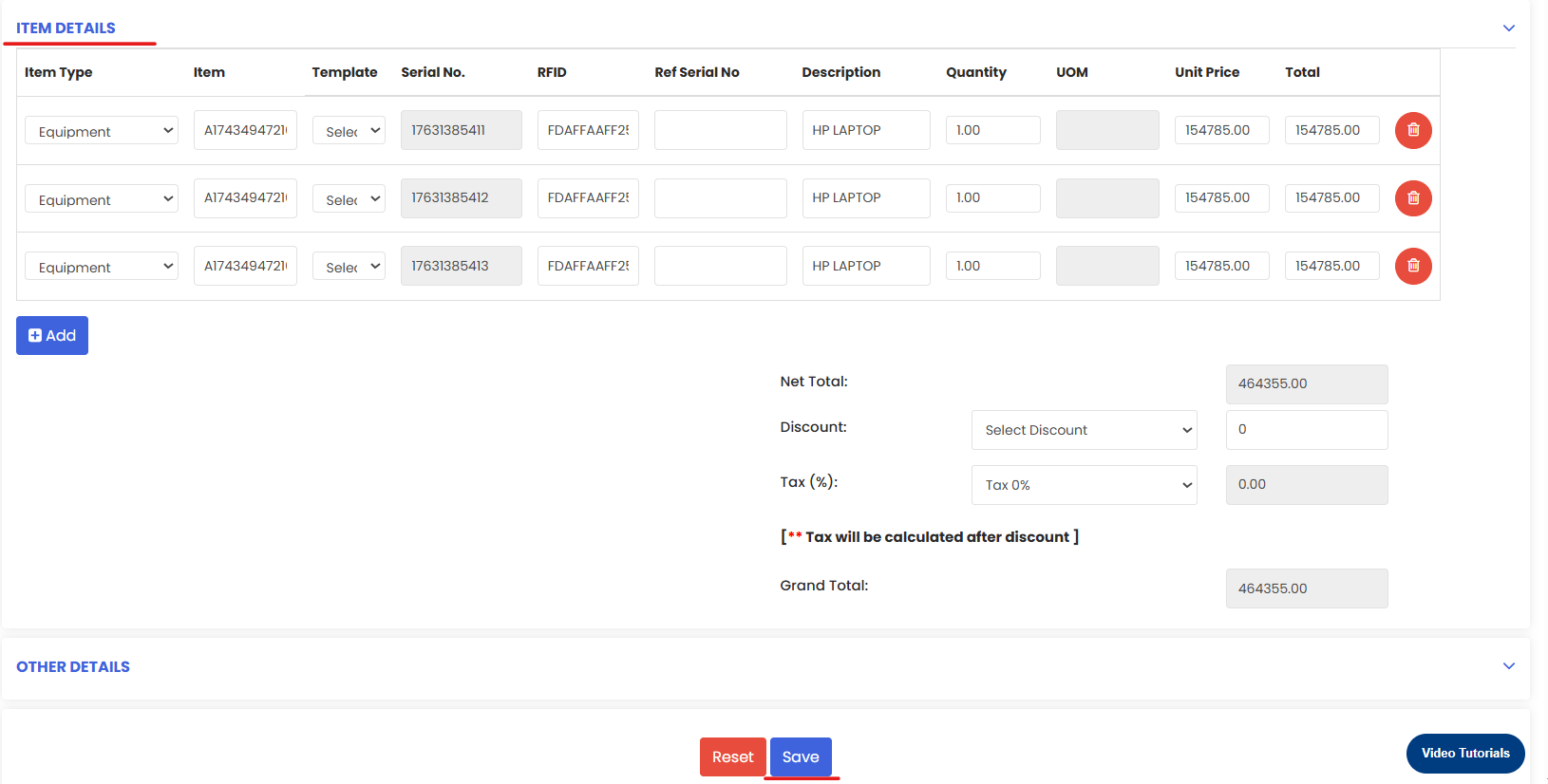
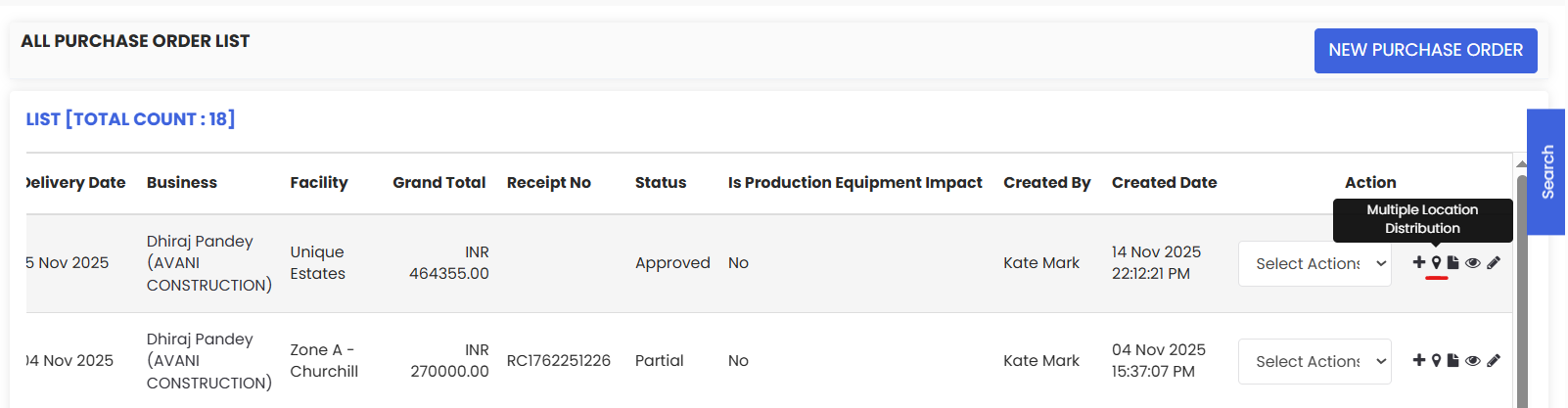
2. To create a Purchase Receipt from a PO click on the + icon. The Receipt page will open up where you need to check the item details that are present.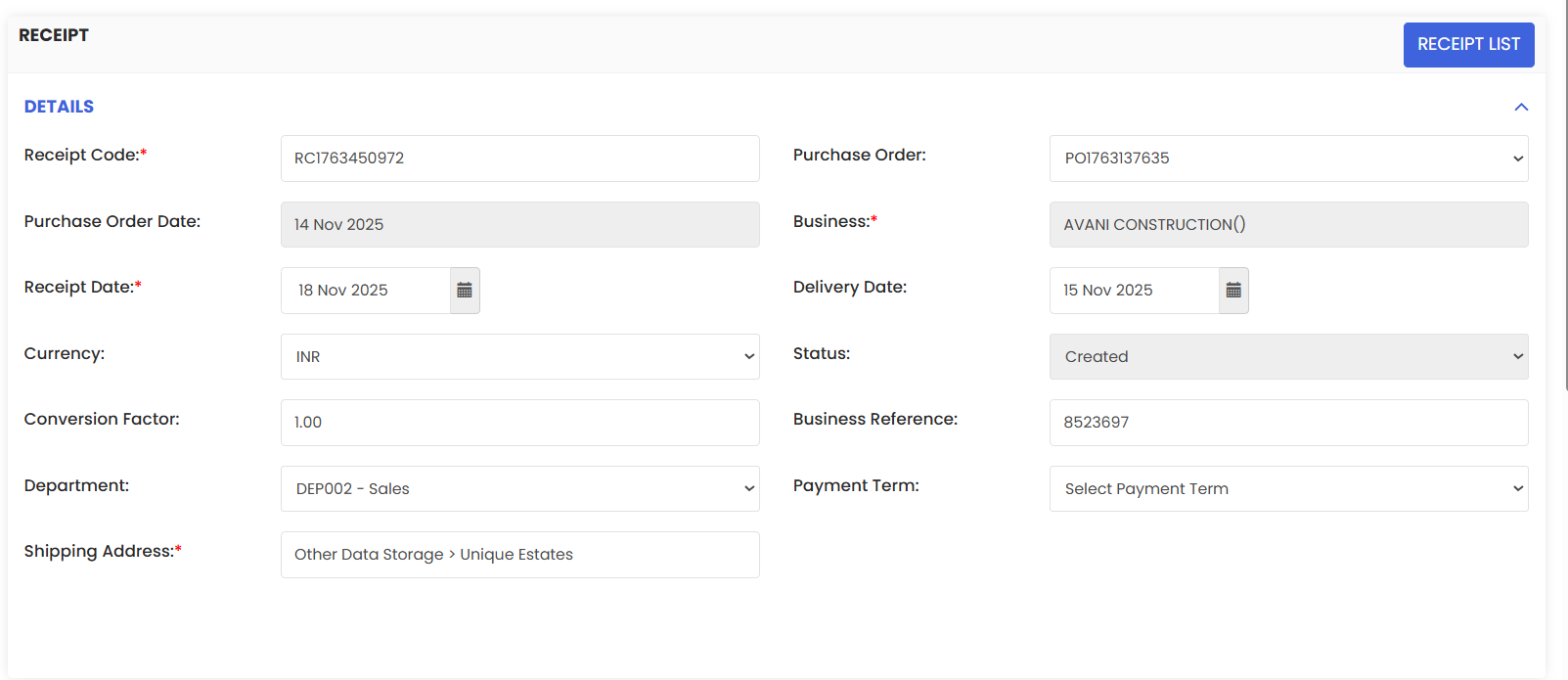
You can also opt for Multiple Location Distribution.
Select Location and number of quantities of that item you want to receive in that location. You can add multiple locations as well.