The Employee List gives you a searchable roster of users with key details at a glance—code, email, name, company, user type/role, default dashboard, auto-notification setting, reporting manager, and quick actions (view/edit, reset/update, activate/deactivate, etc.). Use the search bar to filter, then click the row actions to maintain a user’s profile or permissions.
Here is a reference video:
Follow these steps:
1. From the menu click on People & Teams and the click on User List.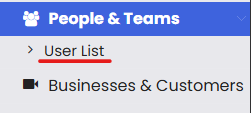
2. From the user list, click on Add New Employee. 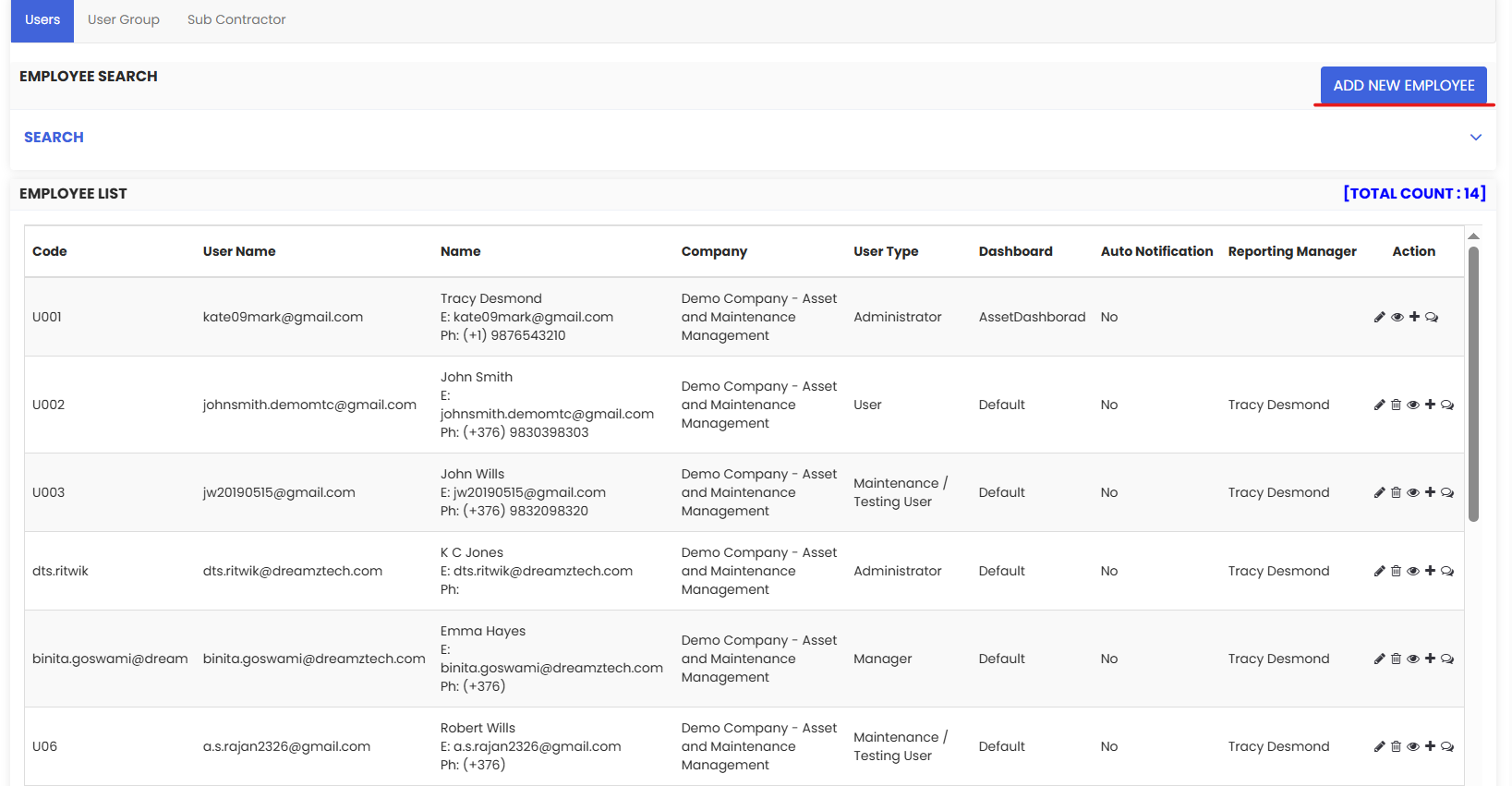
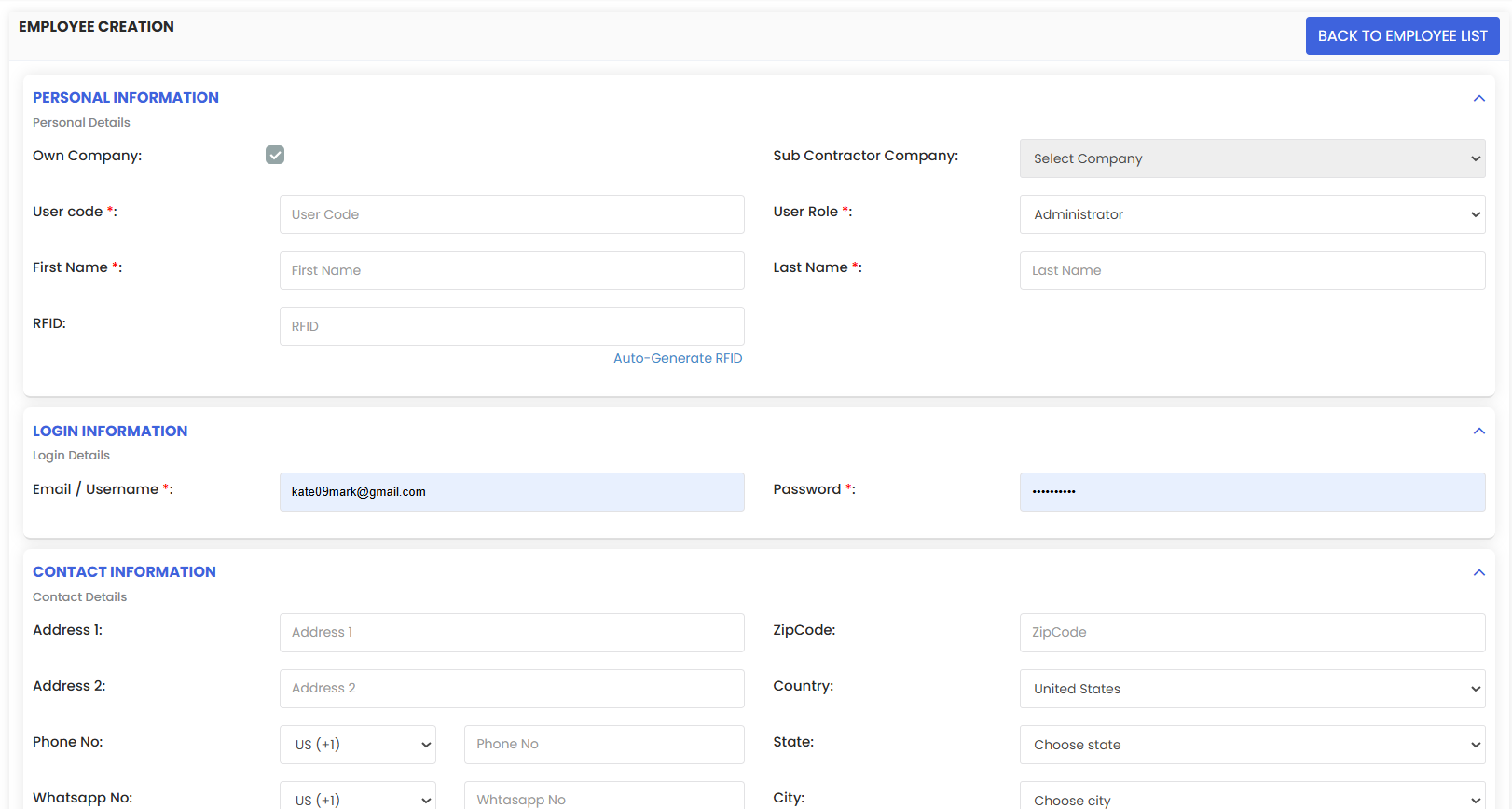
3. Fill up the necessary employee details and Save.