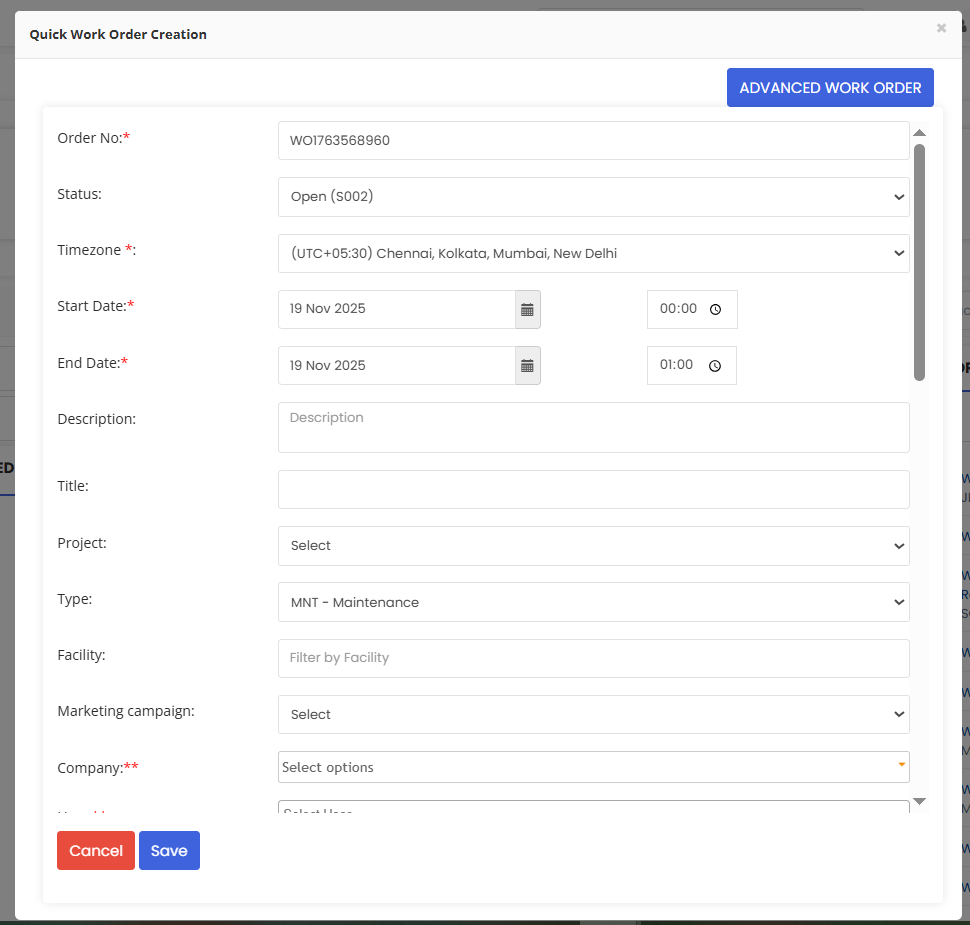
Quick Work Order lets you create a job in seconds—perfect for urgent fixes or simple tasks.
Here is a reference video:
Follow these steps:
1. From the menu click on Work Orders.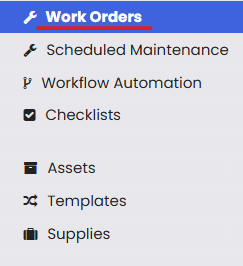
2. From the dashboard click on Quick Work Order Creation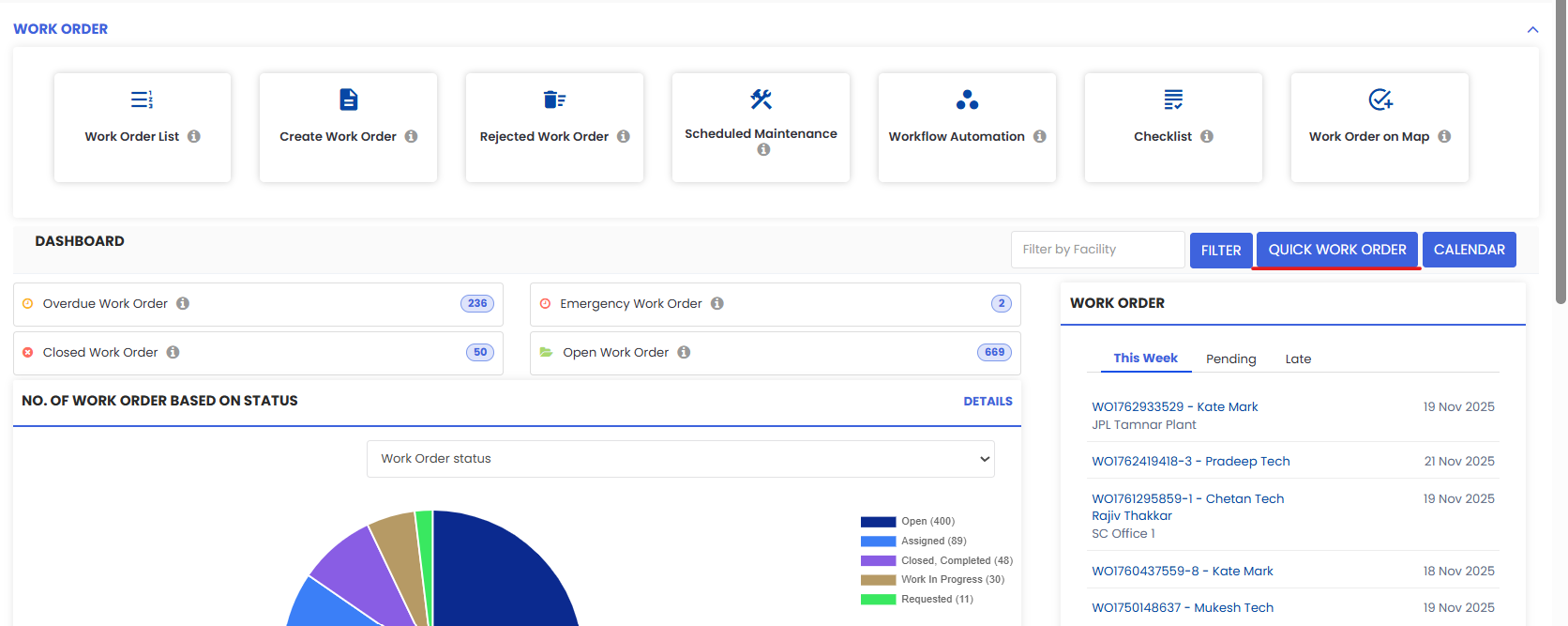
3. The page opens up in a pop up where you can set the necessary details and save.