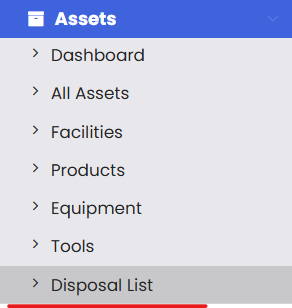
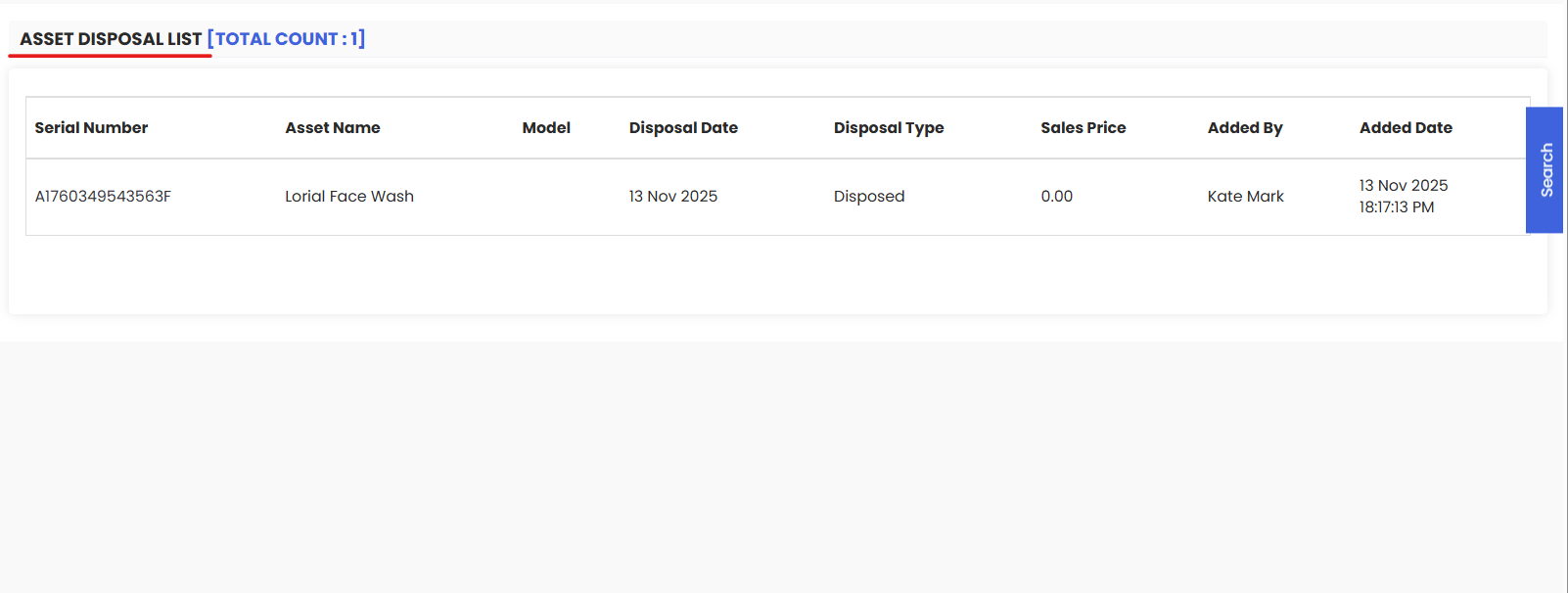
Asset Disposal is the controlled process of retiring an asset from service through sale, transfer, scrap, or write-off—while capturing approvals, compliance checks, and financial impacts. In DreamzCMMS, disposal records preserve the audit trail (reason, method, dates, documentation), close open work/PMs, and update inventory and depreciation so your register stays accurate and compliant.
Here is a reference video:
Follow these steps to dispose an asset:
1. From the menu click on Assets and then click on Equipment.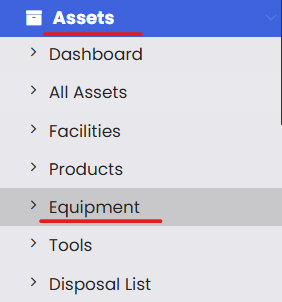
2. From the list choose the equipment that you want to dispose and then click on View.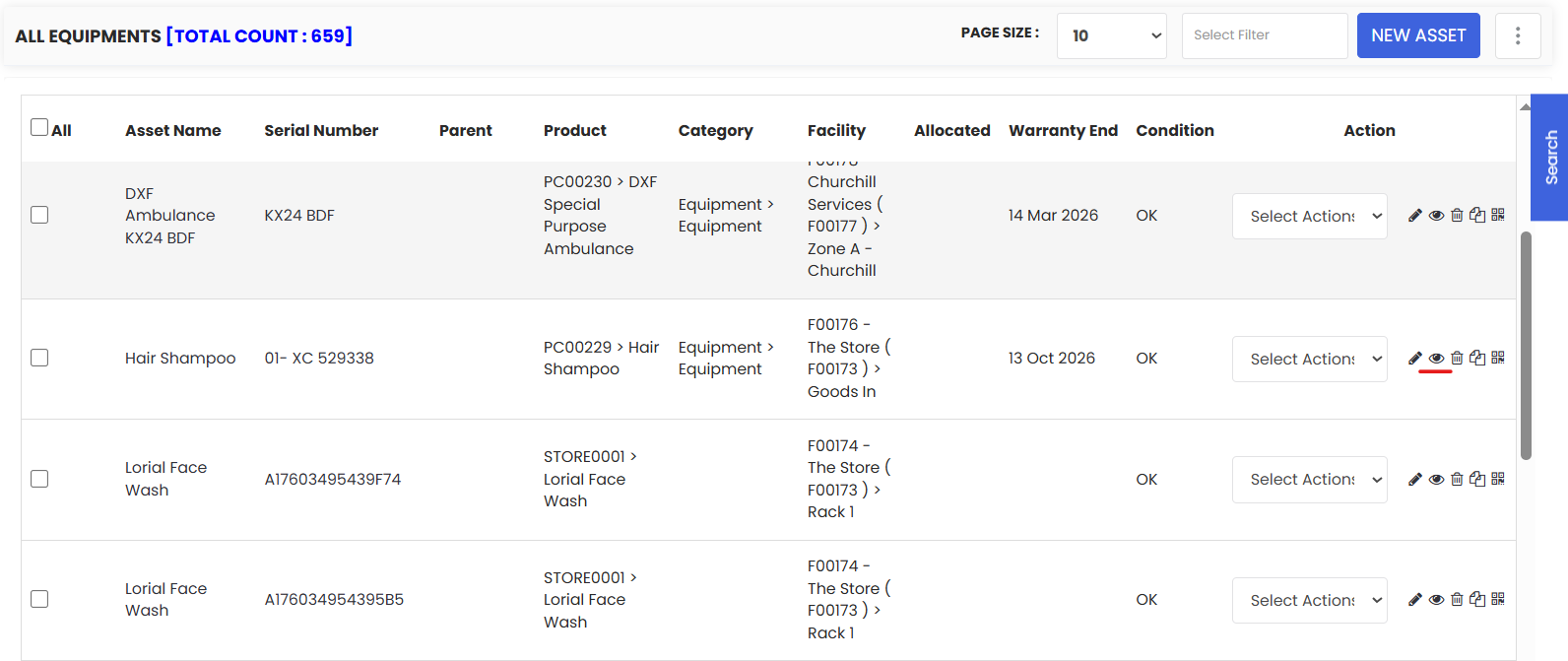
3. Under the Financials you will find the Dispose button, click on it.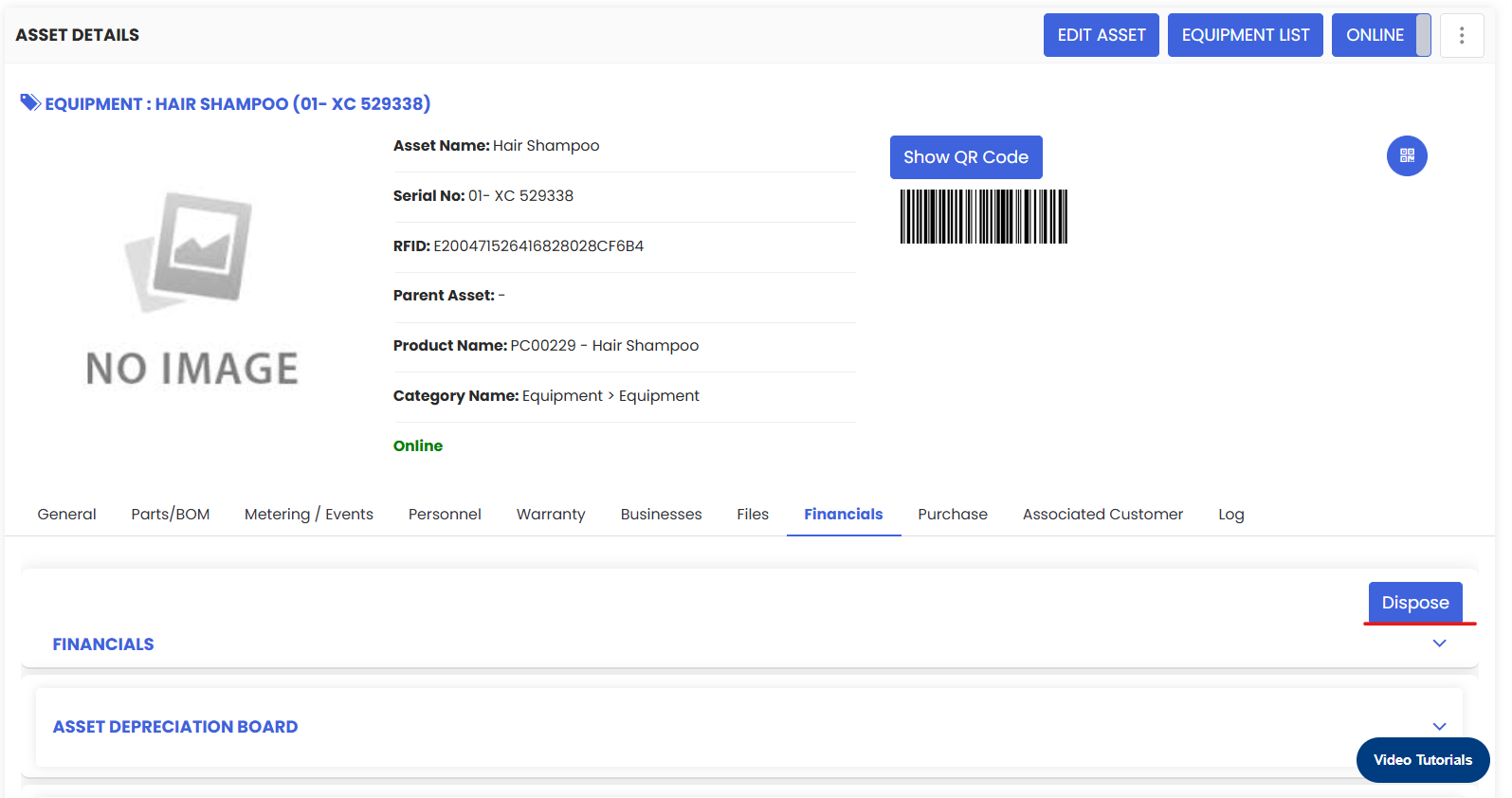
4. Now you will see a pop-up where you need to mention the Disposal type, price and put some comments for your own reference and click on Save.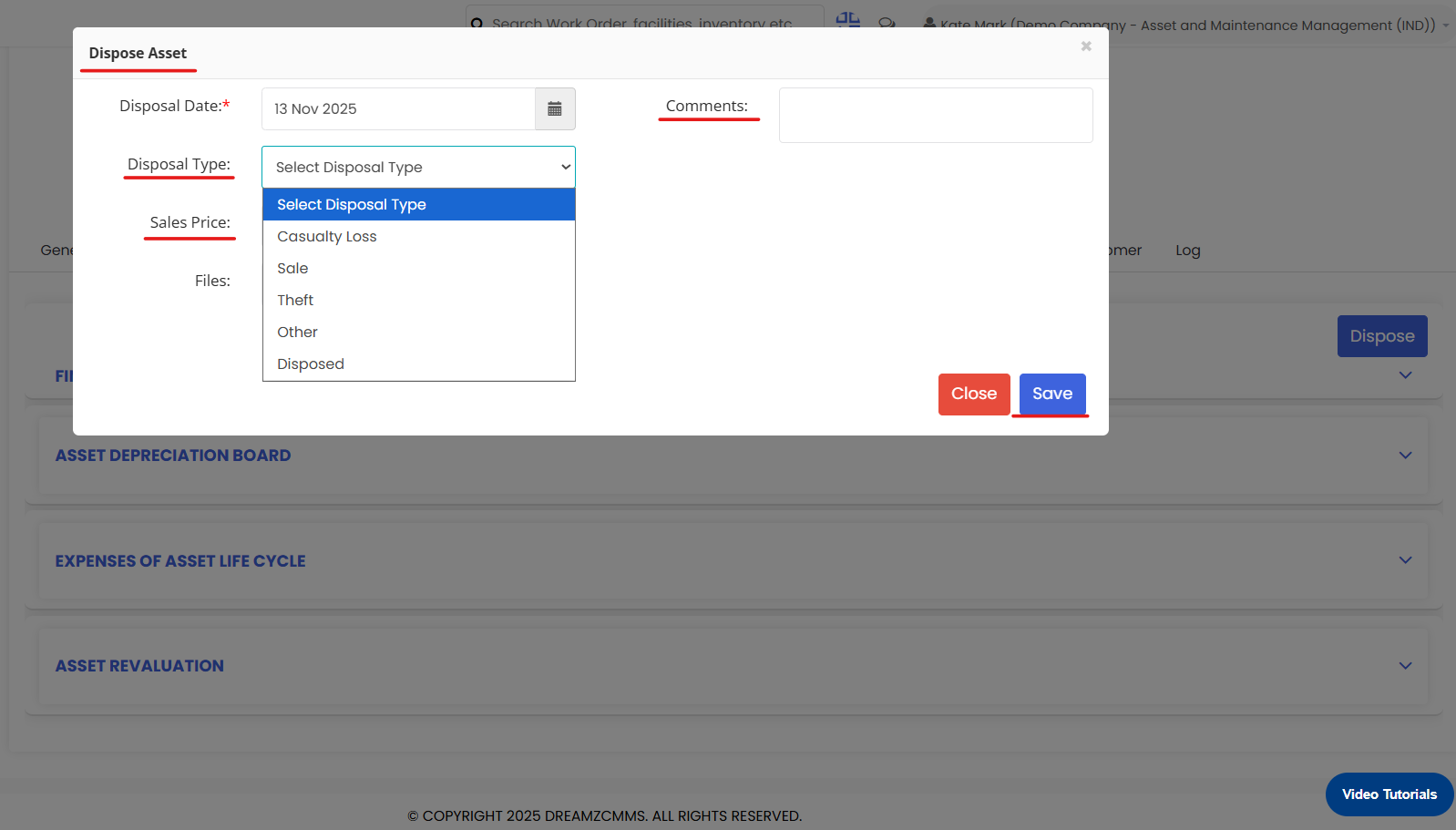
5. Upon saving, you will find that asset under the Disposal List option present on the menu.