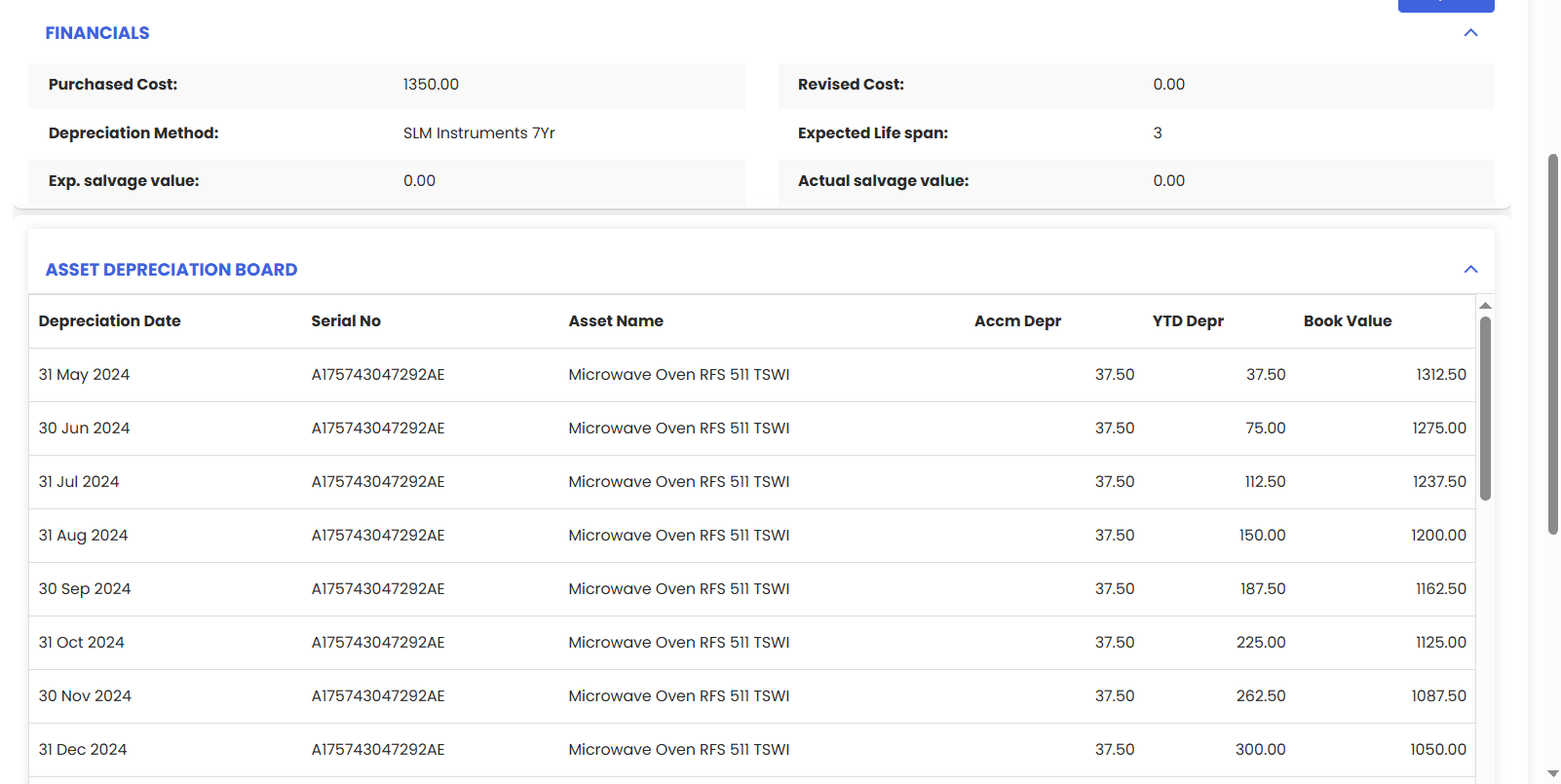
Manage Asset Depreciation in DreamzCMMS lets finance/maintenance keep the asset register and books in sync. Set the method (e.g., straight-line/declining), useful life, start date, and salvage value per asset; the system auto-calculates monthly charges, updates net book value, and maintains a full audit trail through revaluation, transfers, and disposal. Export schedules or journal-ready reports so accounting can post entries without manual spreadsheets.
Here is a reference video:
Click on the Asset menu to expand it and find the Equipment option
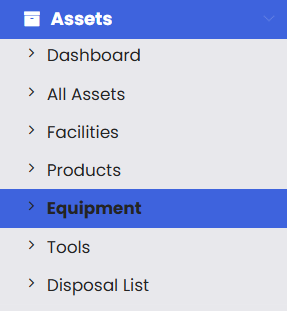
Clicking on it will open the Equipment page, click on any of the equipment
Go to Finance Tab
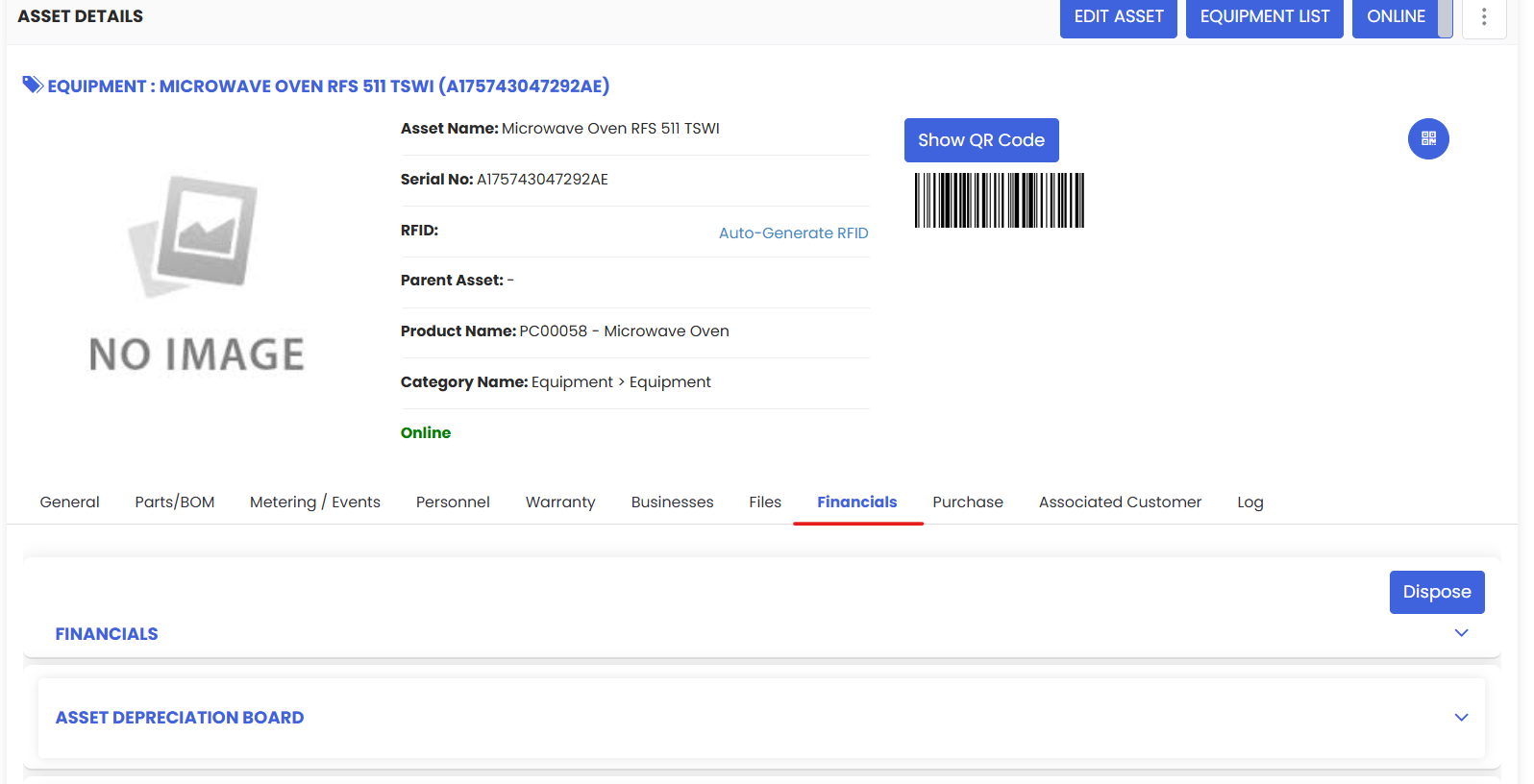
Click on the Asset Depreciation Board to see the date wise depreciated cost records