Quick Asset Allocation in DreamzCMMS is a fast way to issue assets to employee or customers in a few clicks.
Here is a reference video:
Follow these steps:
1. Click on Assets and then click on Equipment.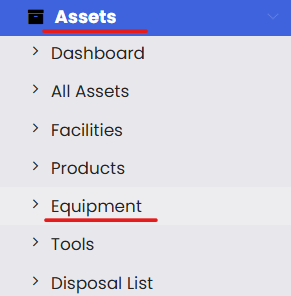
2. Click on 3 dots and then click on Quick Asset Allocation.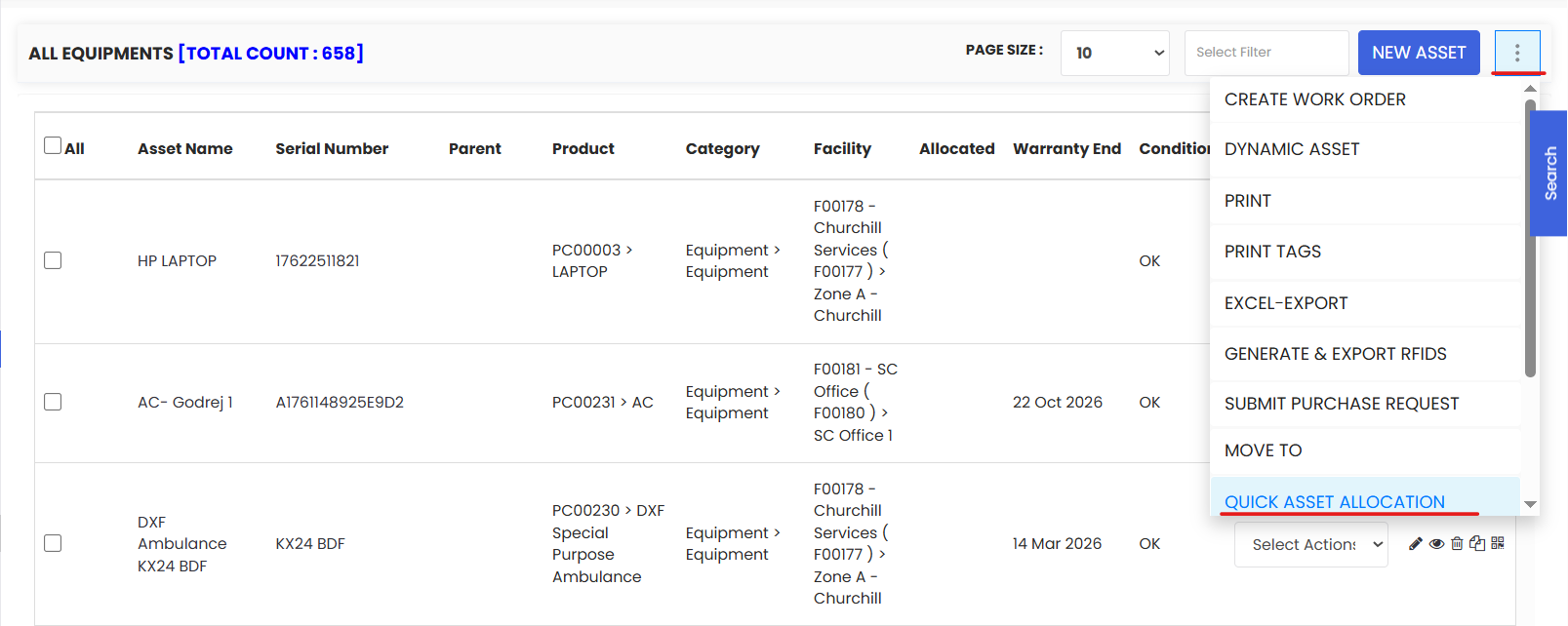
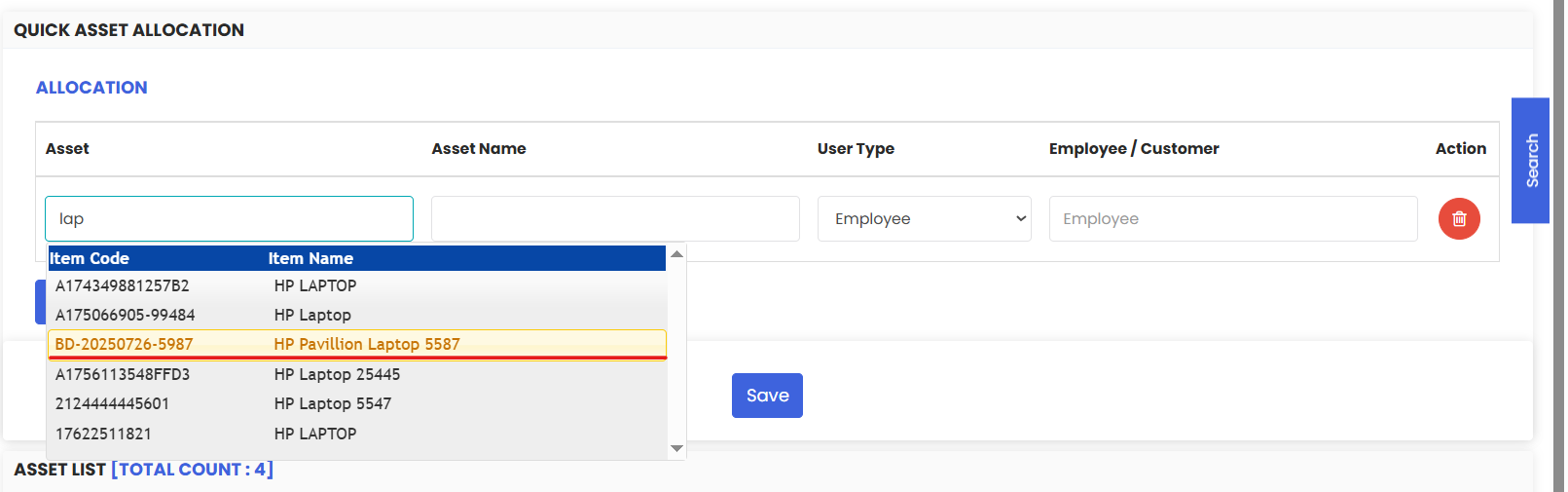
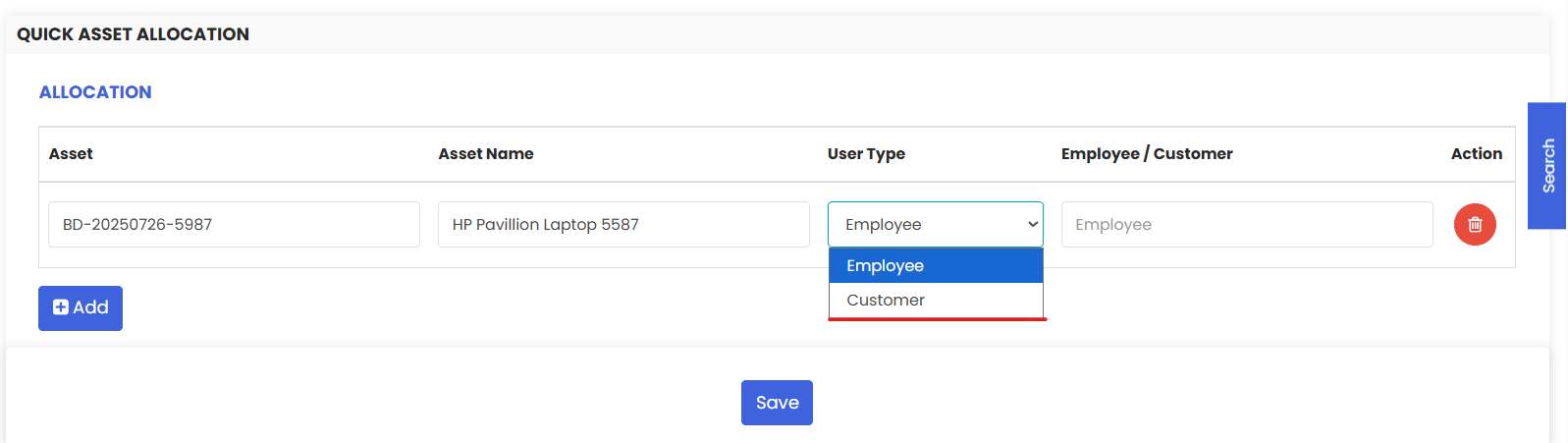
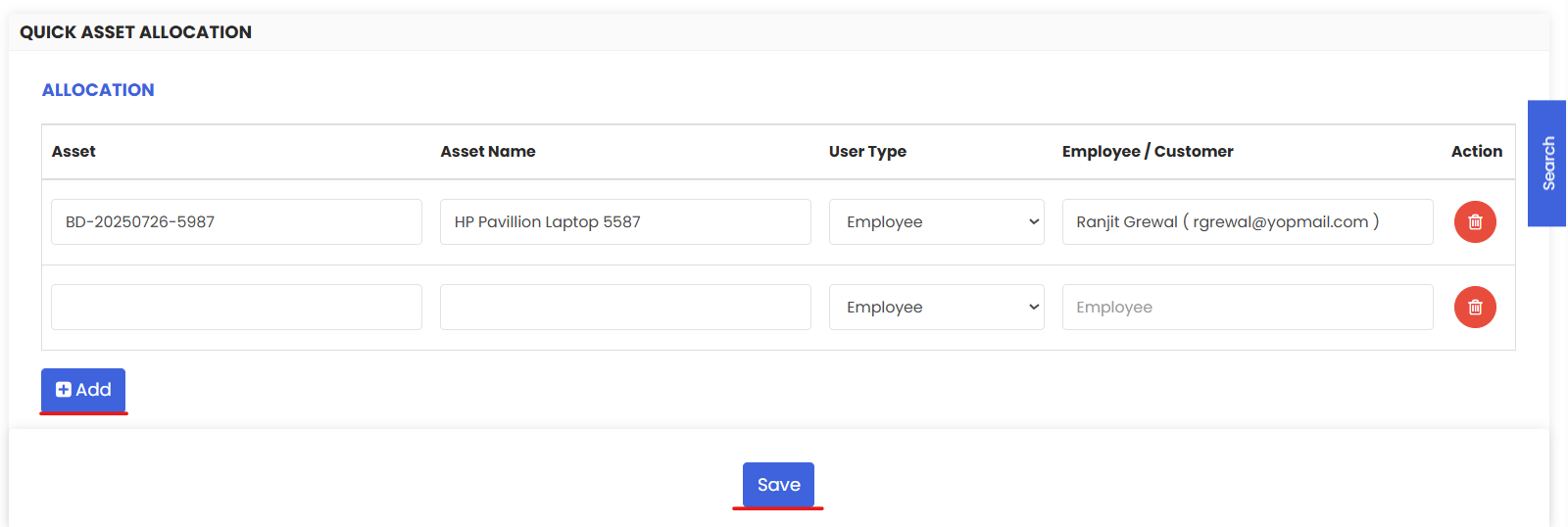
3. Here you need to select an asset and then select whether you want to allocate the asset to an employee or a customer and then select the customer name. You can allocate multiple assets at a time and Save.