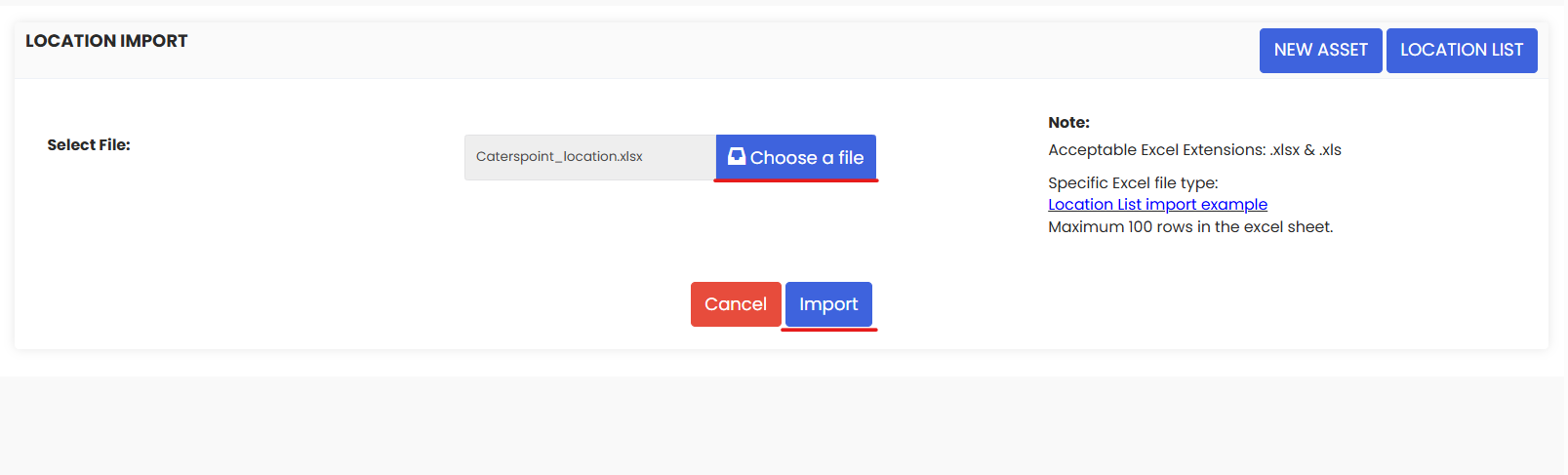
Use Import Asset Locations to bulk build your facility hierarchy in DreamzCMMS from an Excel.
Here is a reference video:
Follow these steps:
1. From the menu click on Assets and then click on Facilities.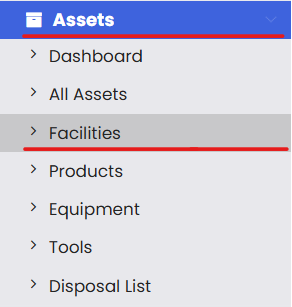
2. Click on the 3 dots and then click on Location Import.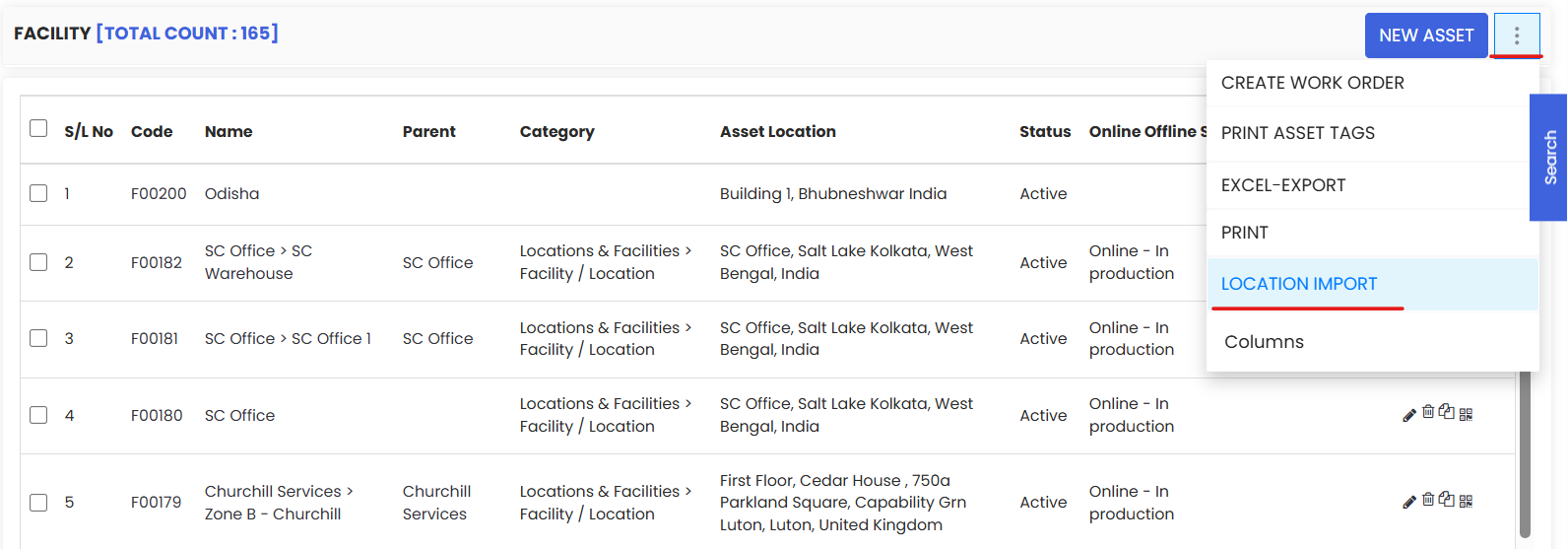
3. From this page you can download the sample excel file provided and based on that format you need to set your location data and save the file.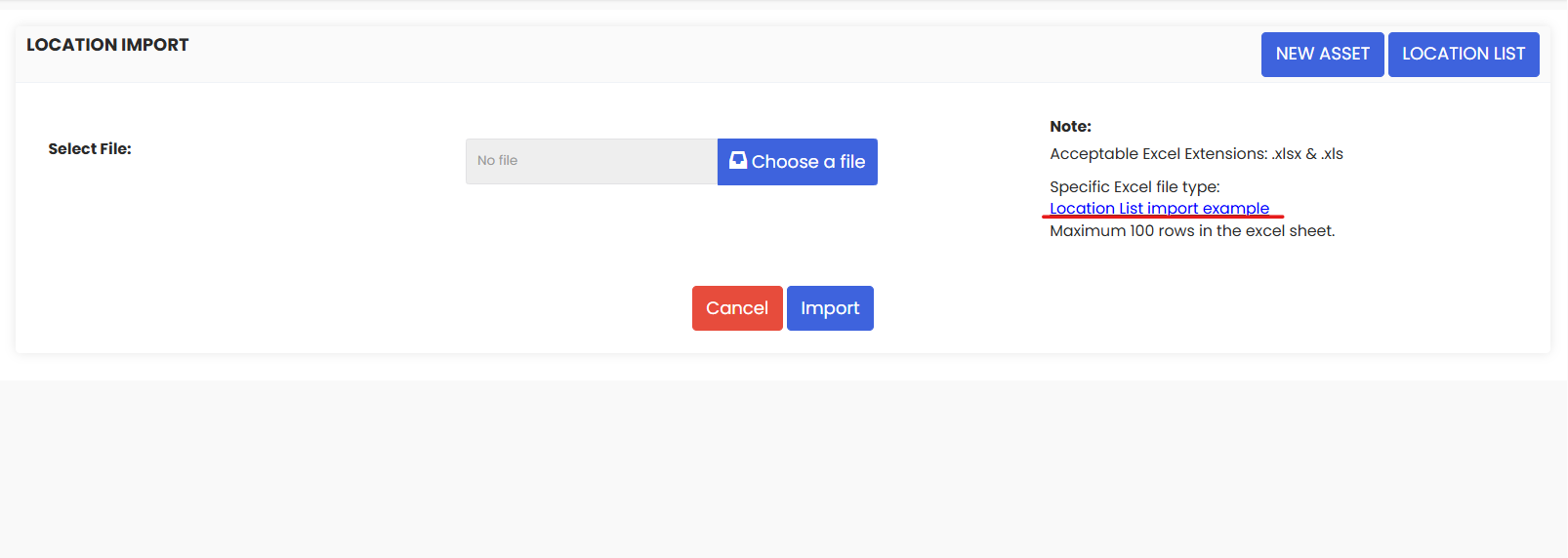
4. Upload the location file and click on Import. You will see that the locations have been imported in the system.