Here is a reference video:
User can manage Asset Warranty for Equipment by following these steps:
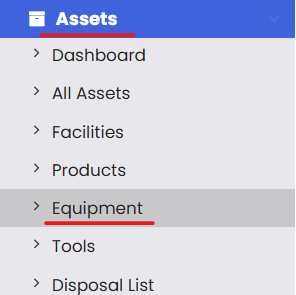
Click on Assets and then select the Equipment option.
2. Look out for the equipment from the listing for which you want to set the warranty information and click on Edit.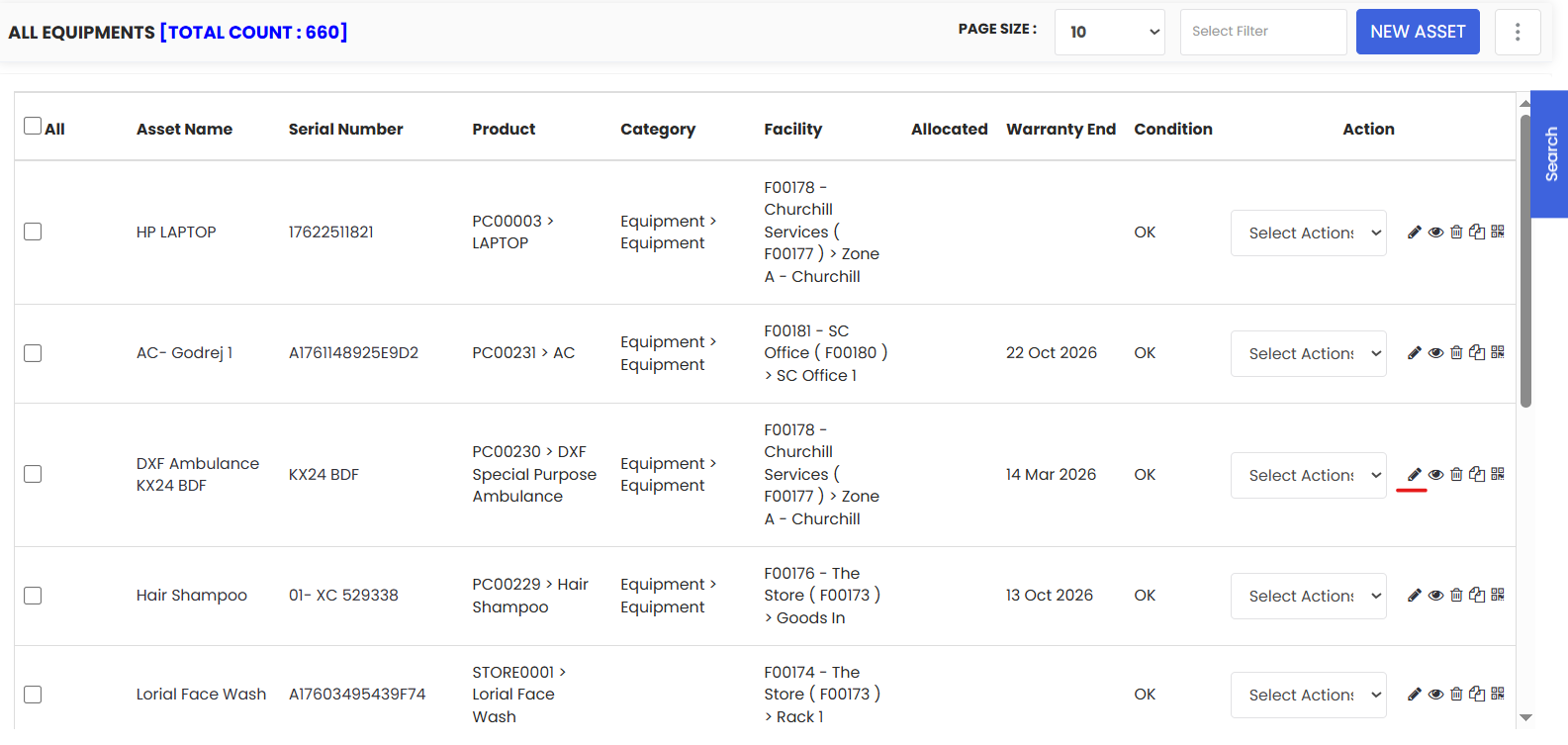
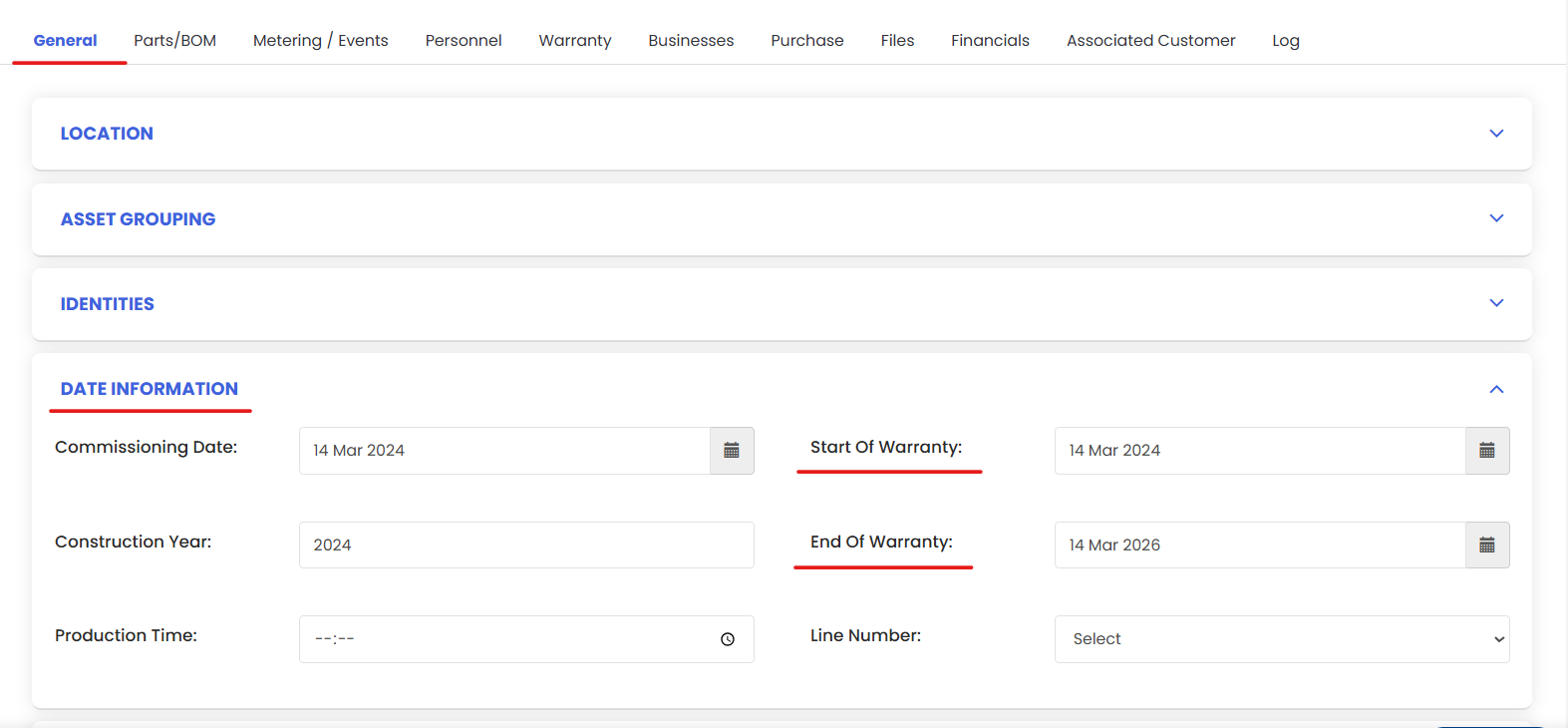
Under General tab click on Date Information and fill up the fields and click on Save
4. To view warranty details go to the Warranty tab. Here you can see the warranty details.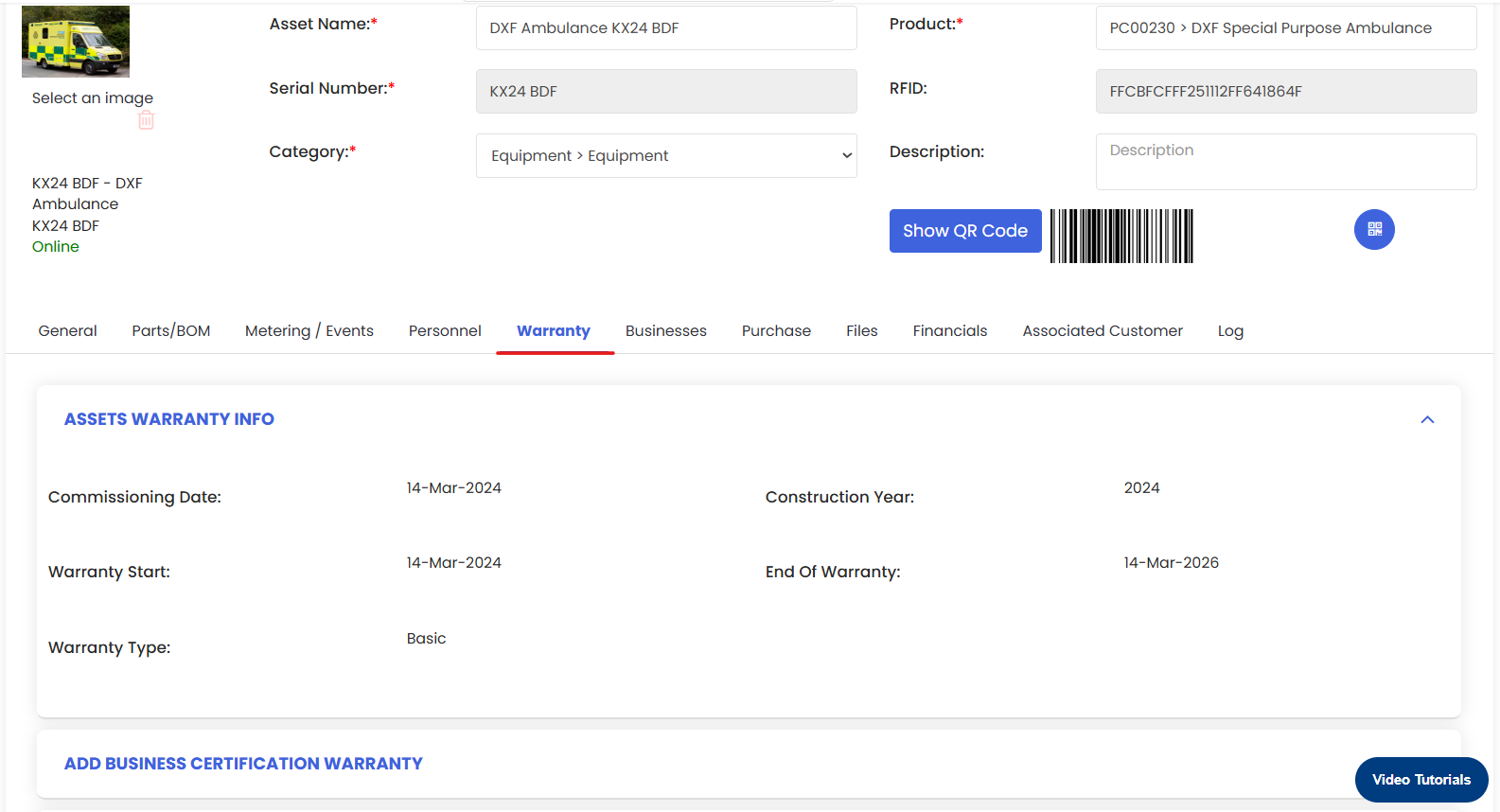
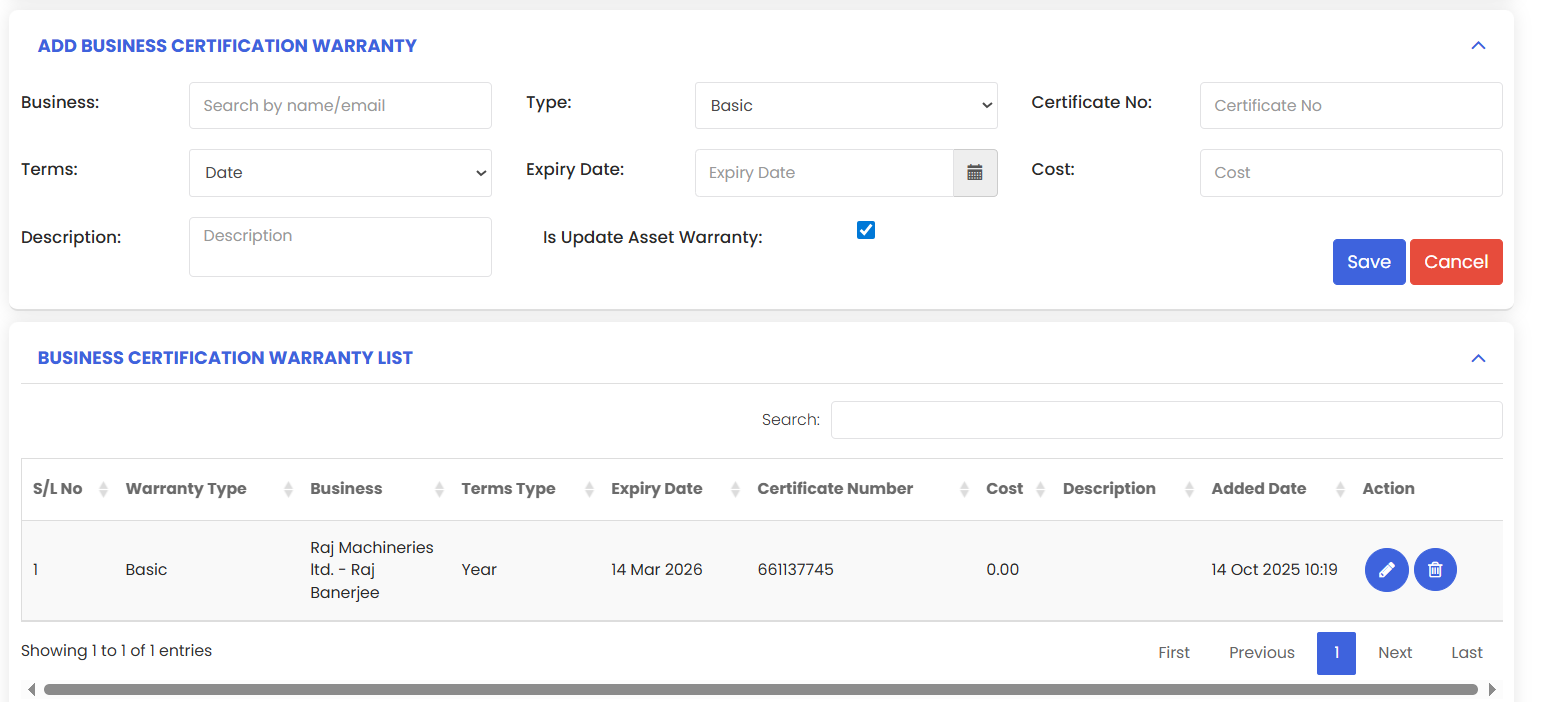
5. The warranty tab also allows you to set up Business warranty and update the warranty dates with respect to the business warranty.