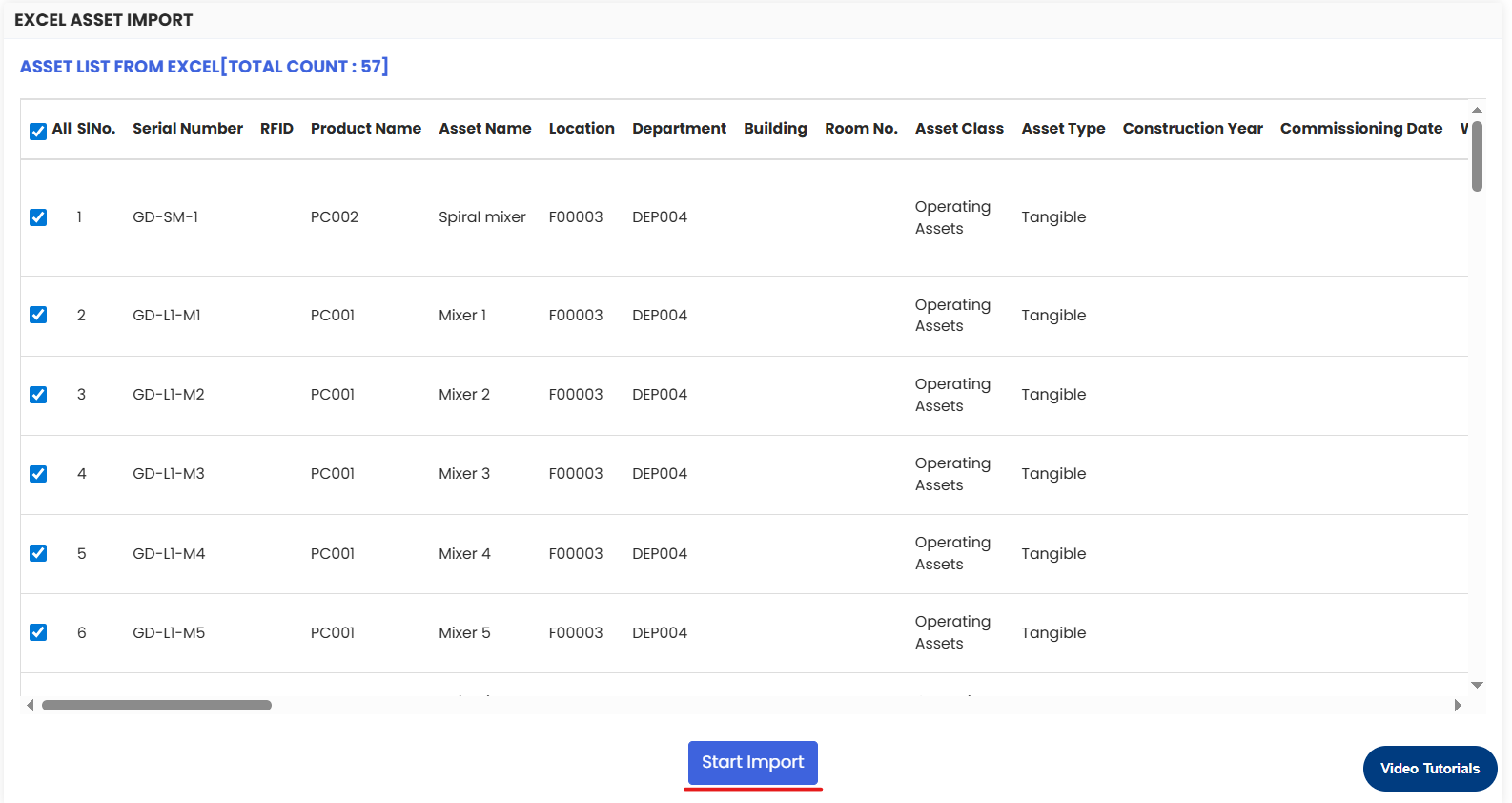
If you already have a list of equipment which you need to put in the system then you can do that easily by importing the file to the system.
Here is a reference video:
Follow the steps given below:
Click on Assets
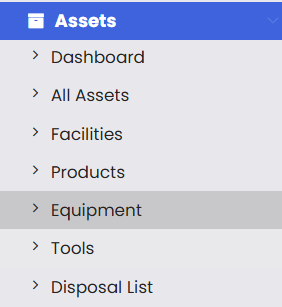
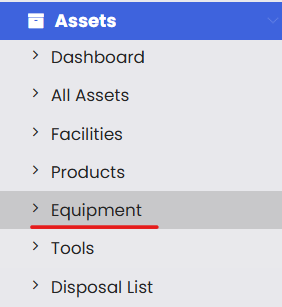
Select the Equipment option.
Click on 3 dot icon at the right hand top section of the page.
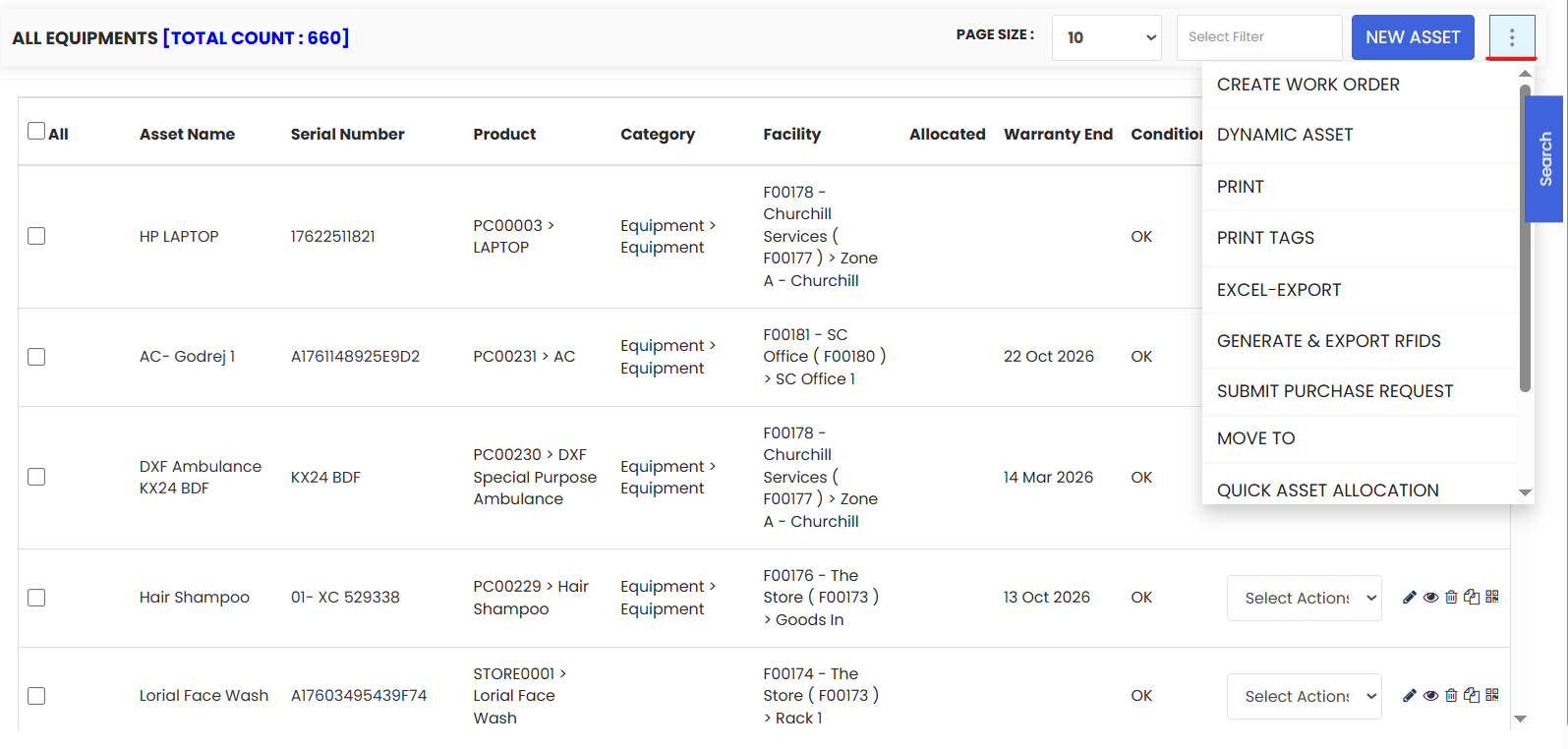
Select Dynamic Assets option under More.
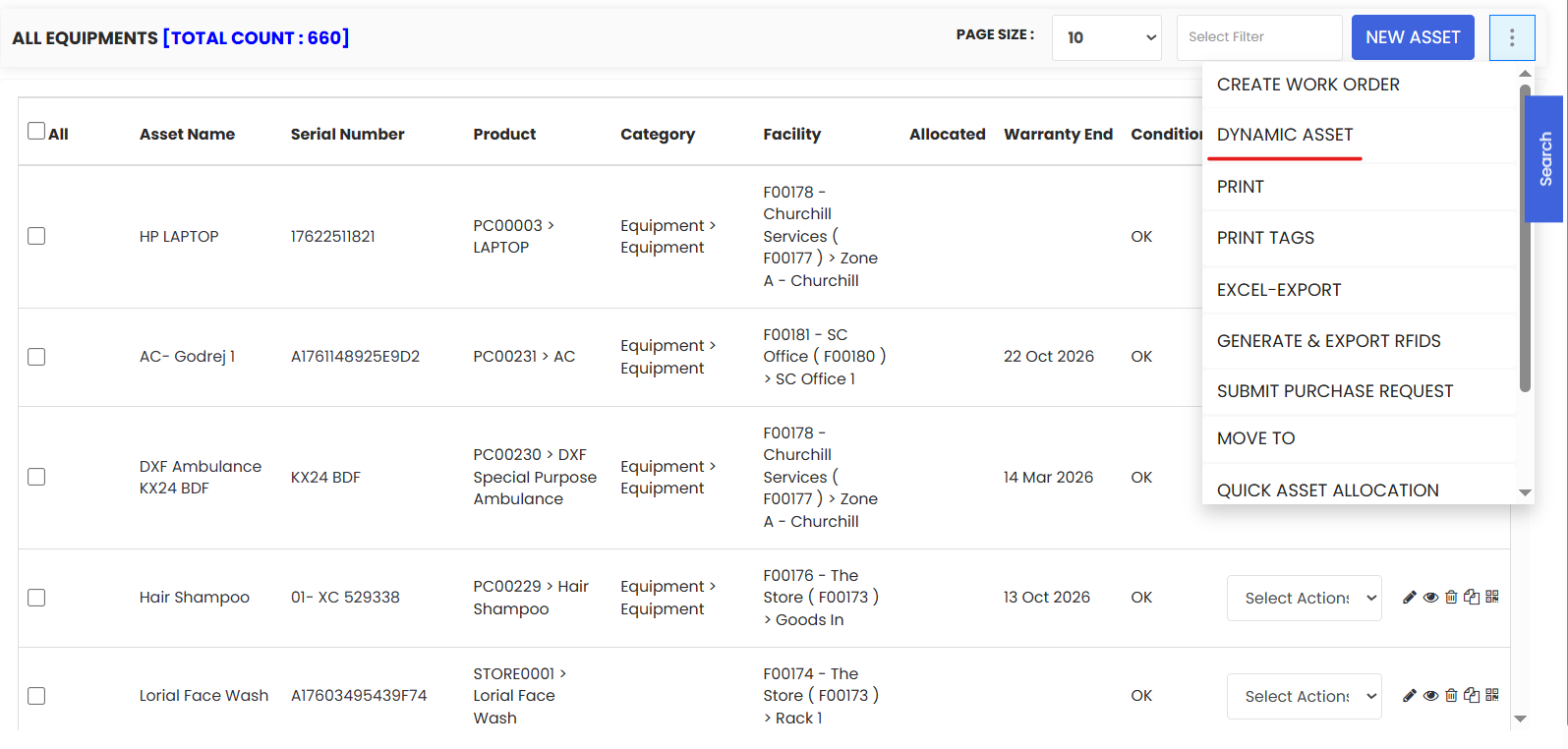
The user will be redirected to a page from where they can download the sample file and fill up with their data.
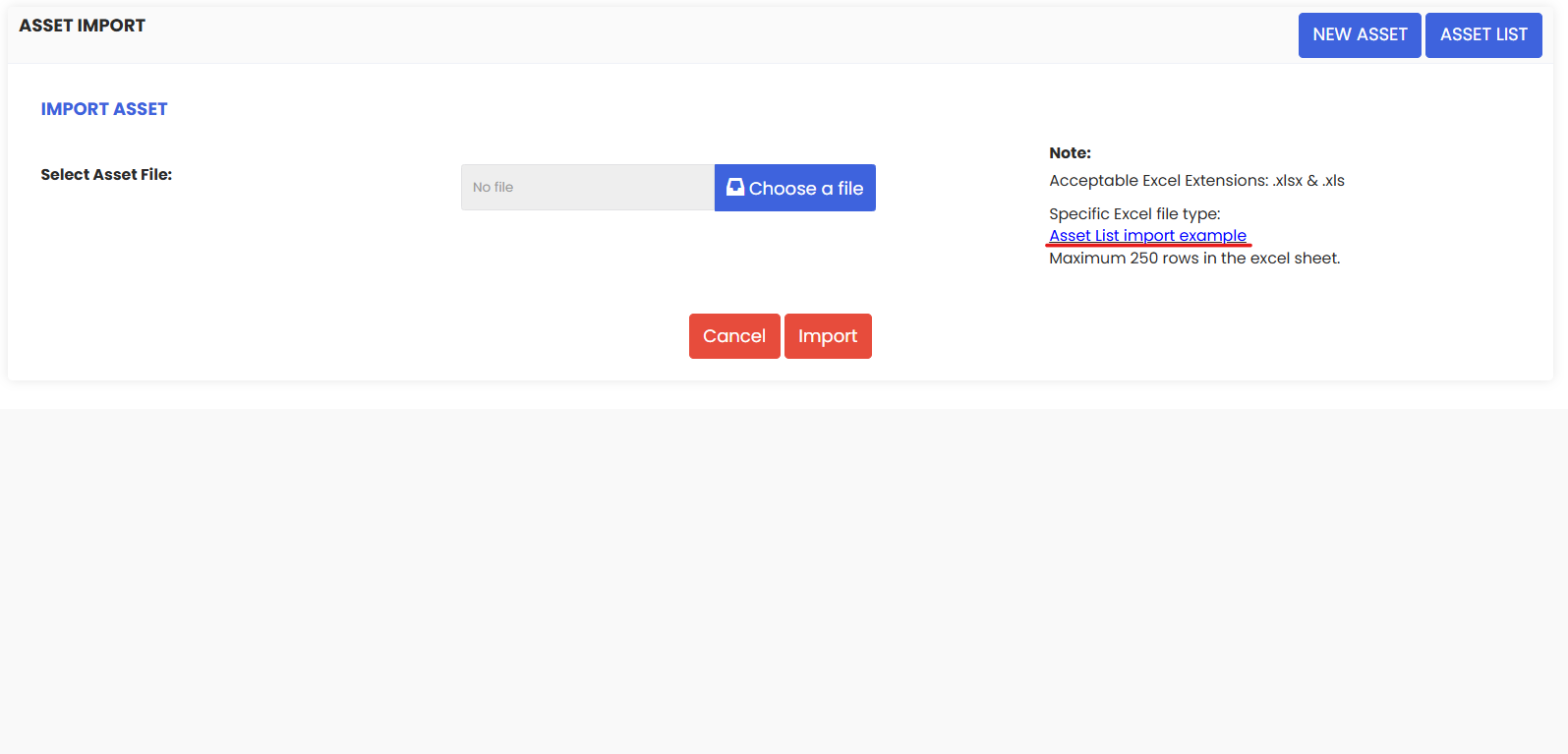
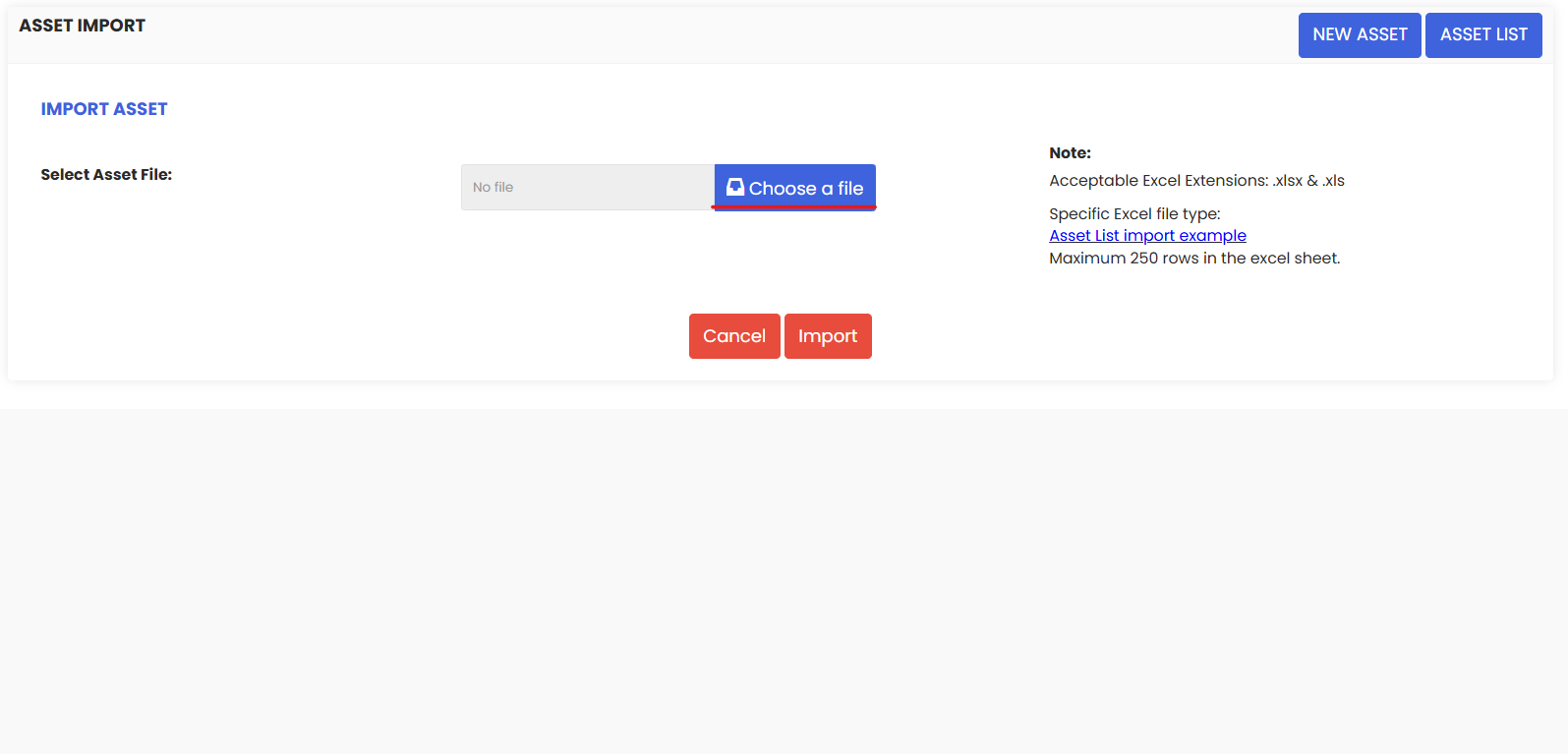
Click on Choose a File to upload the excel.
7. Next click on Map Columns to import button to import your assets.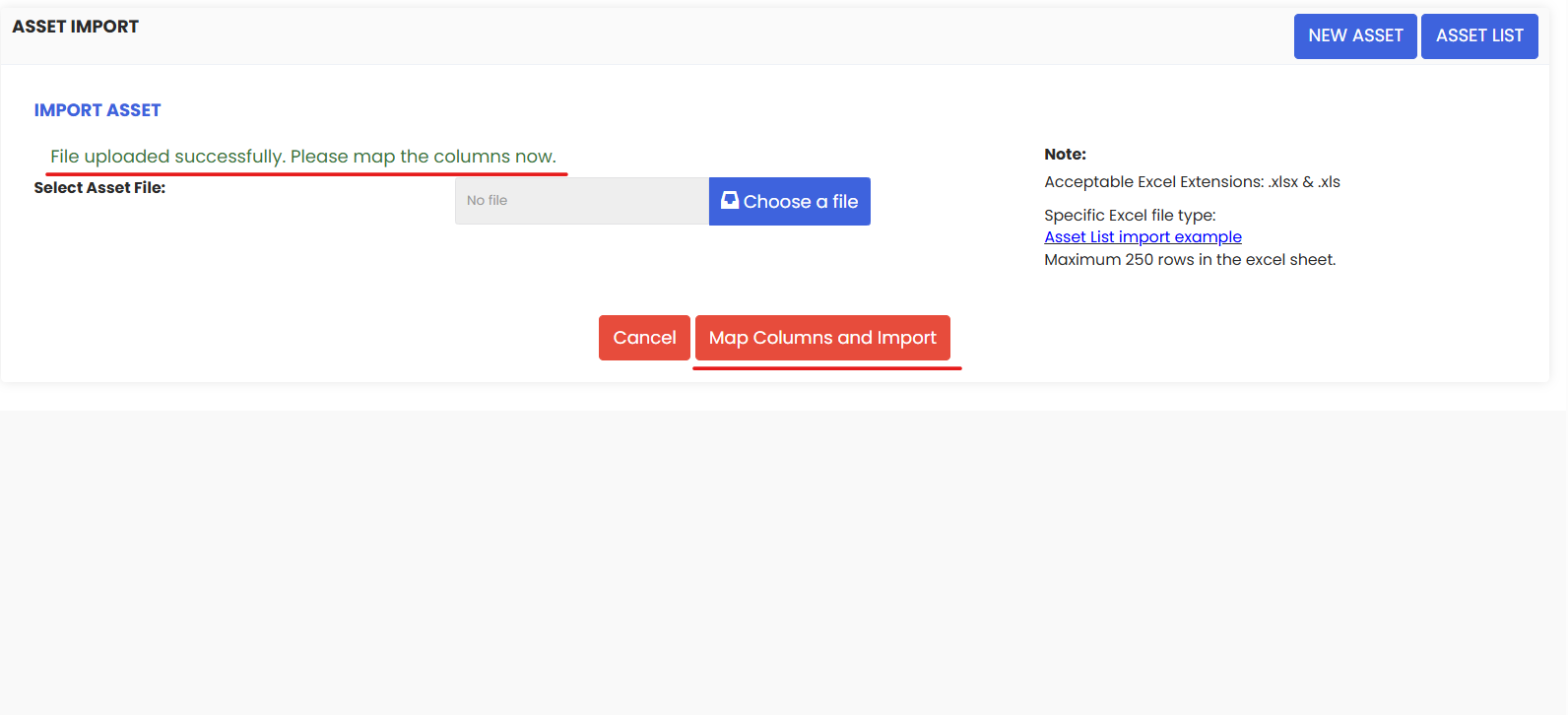
8. After clicking, check the mapping carefully and then click on Update Data.
9. In the final the step, you need to click on the Start Import button in order to import all the assets in to the system.