Managing an asset list involves maintaining a detailed and updated inventory of all assets to improve visibility, tracking, and compliance. This process supports better decision-making on asset utilization, maintenance, and budgeting, and can be managed from both Equipment and Tools areas.
Here is a reference video:
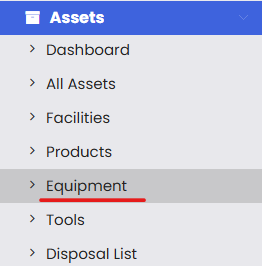
To manage Equipment and Tools click on the Assets and click on Equipment or Tools.
On clicking Equipment you will be navigated to a listing page like this.
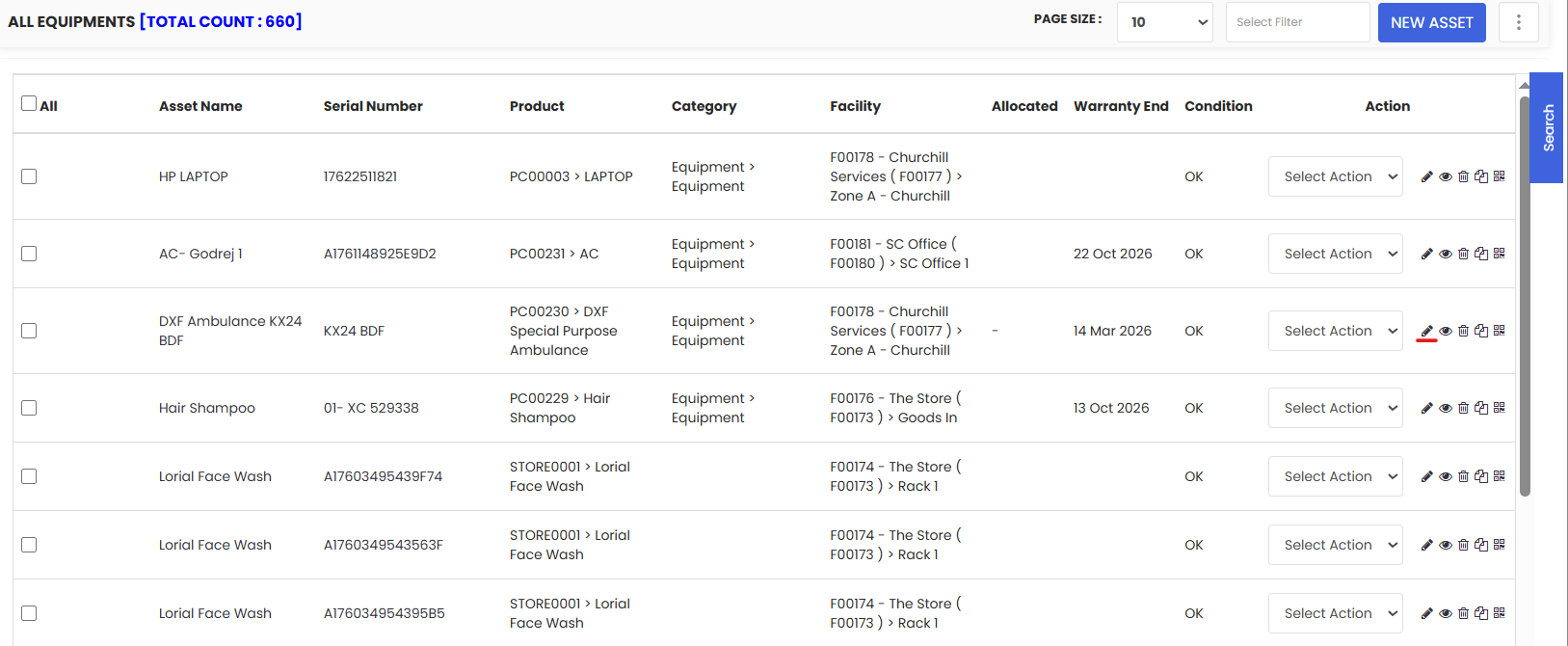
Edit any Equipment by clicking on the edit icon and then you will be able to see multiple tabs from where we will be able to manage your equipment.
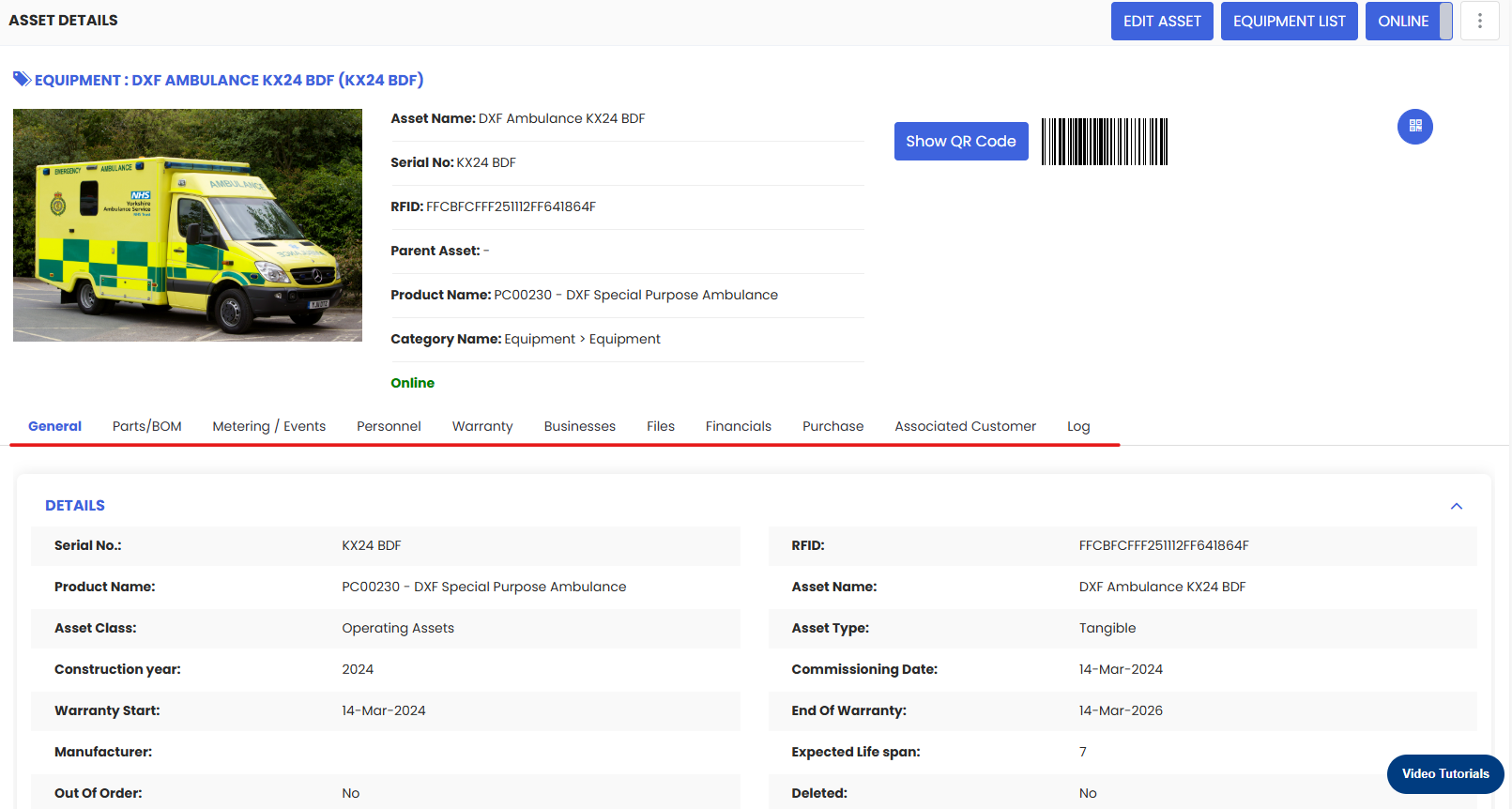
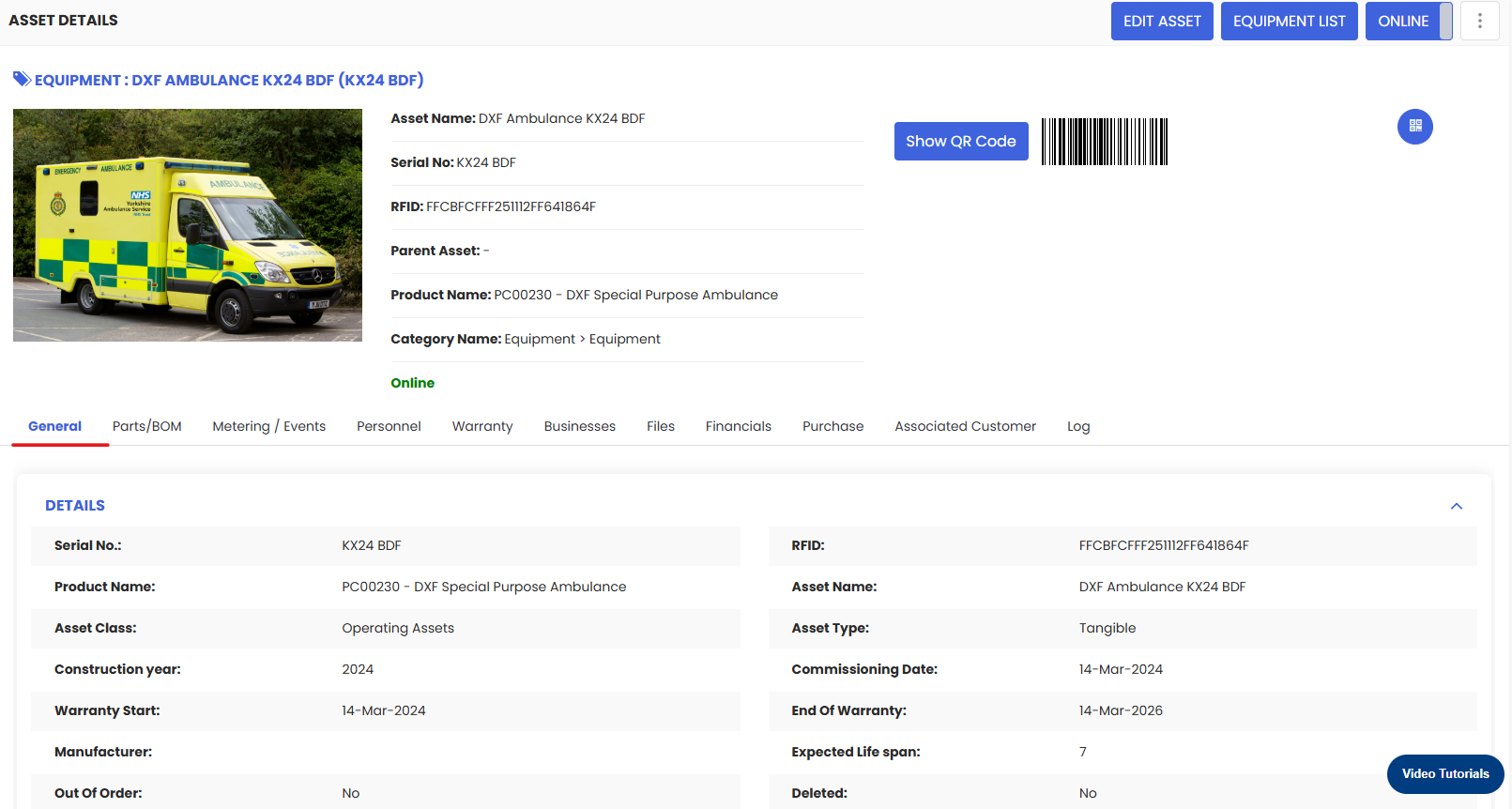
The first tab is general tab from where we can input general information about the Equipment and Tools.
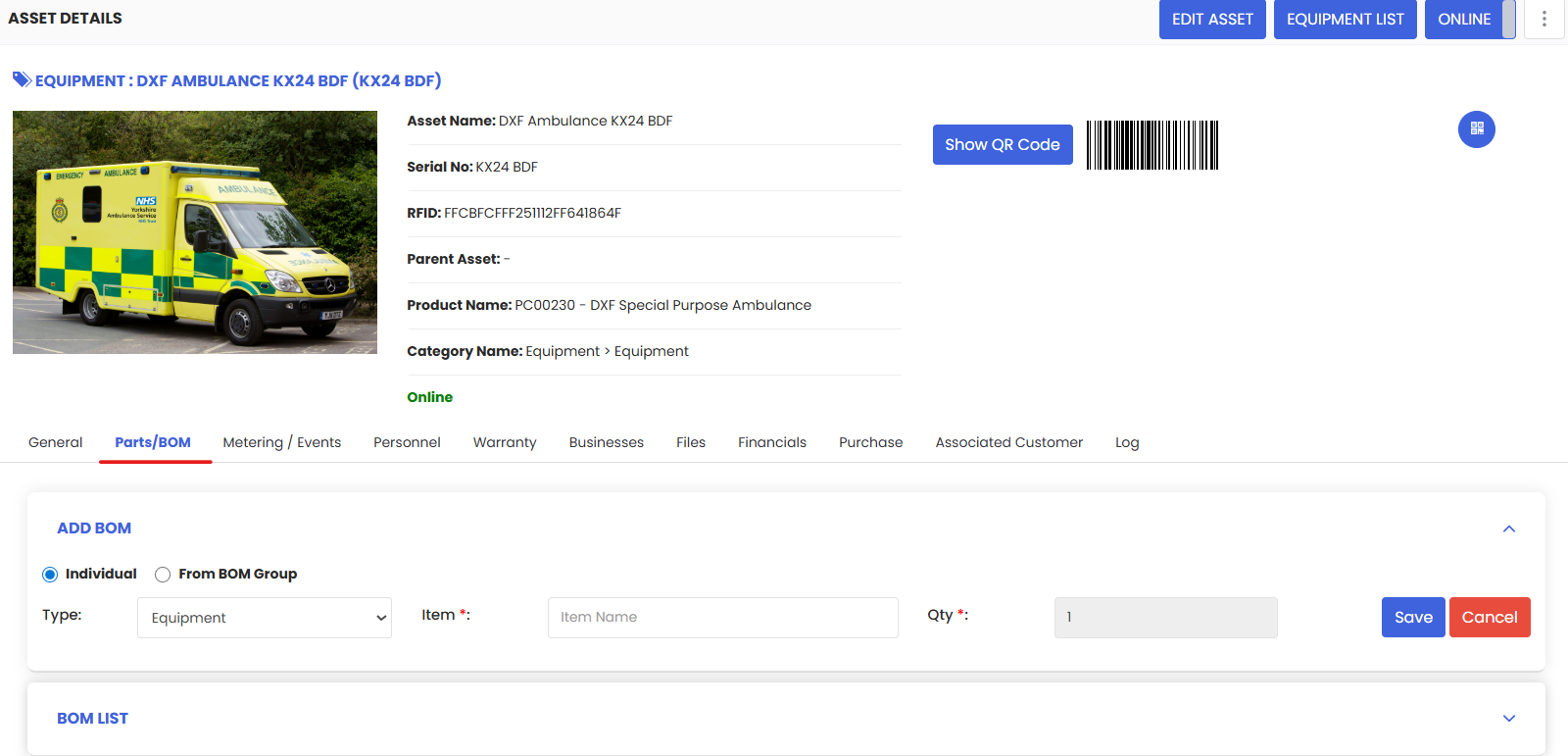
The next tab is Parts/BOM where we can add parts for that asset.
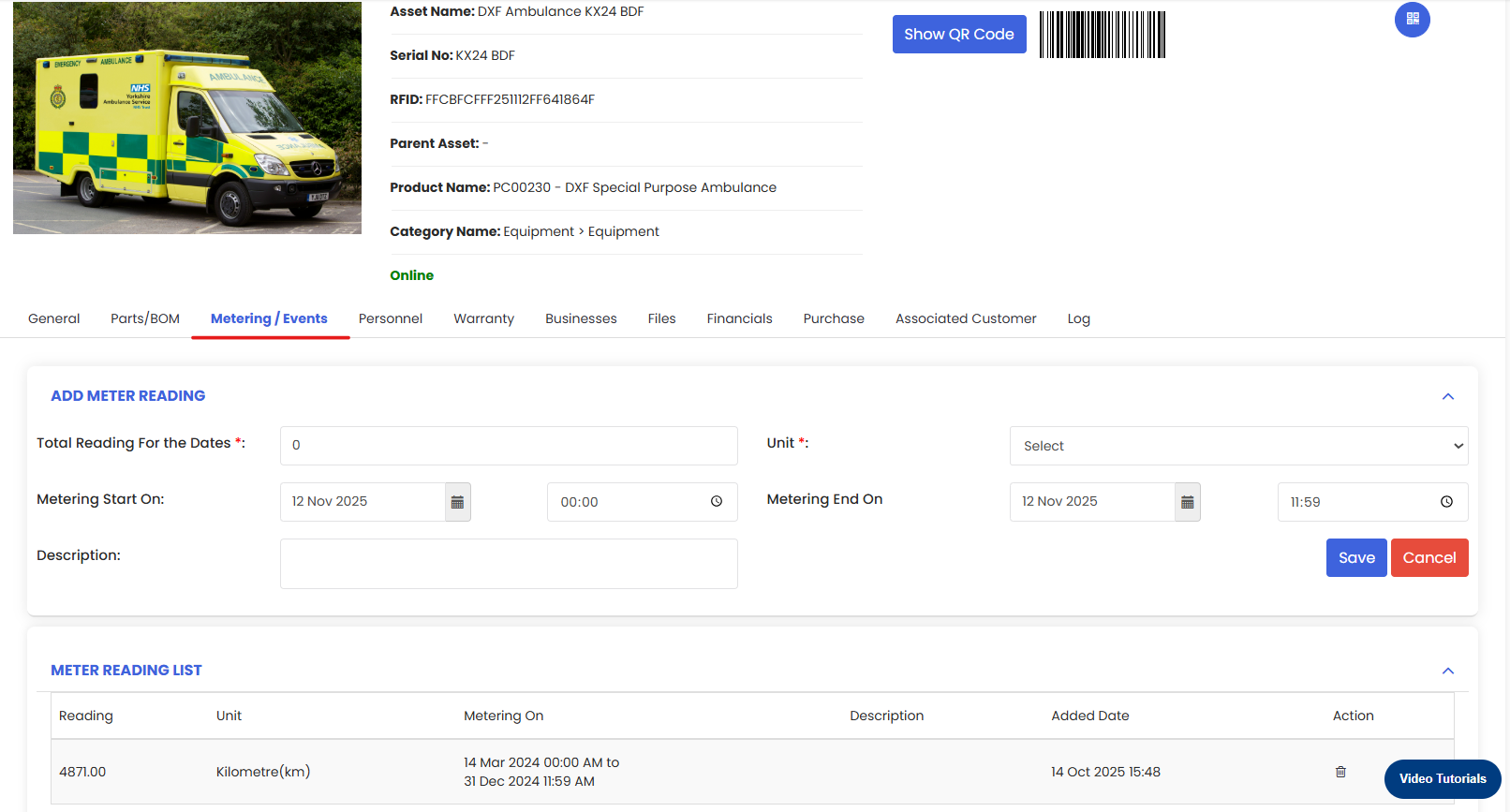
Add Meter Reading for Equipment and Tools.
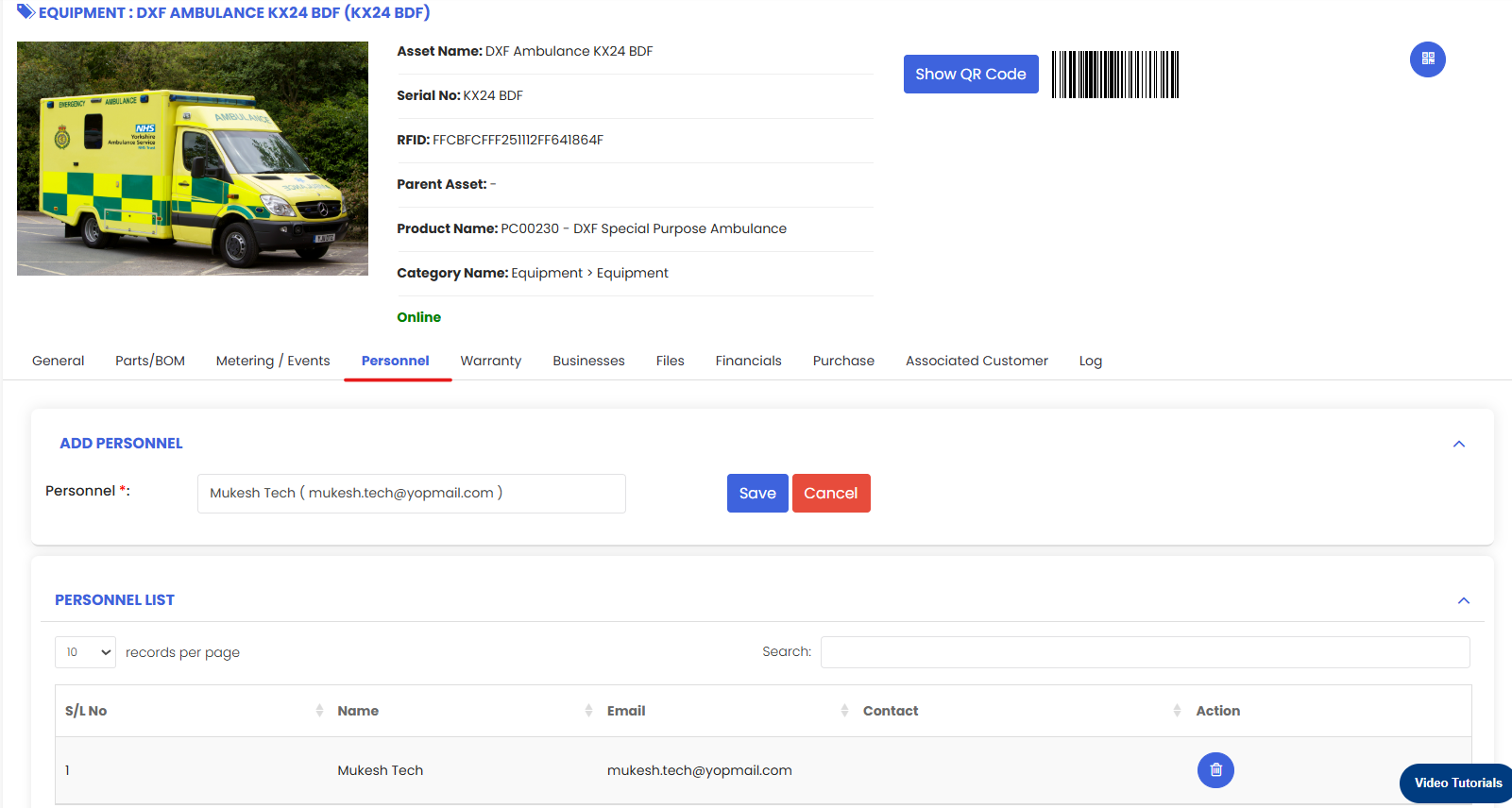
We can also assign a personnel to a particular Equipment and Tools.
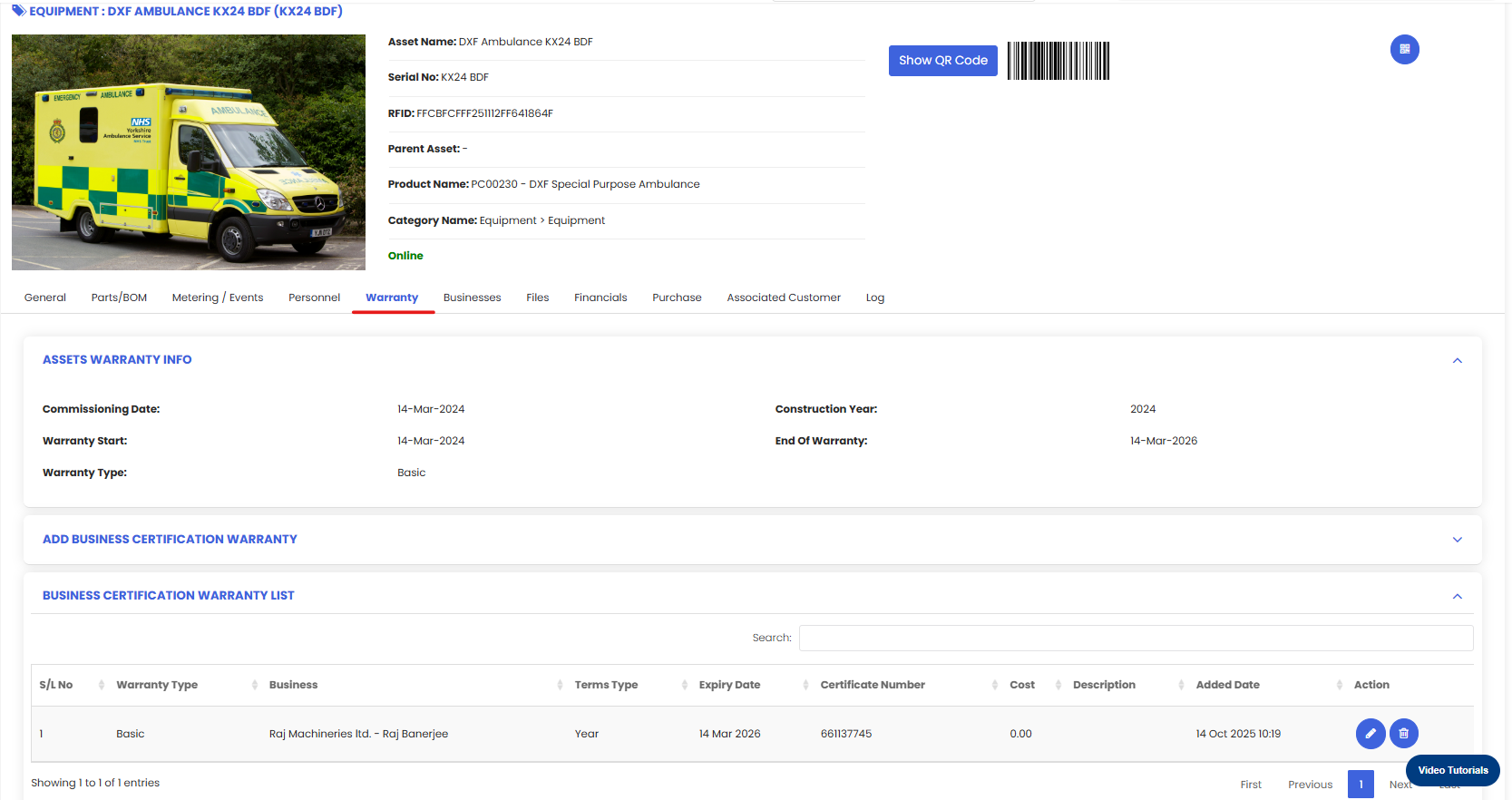
In the next tab user can see the asset warranty and can also add Business Certification Warranty.
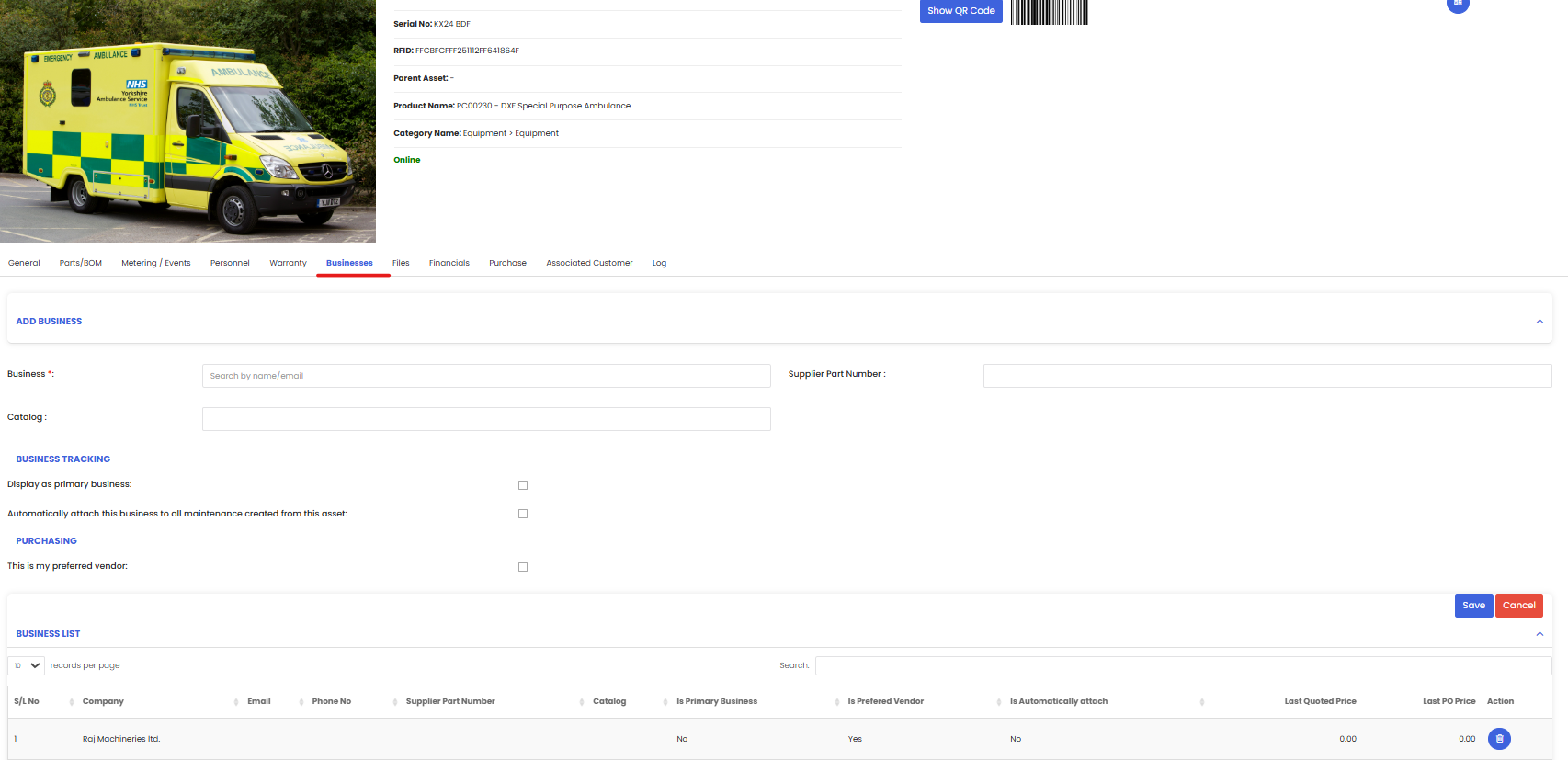
In the Business tab you can set the vendor from where the asset has been brought and also set your preferred vendor
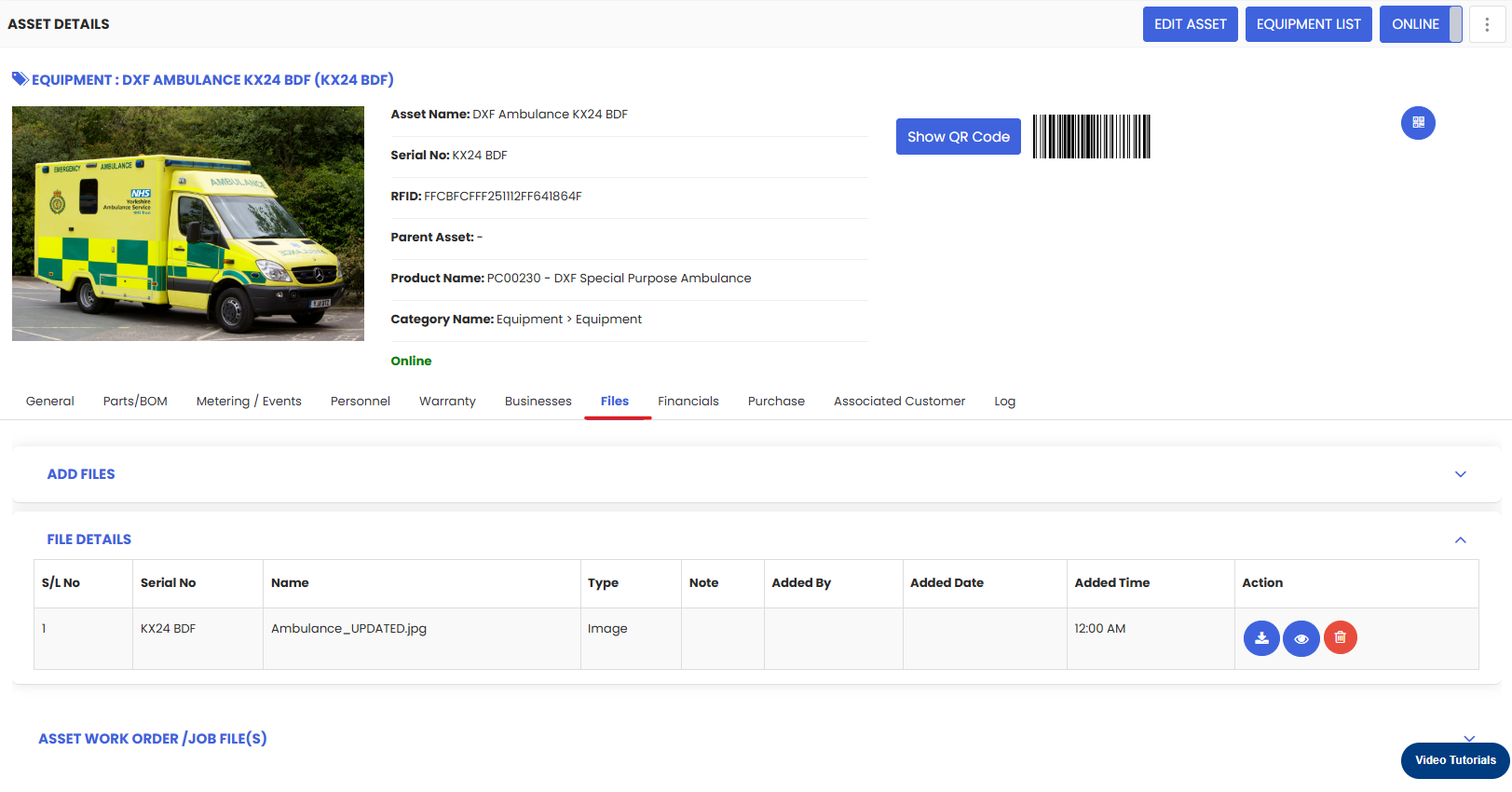
Files tab shows the relevant files of the asset
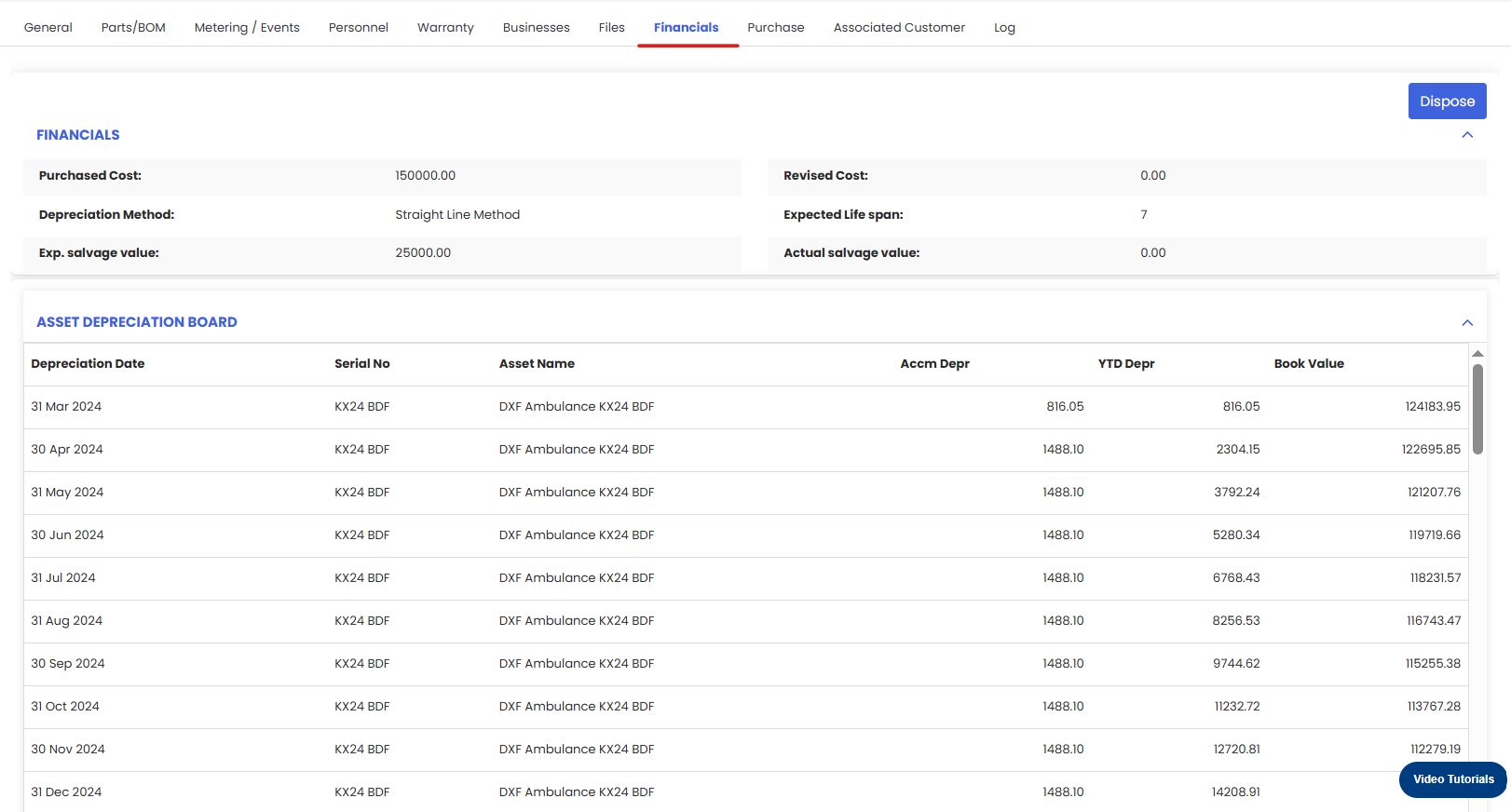
Financial tab shows different financial aspects of the asset like the asset depreciation, expenses on the asset and the asset revaluation value.
Purchase tab shows the Purchase history of the asset.
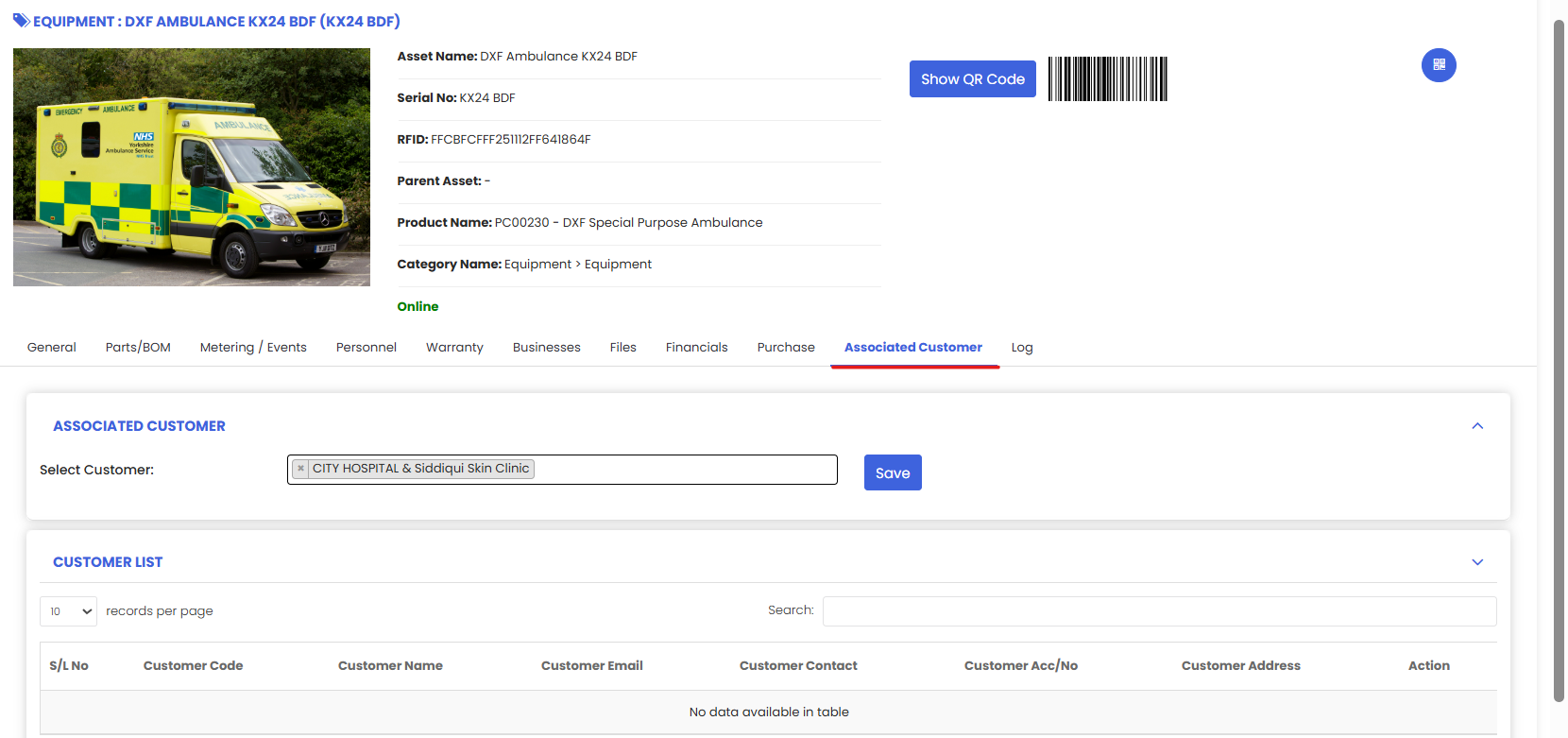
Associated customer shows which customers are associated with this asset
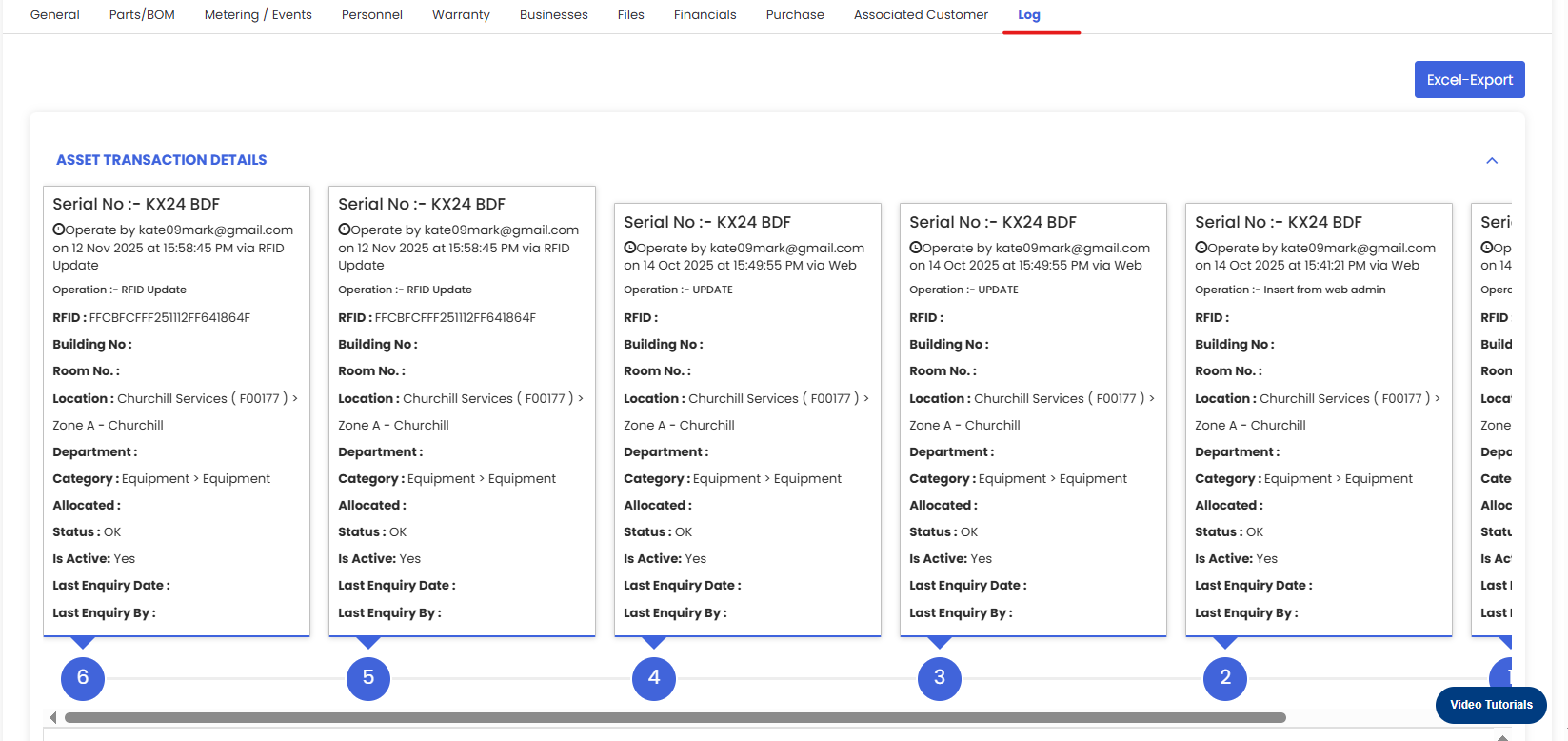
Log tab provides a comprehensive transaction details of the asset. Stating from its movement to its maintenance records. Everything is available in one place