Managing asset locations involves systematic organization and tracking across sites to ensure availability and minimize loss, optimizing operational efficiency and asset value. Efficient management is crucial for minimizing downtime and enabling informed decisions on asset allocation.
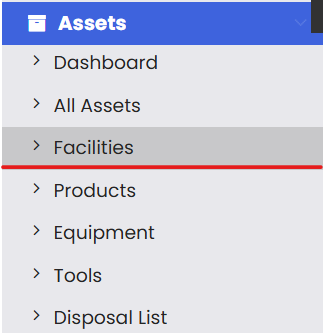
You can add a new facility by going to
Assets from the left hand menu.

Select Facilities under assets menu.
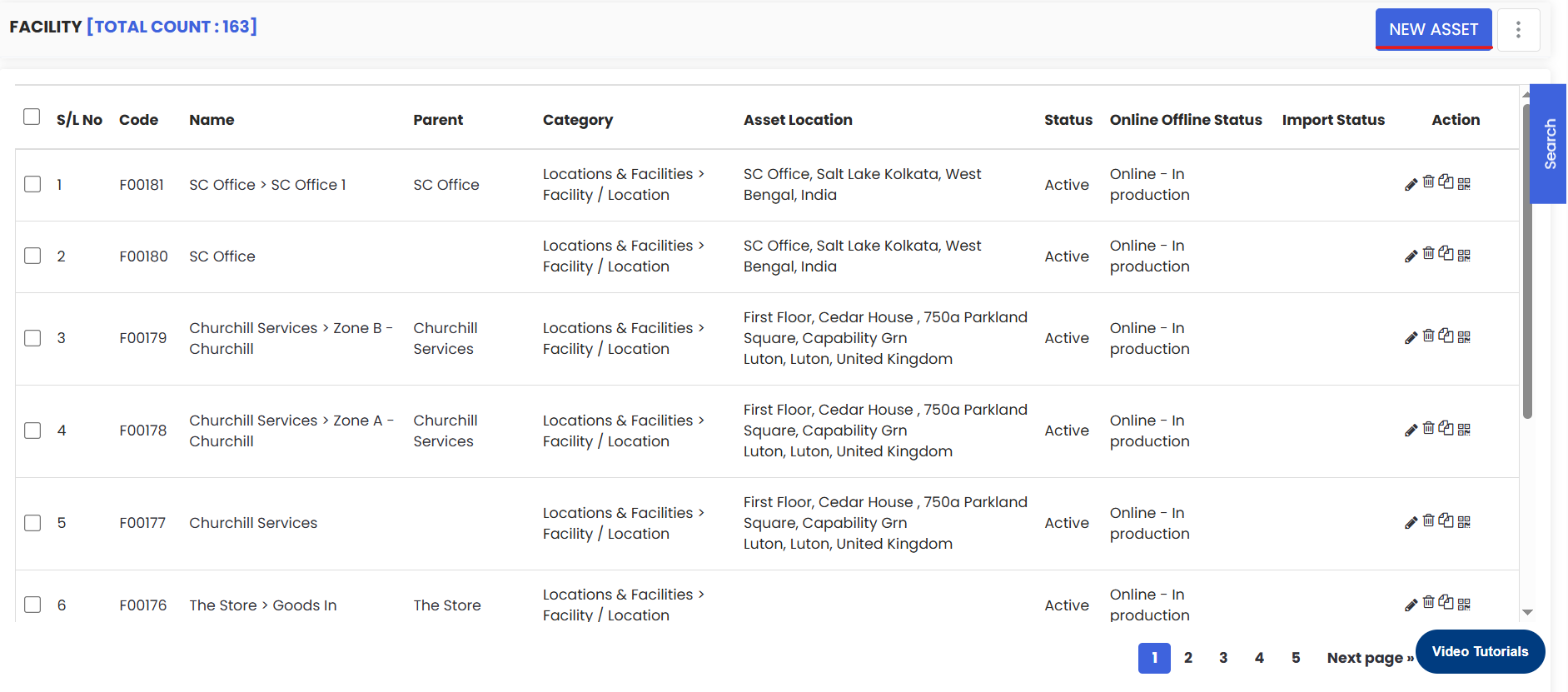
On clicking you will be navigated to the Facility listing page from where you can click on the New Asset button as shown here.
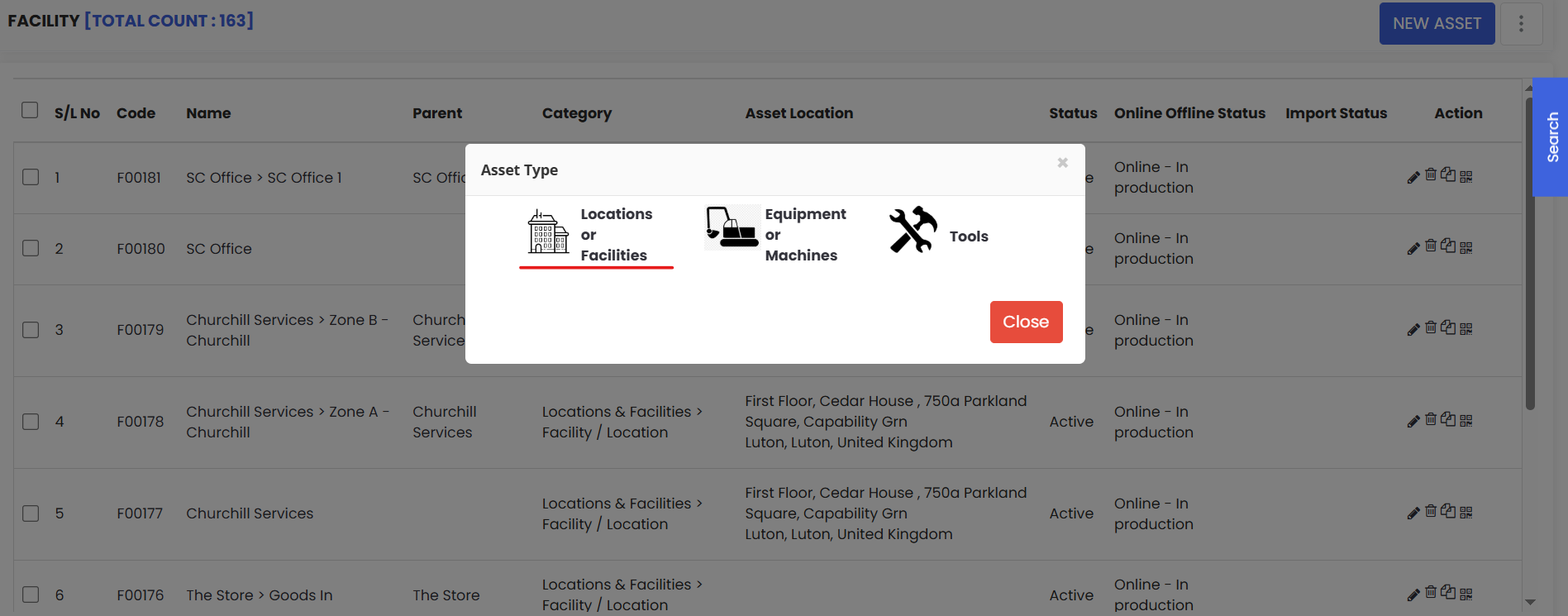
Select Locations or Facilities from the popup menu.
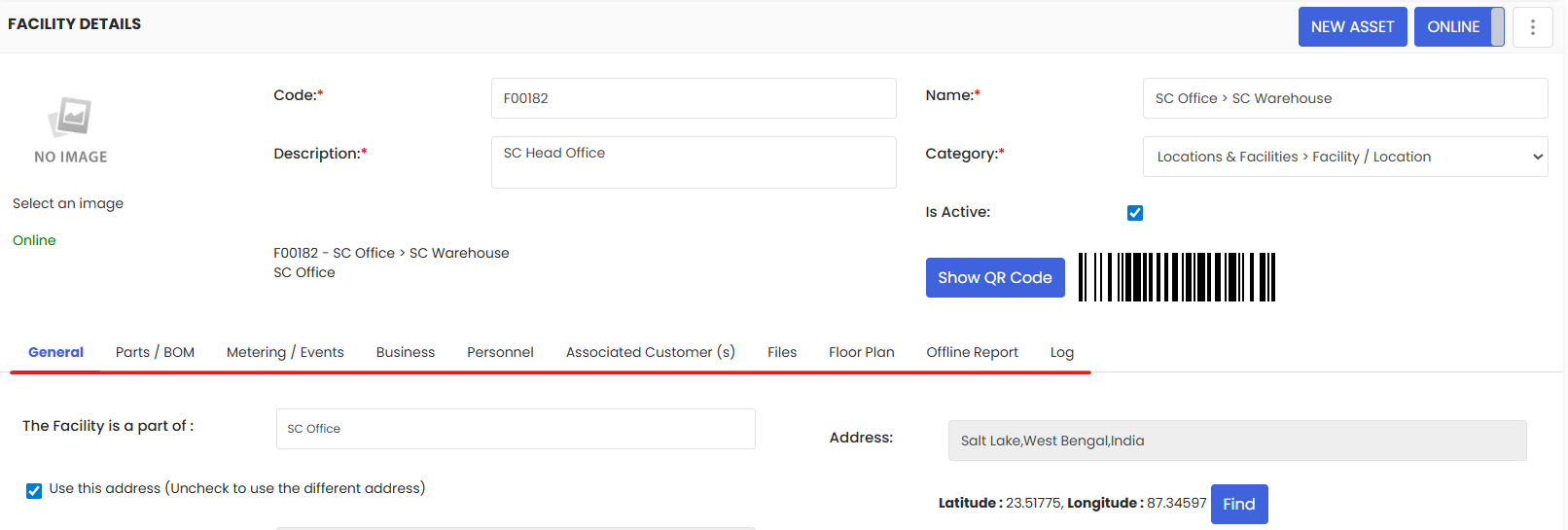
On clicking you will be able to see a similar page like the one shown below.
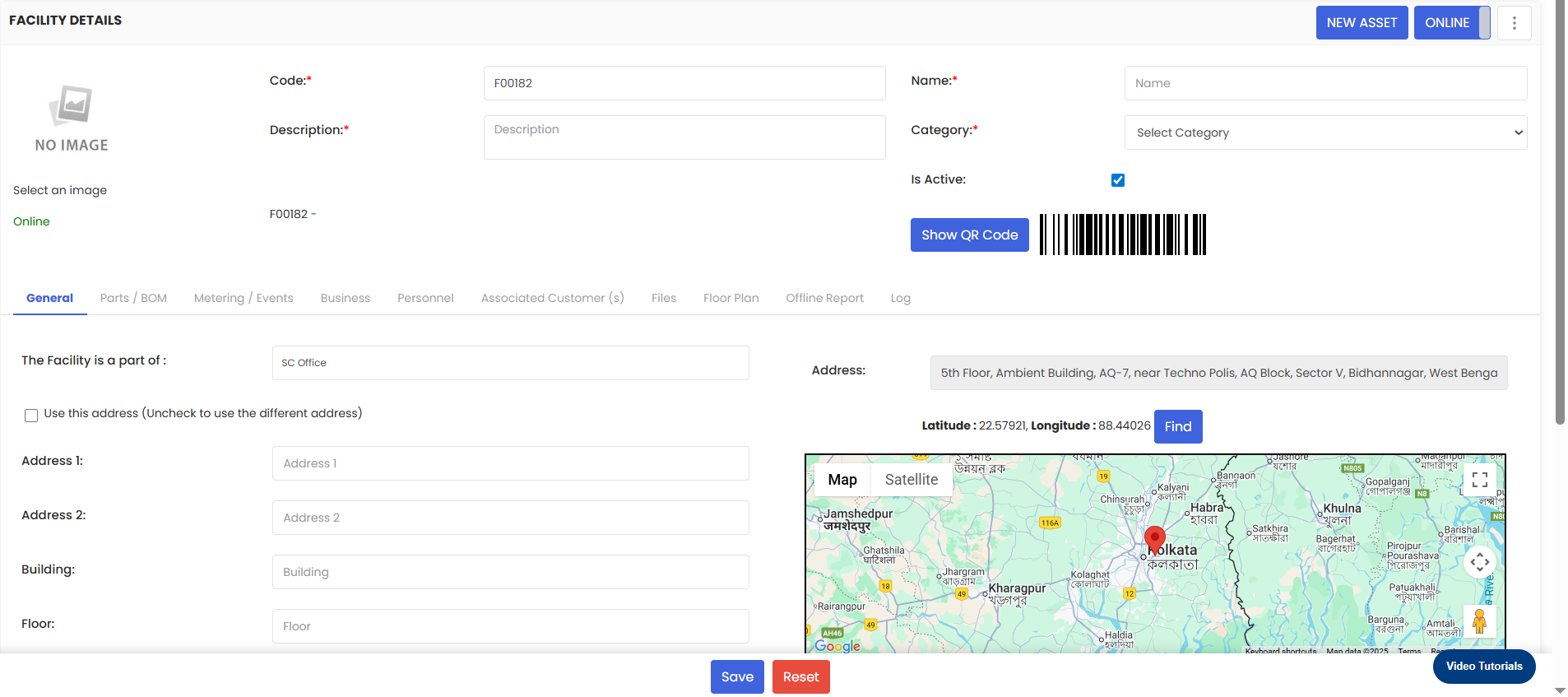
Fill in the necessary details for the location. You can see that a barcode and QR code is automatically generated which can be used later on. Once you are done filling up all the details, click on the Save button.
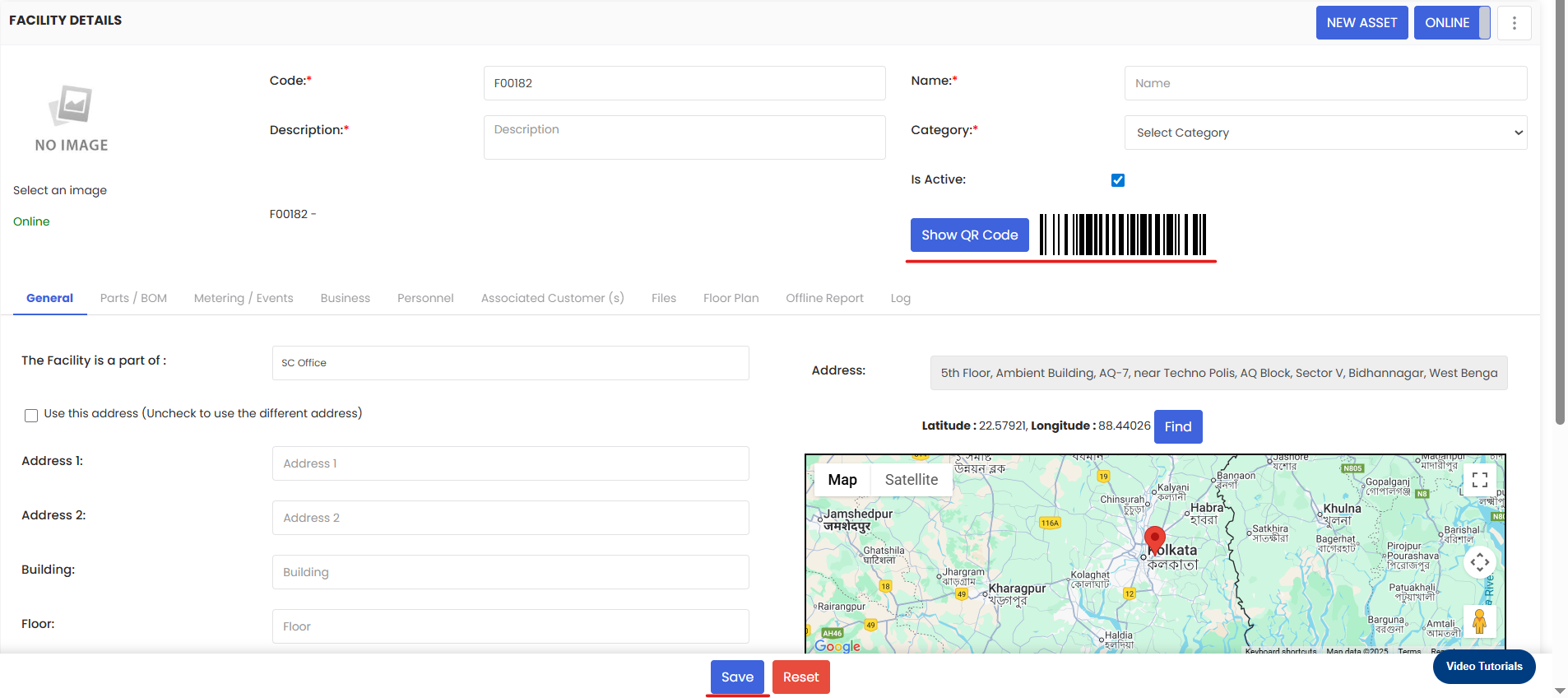

Once the basic information are saved then the rest of the tabs gets enabled below. Here is a screenshot for your reference.