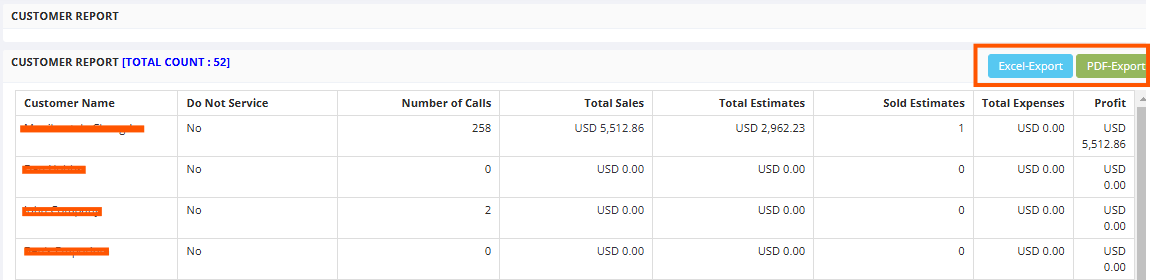
The Customer Report provides a summary of customer interactions, sales, and profitability. The
Metrics Tracked per Customer like Number of Calls, Total Sales to display revenue generated, Total Estimates and Sold Estimates to track estimates created and converted to sales, Total Expenses to capture expenses associated with each customer, Profit which highlights net profit generated per customer.
Here is a reference video:
Steps to check the Customer Report
Click on Reports from left menu
Select All reports
Click on Customer Report tab
Click on Excel Export or PDF Export to share it in two different formats
Note: The right search bar to search the data filtered using parameters