From the Settings click on All Settings.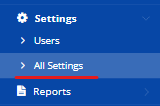
At the Settings page scroll down to CRM and then click on Lead Industry.
Upon clicking, the following master will appear where you can add the industries based on your requirements.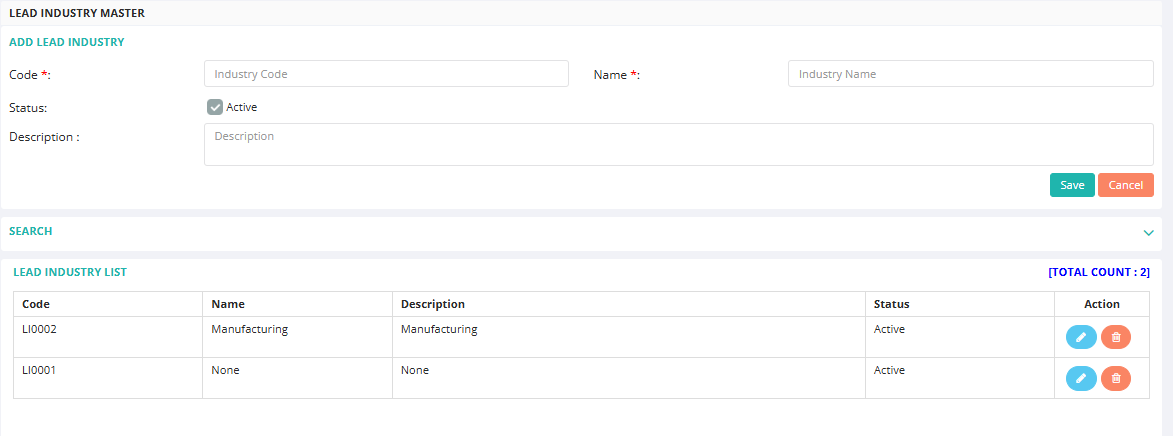
From the Settings click on All Settings.
At the Settings page scroll down to CRM and then click on Lead Industry.
Upon clicking, the following master will appear where you can add the industries based on your requirements.
That’s Great!
Thank you for your feedback
Sorry! We couldn't be helpful
Thank you for your feedback
Feedback sent
We appreciate your effort and will try to fix the article