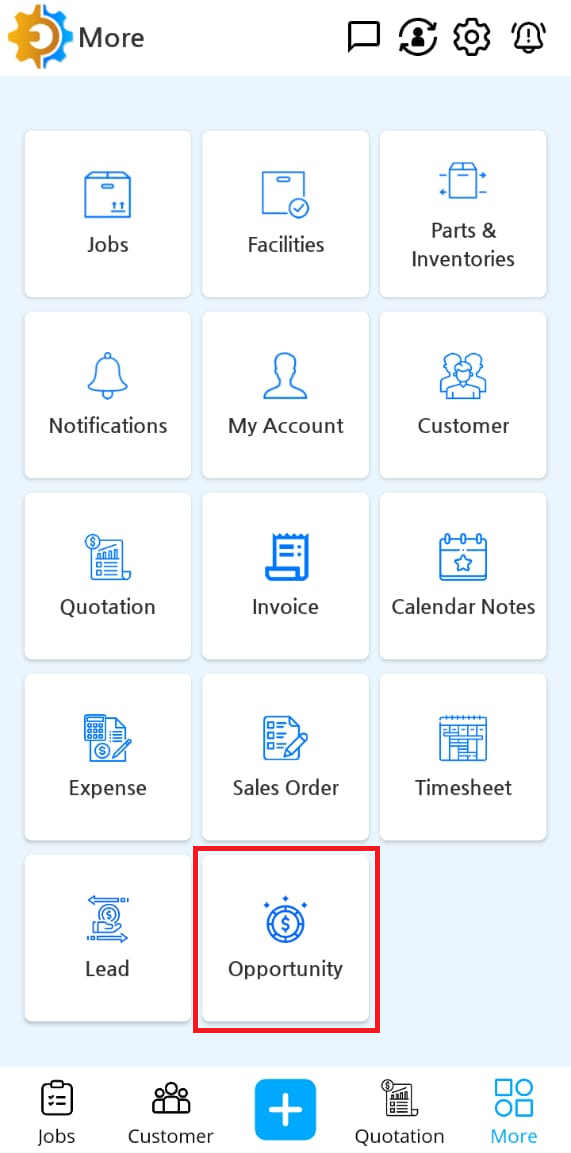
Tap on More at lower panel of mobile app

Tap on Opportunity icon
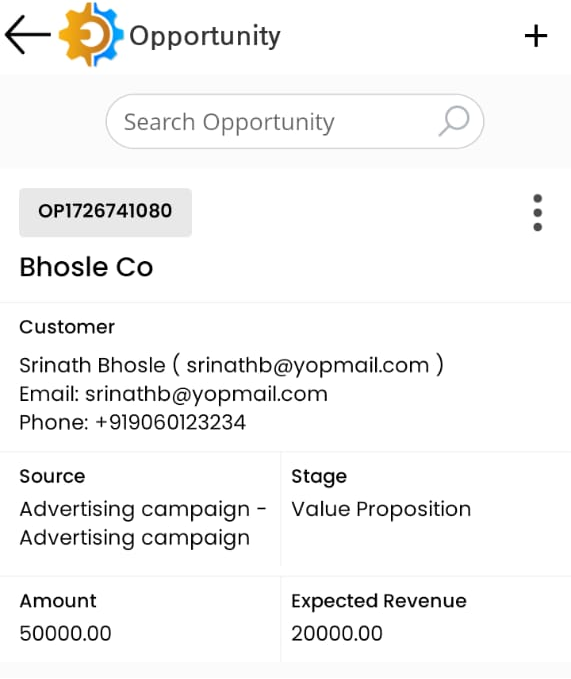
Tap on any specific opportunity to view in details
The details page contains multiple tabs
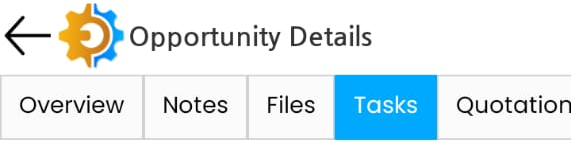
Overview contains the summary details of opportunities
How to add note for an opportunity
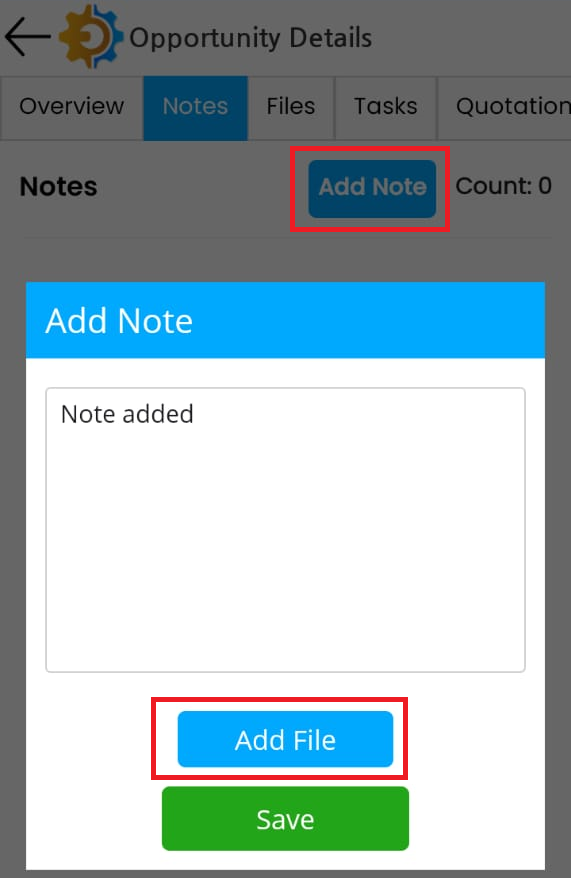
Tap on Notes of the opportunity details page
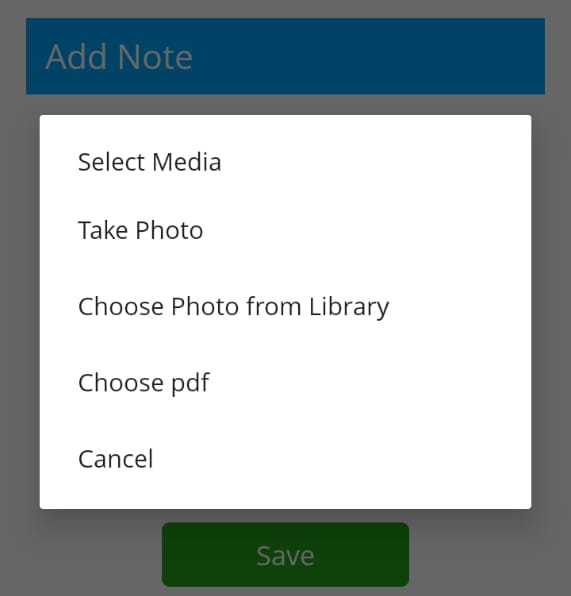
Tap on Add Note button, it opens a popup to add text, it has Add File button to attach any document. Tap on Save button
How to add task against Opportunity
Tap on any Opportunity detail page
Tap on Task tab
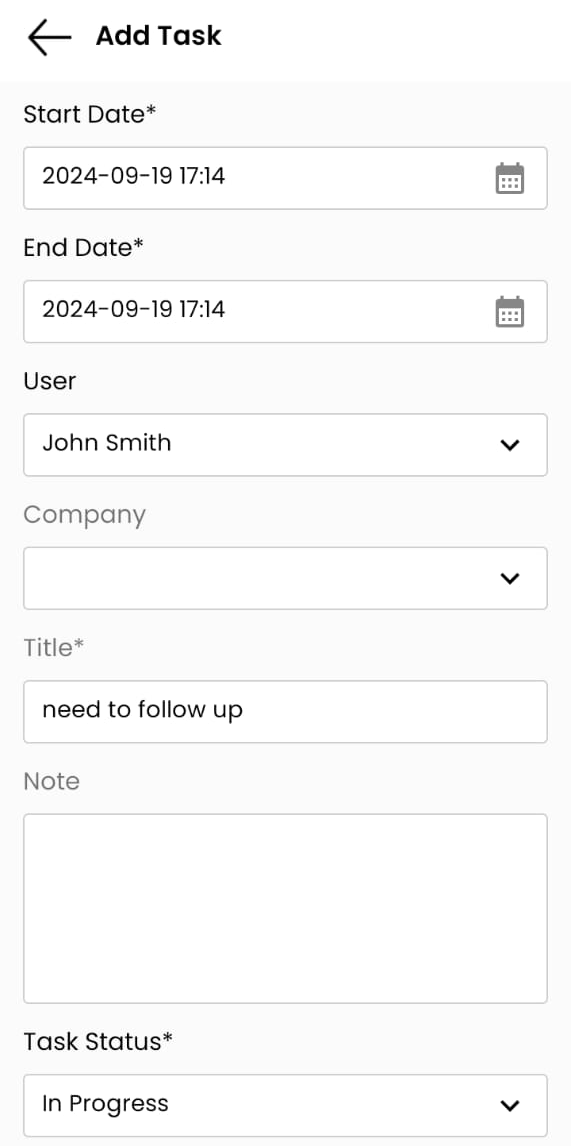
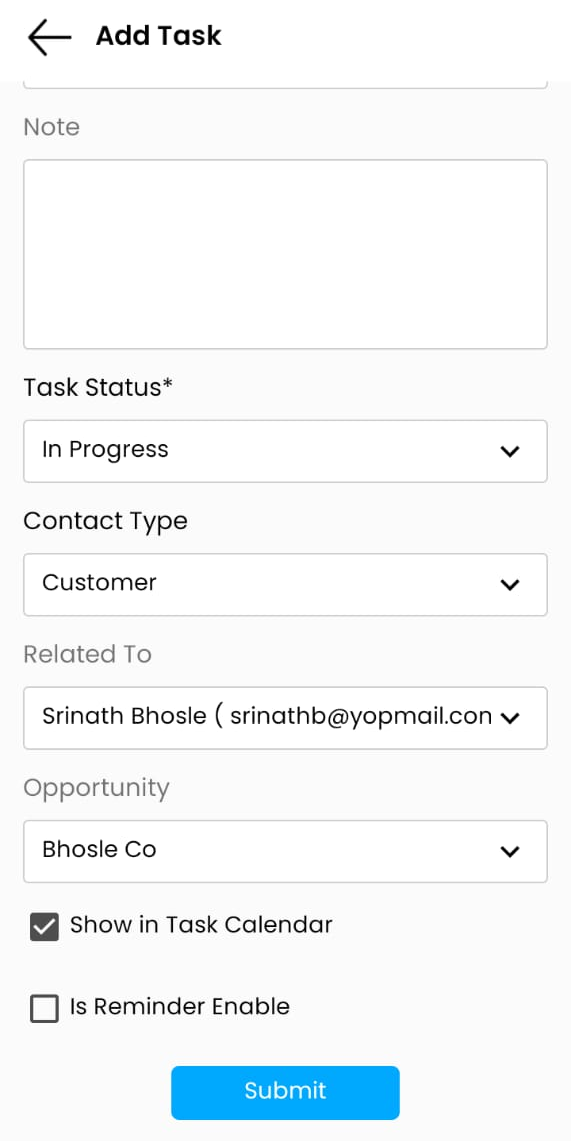
Tap on Add Task
Fill up the respective data on the task form
How to attach document from mobile app
Tap on File tab at Opportunity details page
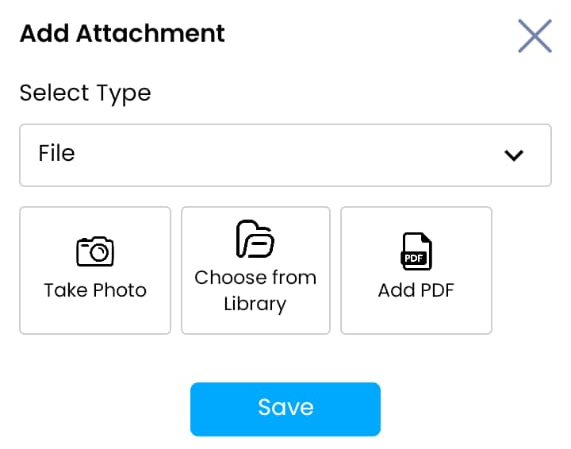
Tap on Add attachment
File type can be image (either take photo or upload image file) or PDF